Einleitung
Don’t abandon your Astro C40 TR controller if it has some drift problems! With a new joystick module, some screwdrivers, and minor effort, it’ll be as good as new.
Apart from being able to use a screwdriver, this guide requires no prerequisite on technical background.
You will need:
- An H.20 Hexagonal Screwdriver
- A 30mm TORX Screwdriver
- A joystick module for replacement
Was du brauchst
-
-
Unplug your controller from the video game console.
-
Turn the wireless mode off if it is activated on your controller.
-
-
-
Use an H.20 Hexagonal screwdriver to loosen the two screws on each joystick's side.
-
Remove the face cover of the joystick by flipping the controller on its side.
-
-
-
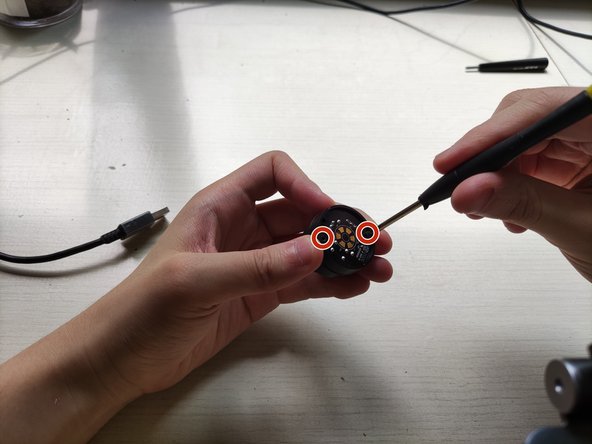
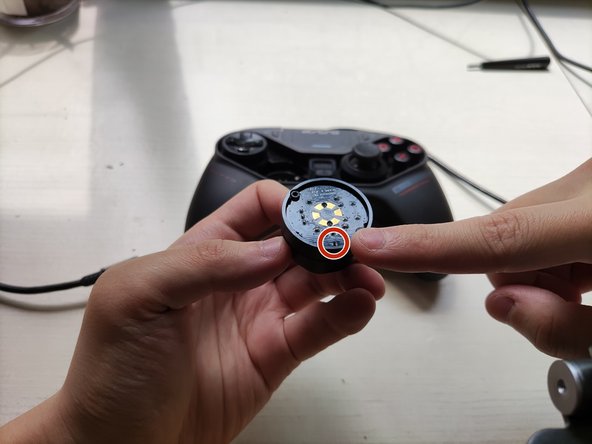
Use the 30mm TORX Screwdriver to remove the screws from the module.
-
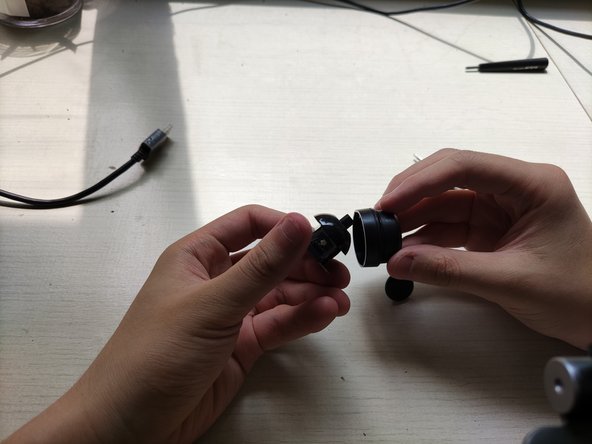
Push on the top frame until it pops off of the module.
-
-
-
-
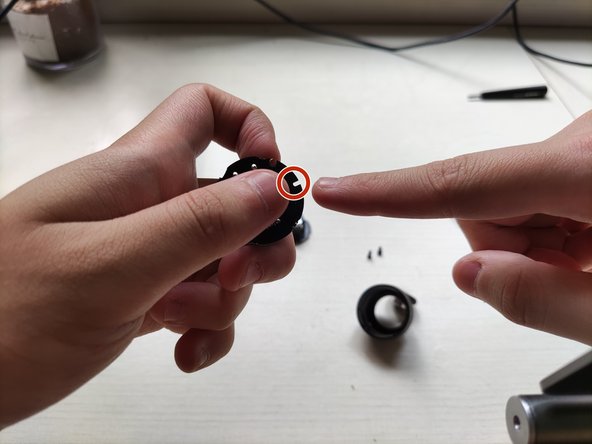
Connect the base frame replacement to the joystick module.
-
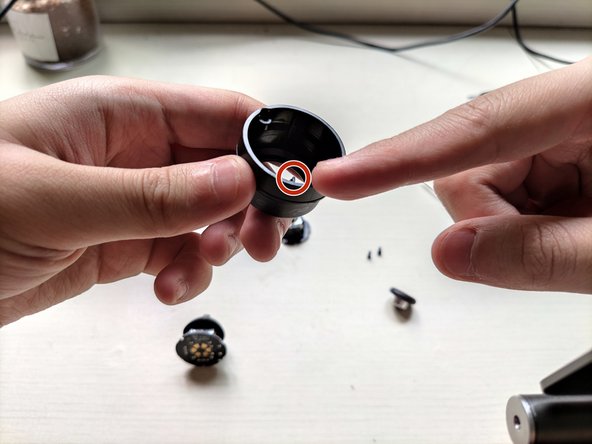
Insert the top frame on the module until it clicks back together.
-
-
-
Reassemble the joystick module and plug it back into the controller.
-
Make sure the replacement and base frame are tightly screwed together.
-
Align the module and controller as you put joystick back together.
-
-
-
Reassemble the controller by placing the face cover back on.
-
Tighten the screws on the face cover with the H.20 Hexagonal Screwdriver.
-
-
-
Recalibrate the controller so the new joystick can be detected by the console.
-
Connect the controller to the console and activate wire-connect mode by clicking the controller's top right corner.
-
Push the button on the back of the controller. Hold it until the controller vibrates. Release the button and repeat.
-






To reassemble your device, follow these instructions in reverse order.
To reassemble your device, follow these instructions in reverse order.


Team

York University, Team E-21, Melo-Thaiss Fall 2021 Mitglied von York University, Team E-21, Melo-Thaiss Fall 2021
YORK-MELO-THAISS-F21SEG21
1 Mitglied
1 Anleitung geschrieben
