Was du brauchst
-
-
-
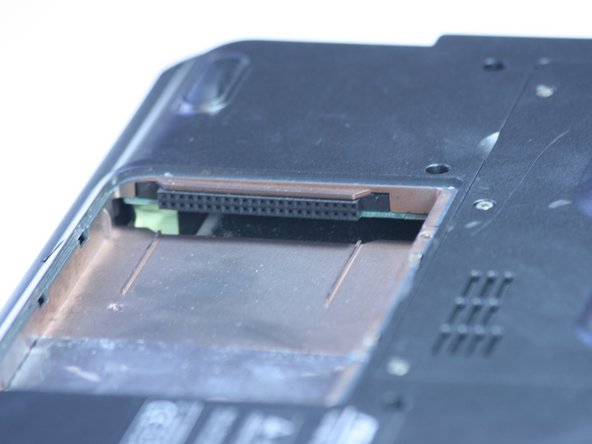
The highlighted area is where your hard drive would be. Slide it out away from its slot and pull it gently to remove.
-


Fast fertig!
To reassemble your device, follow these instructions in reverse order.
Abschluss
To reassemble your device, follow these instructions in reverse order.



Team

Cal Poly, Team 2-9, Johann Summer 2010 Mitglied von Cal Poly, Team 2-9, Johann Summer 2010
CPSU-JOHANN-R10S2G9
5 Mitglieder
10 Anleitungen geschrieben
