Zum Hauptinhalt wechseln
Gemeinsam reparieren - Jetzt registrieren

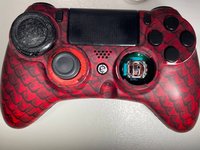
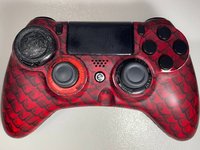
How to Fix Analog Drift for the SCUF IMPACT

Was du brauchst

  1. How to Fix Analog Drift for the SCUF IMPACT, How to Fix Analog Drift for the SCUF IMPACT: Schritt 1, Bild 1 von 3 How to Fix Analog Drift for the SCUF IMPACT, How to Fix Analog Drift for the SCUF IMPACT: Schritt 1, Bild 2 von 3 How to Fix Analog Drift for the SCUF IMPACT, How to Fix Analog Drift for the SCUF IMPACT: Schritt 1, Bild 3 von 3
    • Unlock the L3 or R3 ring by turning it counter clockwise.

    • Remove the L3 or R3 ring.

    Frag FixBot

    Kommentar hinzufügen

  2. How to Fix Analog Drift for the SCUF IMPACT: Schritt 2, Bild 1 von 3 How to Fix Analog Drift for the SCUF IMPACT: Schritt 2, Bild 2 von 3 How to Fix Analog Drift for the SCUF IMPACT: Schritt 2, Bild 3 von 3
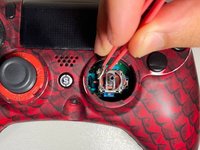
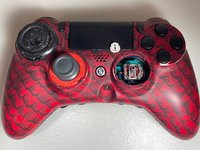
    • Pull the analog gently in order to get it out.

    Frag FixBot

    Kommentar hinzufügen

  3. How to Fix Analog Drift for the SCUF IMPACT: Schritt 3, Bild 1 von 3 How to Fix Analog Drift for the SCUF IMPACT: Schritt 3, Bild 2 von 3 How to Fix Analog Drift for the SCUF IMPACT: Schritt 3, Bild 3 von 3
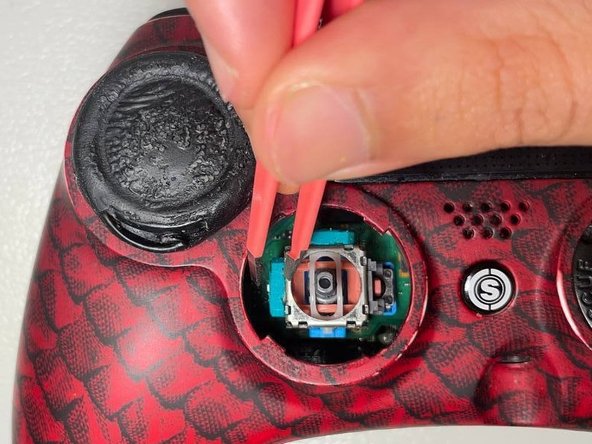
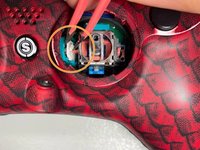
    • Use a tweezer tip to gently open the green box.

    Frag FixBot

    Kommentar hinzufügen

  4. How to Fix Analog Drift for the SCUF IMPACT: Schritt 4, Bild 1 von 3 How to Fix Analog Drift for the SCUF IMPACT: Schritt 4, Bild 2 von 3 How to Fix Analog Drift for the SCUF IMPACT: Schritt 4, Bild 3 von 3
    • Locate the sensor in the green box and take it out slowly.

    Frag FixBot

    Kommentar hinzufügen

  5. How to Fix Analog Drift for the SCUF IMPACT: Schritt 5, Bild 1 von 3 How to Fix Analog Drift for the SCUF IMPACT: Schritt 5, Bild 2 von 3 How to Fix Analog Drift for the SCUF IMPACT: Schritt 5, Bild 3 von 3
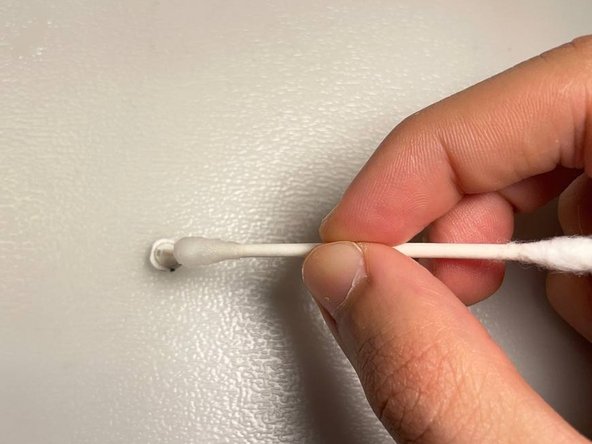
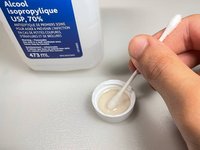
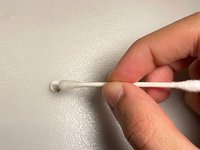
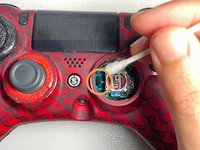
    • Dip the q-tip in rubbing alcohol to clean the sensor and inside the green box for any dust or dirt.

    Frag FixBot

    Kommentar hinzufügen

  6. How to Fix Analog Drift for the SCUF IMPACT: Schritt 6, Bild 1 von 3 How to Fix Analog Drift for the SCUF IMPACT: Schritt 6, Bild 2 von 3 How to Fix Analog Drift for the SCUF IMPACT: Schritt 6, Bild 3 von 3
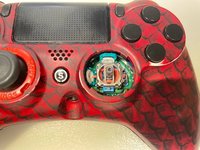
    • Place the sensor back in the box. To reassemble your controller, follow the instructions 1-4 in reverse order.

    Frag FixBot

    Kommentar hinzufügen

Abschluss

To reassemble your device, follow these instructions in reverse order.

Rückgängig: Ich habe diese Anleitung nicht absolviert.

2 weitere Personen haben diese Anleitung absolviert.

Team

York University, Team 1-15, O'Regan Fall 2021 Mitglied von York University, Team 1-15, O'Regan Fall 2021

YORK-O'REGAN-F21S1G15

1 Mitglied

3 Anleitungen geschrieben

3 Kommentare zur Anleitung

HIGHLY RECOMMENDED! You saved my life. I have a lot of stick drift in my left analog that ruined my gaming experience through running movement in most of my games (Warzone, Apex, Fortnite) and this tutorial fix it ! I had some black crap on the sensor when I take them off and rubbing it with alcohol and a fine needle solve it. Thanks so much!!!

Alexandre Beauregard - Antwort Teilen

My green caps will not pop back on!!!

luke-froeba - Antwort Teilen

Did this and got the boxes back on but now my stick is broke. Just get stuck whenever moving it up or down and cannot be pressed down any more..

Treyben Funderburg - Antwort Teilen

Kommentar hinzufügen

Seitenaufrufe:

Letzte 24 Stunden: 5

Letzte 7 Tage: 24

Letzte 30 Tage: 110

Insgesamt: 27,127