Einleitung
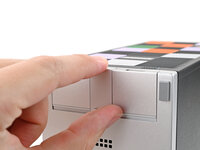
This guide shows how to install and remove Expansion Cards for your Framework Desktop.
The Expansion Cards are hot-swappable. You can install and remove them without turning off your desktop.
For information on Expansion Card compatibility, click here.
Was du brauchst
-
-
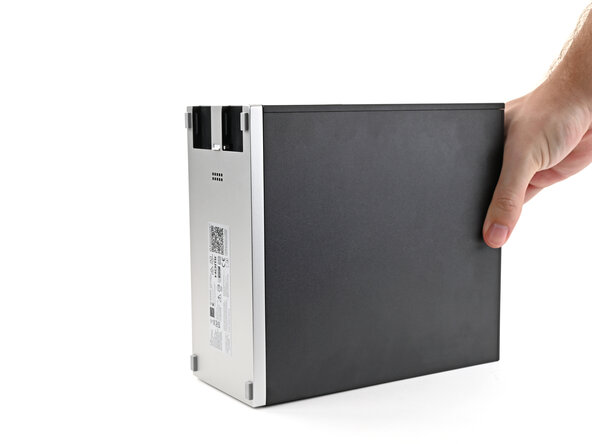
Rotate the Desktop so its rear rests on your work surface.
-
-
-
-
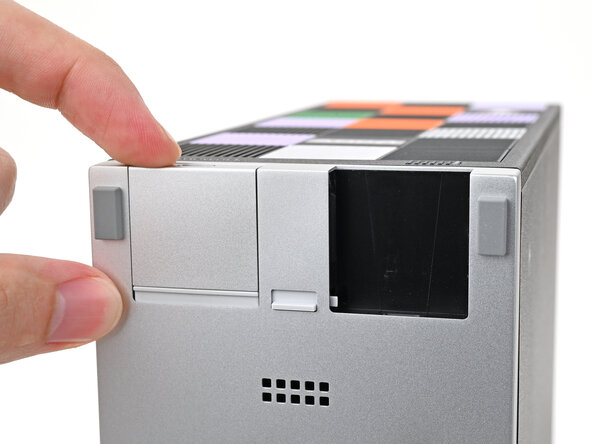
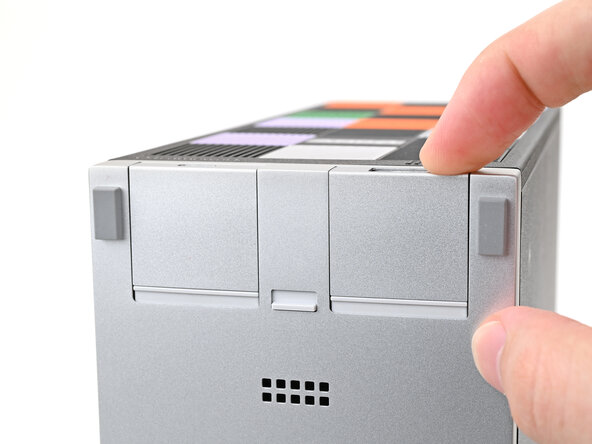
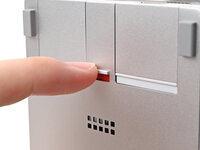
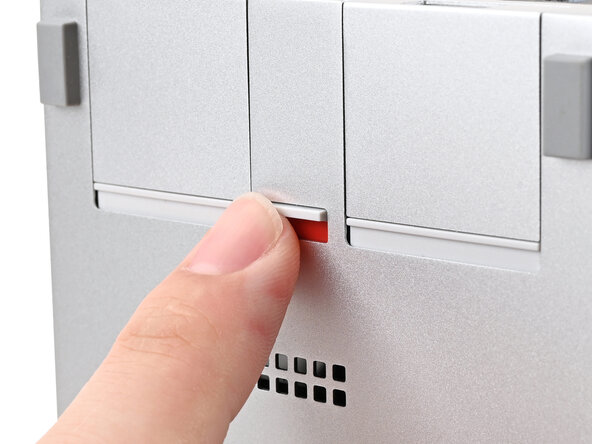
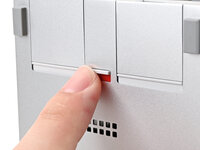
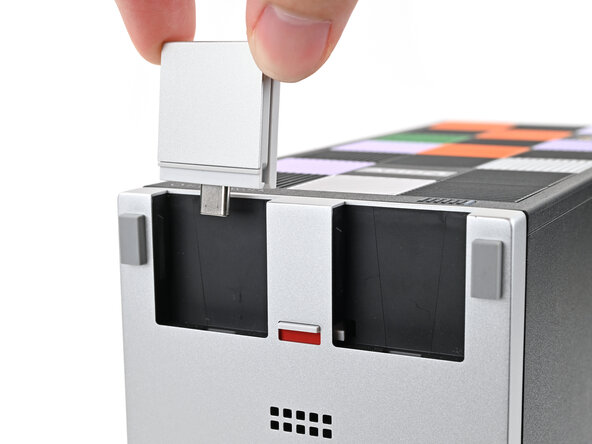
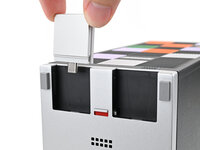
If there's a red bar showing under the Expansion Card latch, use your finger to flip the latch and lock the Expansion Card into its slot.
-
-
-
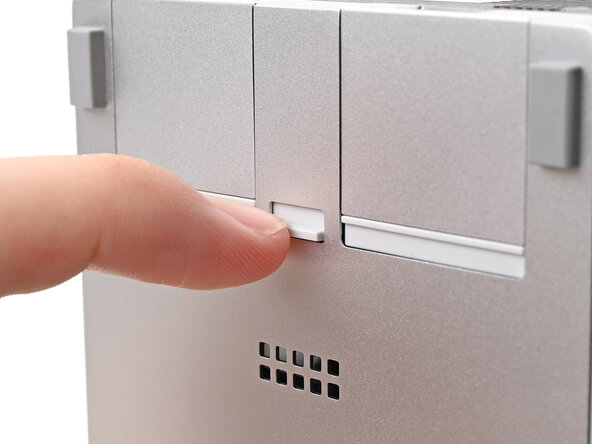
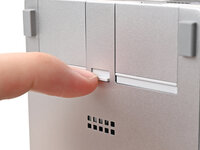
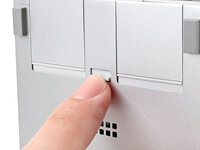
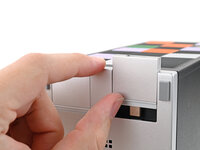
Use your finger to flip the Expansion Card latch into the unlocked position.
-
-
-
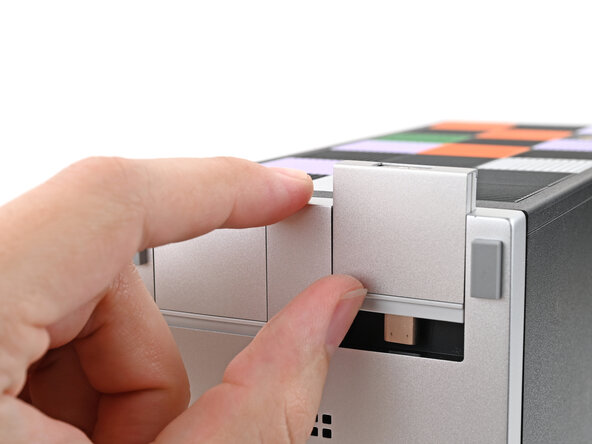
Push up on the lip of the Expansion Card with your fingers.
-
Pull the Expansion Card out of its slot and remove it.
-







Abschluss
If you need help, contact Framework support.


