Einleitung
Replacement of the USB daughterboard on any Kaffelogic Nano or Nucleus Link coffee roaster with a C or N prefix serial number.
Was du brauchst
-
-
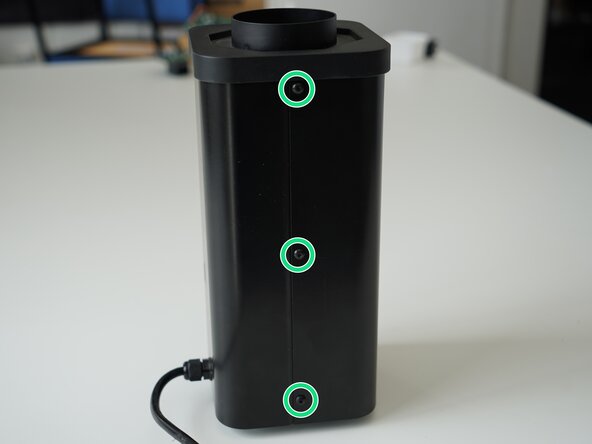
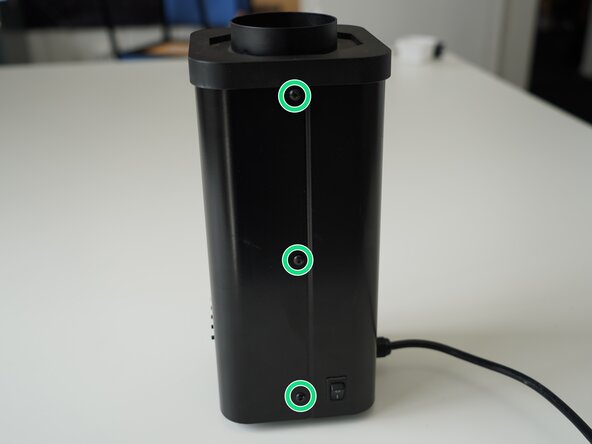
Remove the 6x 2.5mm Hex screws on the left and right side of the roaster.
-
-
-
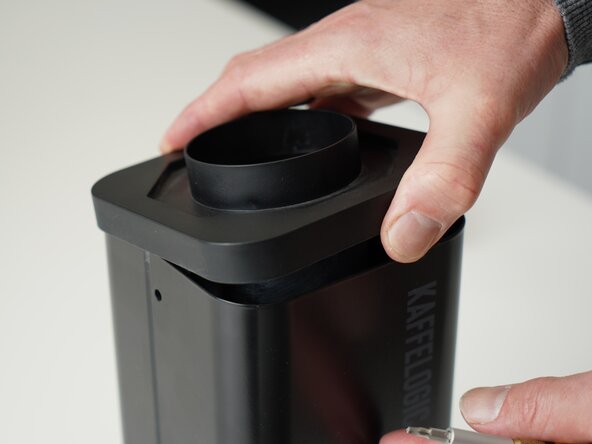
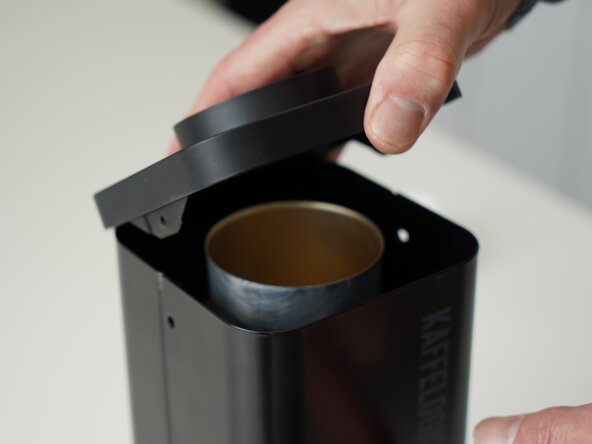
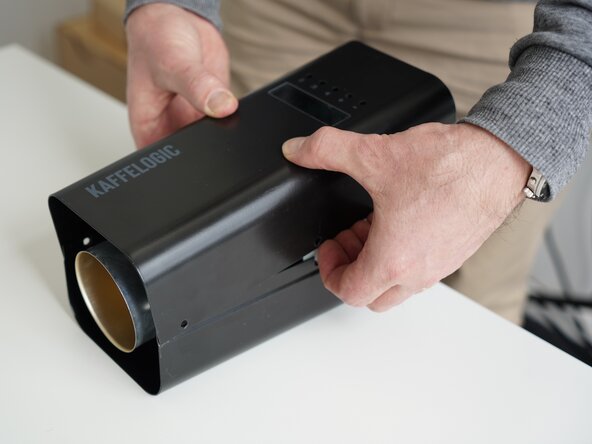
Hold the roaster steady while removing the plastic top/closure.
-
-
-
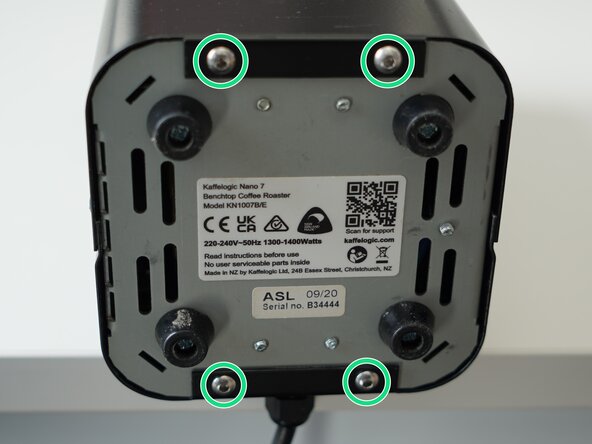
Remove the 4x 2.5mm Hex screws on the bottom of the roaster.
-
-
-
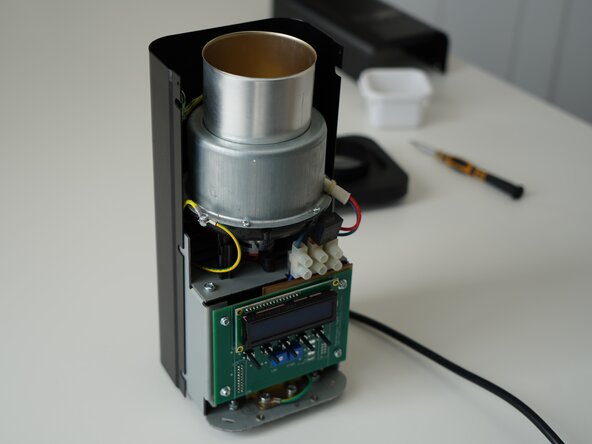
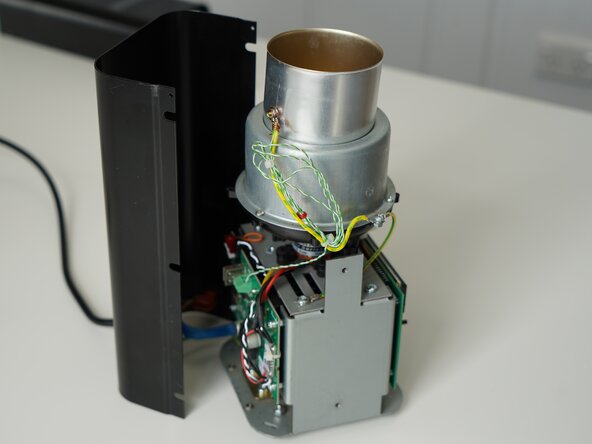
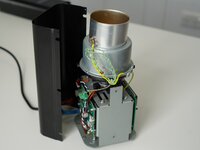
Stand the roaster up again and pull away the rear panel from the chassis to expose the remaining components.
-
-
-
-
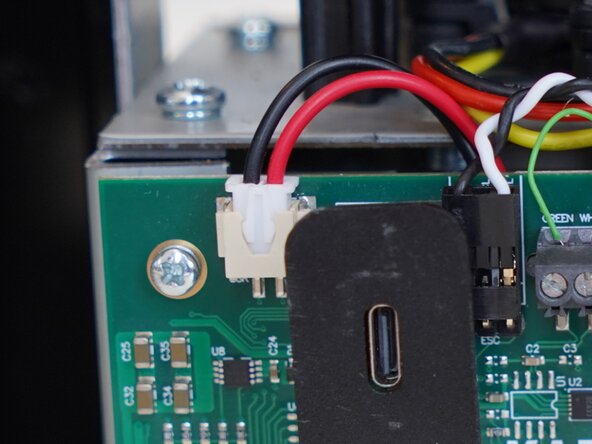
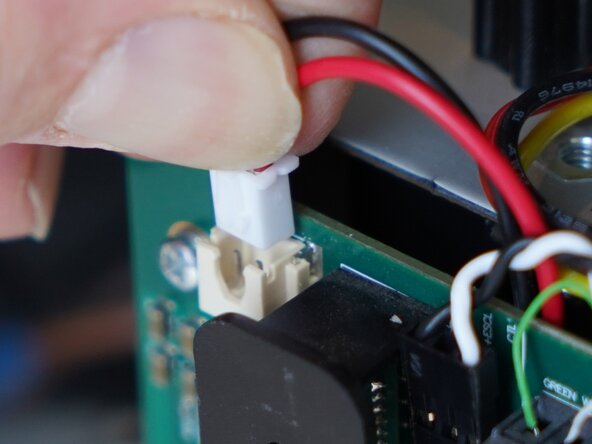
Pull upwards on the SSR signal connector to remove it.
-
-
-
Unplug your motor if your roaster is fitted with a connector, otherwise leave the connections in place.
-
-
-
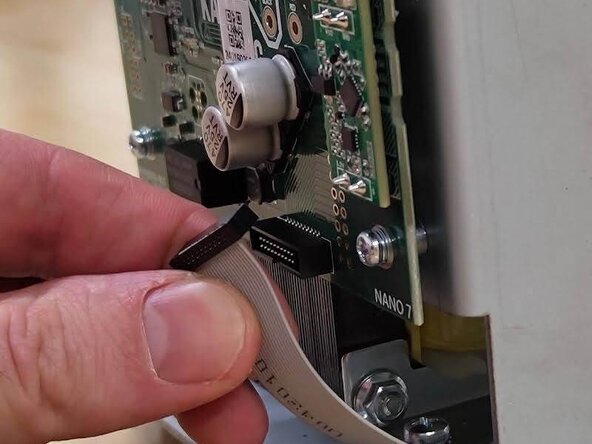
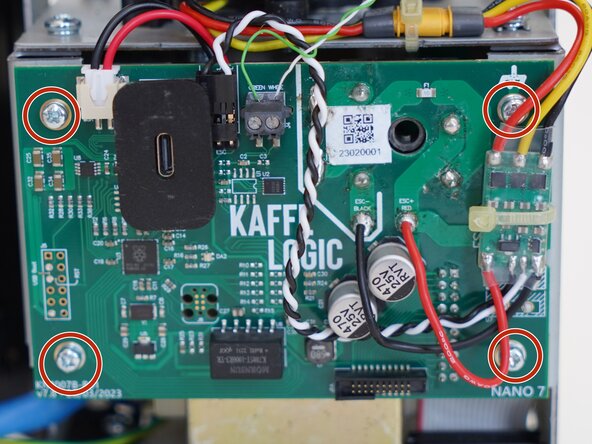
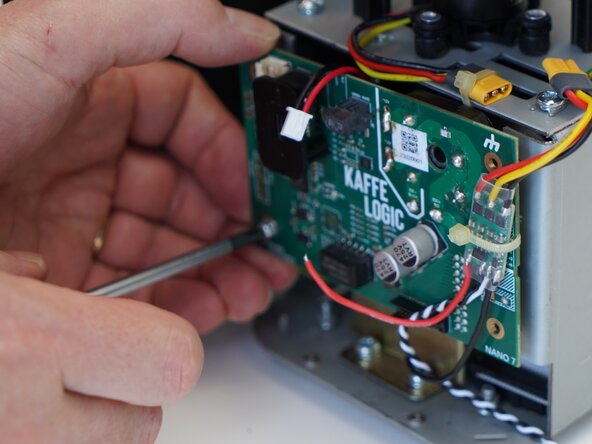
Pull the board away from the chassis carefully, taking care with any wires still attached. We need to get to the back of the board.
-
-
-
Remove the 2x 1.5mm hex screws securing the plastic USB shroud.
-
-
-
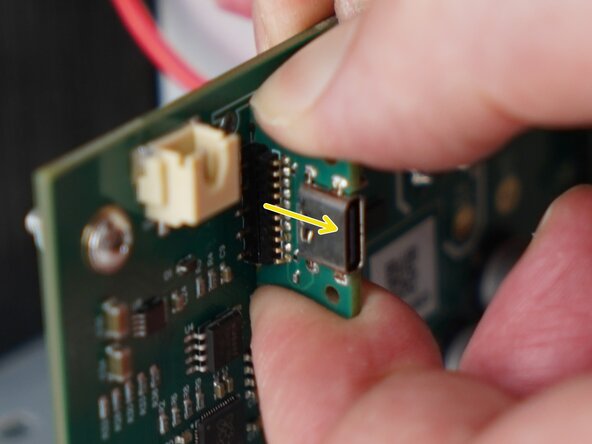
Pull away on the daughterboard to remove it from the main PCB.
-














To reassemble your device, follow these instructions in reverse order.


Team