Was du brauchst
-
-
Open the battery cover and remove batteries from the camera if any are inserted.
-
-
-
Use a 00 Phillips-Head screwdriver to remove screws:
-
Remove the 3 mm screws from the camera
-
Four (4) screws are in the bottom of the device
-
Four (4) screws are inside the battery cover
-
-
-
-
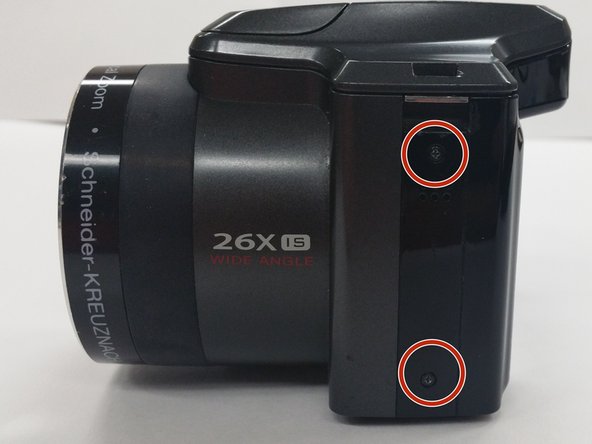
Use a Phillips #00 Screwdriver to remove the 4 mm screws from each side of the back cover of the camera.
-
Two (2) screws are located in the left side of the device
-
Two (2) screws are locatecd in the right side of the device
-
-
-
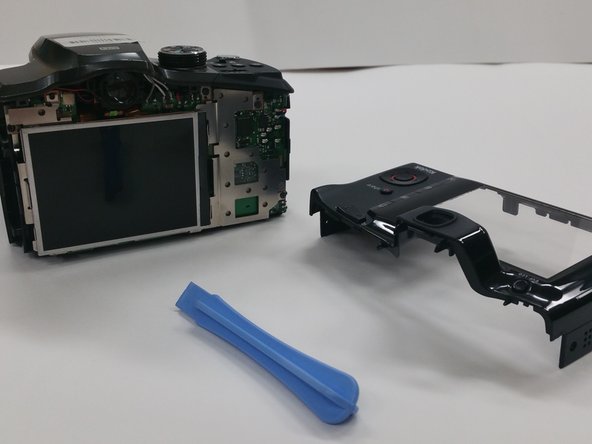
Insert the Plastic Opening Tool in to the crevices of back cover and gently apply pressure
-
-
-
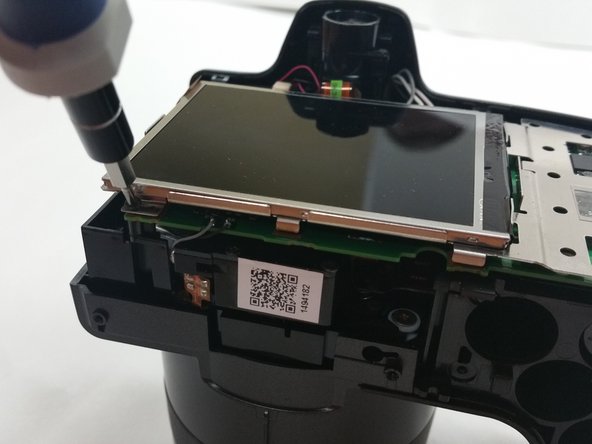
Once the back cover is removed locate the four 3mm screws holding the screen and the metal brace to the circuit board
-
-
-
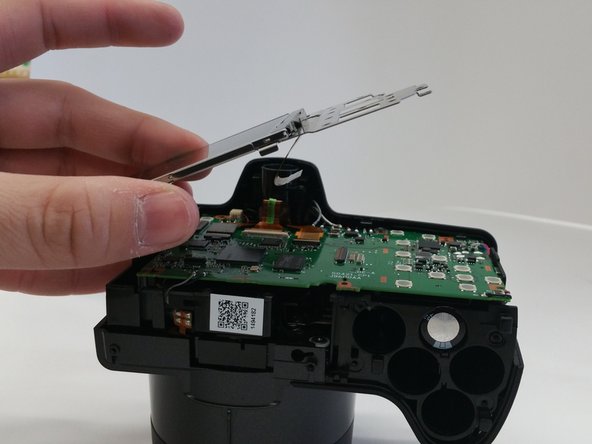
Gently lift up the metal brace and use a pair to disconnect the ribbon cable connecter
-
Use Tweezers to disconnect the ribbon cable connector.
-
Once disconnected remove the screen brace from the circuit board
-





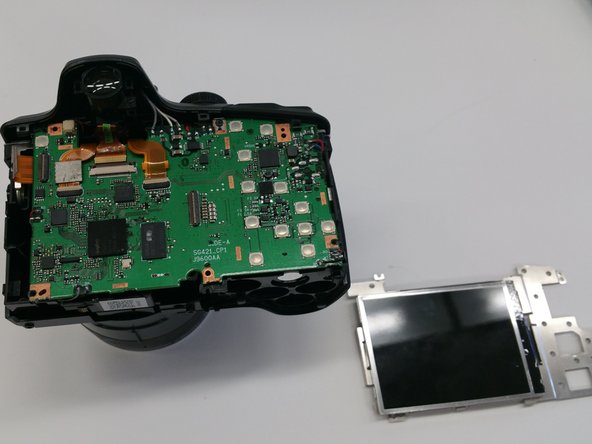

To reassemble your device, follow these instructions in reverse order.
To reassemble your device, follow these instructions in reverse order.
Rückgängig: Ich habe diese Anleitung nicht absolviert.
Eine weitere Person hat diese Anleitung absolviert.



Team

Sam Houston State, Team 13-6, Blackburne Winter 2015 Mitglied von Sam Houston State, Team 13-6, Blackburne Winter 2015
SHSU-BLACKBURNE-W15S13G6
3 Mitglieder
10 Anleitungen geschrieben
