Einleitung
Buttons bit the dust? Resurrect them with a new keypad by following this simple repair guide:
Was du brauchst
-
-
Turn off the cellphone by pressing down on the red "END" button for 3 seconds.
-
Flip cellphone over and press up on the gray sliding mechanism towards the top of the phone. At the same time, pull on the large silver battery and it should come right off.
 Frag FixBot
-
-
-
Use a T7 Torx screwdriver to remove the four screws that are located underneath the area where the battery was.
-
-
-
-
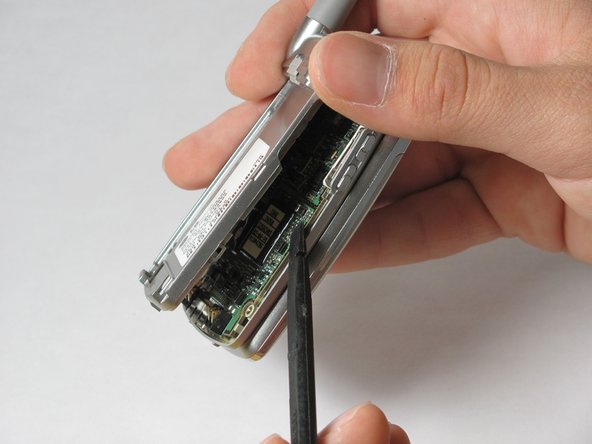
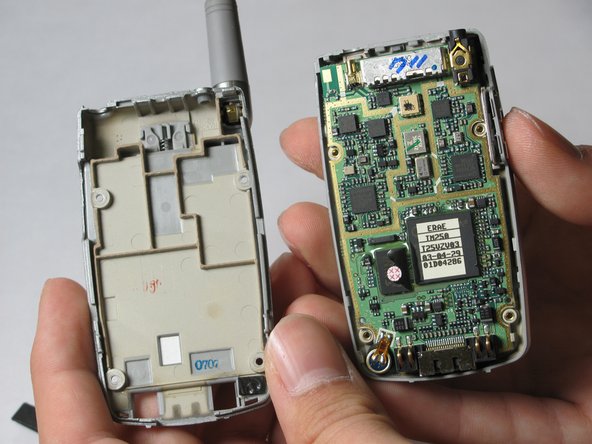
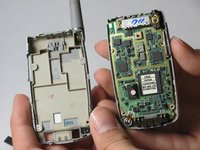
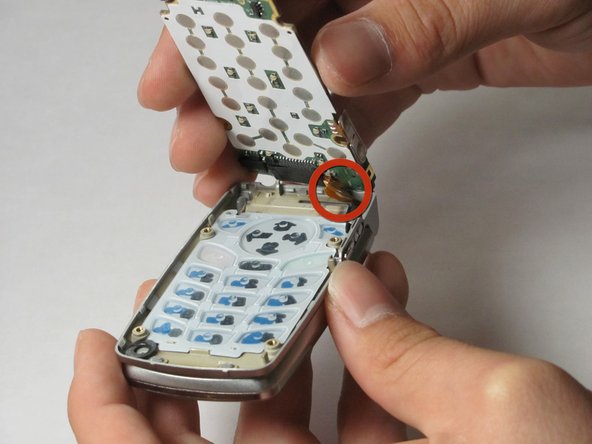
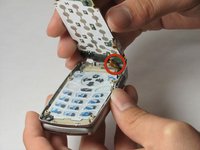
Use the spudger to carefully pry around the sides of the plastic casing and remove the back side of the phone.
-
-
-
Use the spudger to remove the back side of the phone.
-
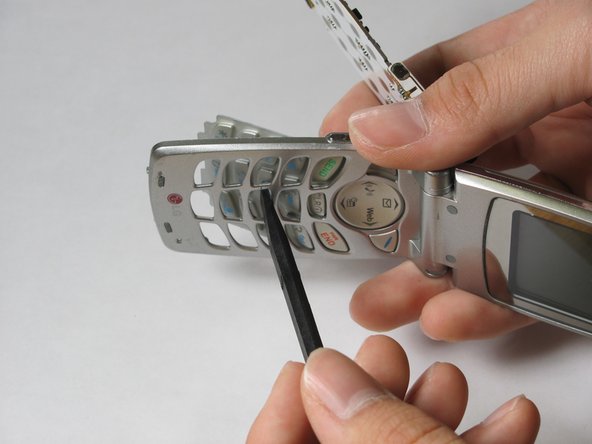
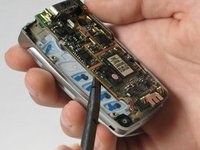
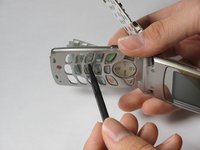
Use the spudger to gently push the keypad out from the other side of the phone.
-



To reassemble your device, follow these instructions in reverse order.

Team

Cal Poly, Team 34-58, Forte Spring 2010 Mitglied von Cal Poly, Team 34-58, Forte Spring 2010
CPSU-FORTE-S10S34G58
5 Mitglieder
9 Anleitungen geschrieben
