Zum Hauptinhalt wechseln

Mio MiVue 698 Disassembly

Was du brauchst

  1. Mio MiVue 698 Disassembly, Remove screws from the top: Schritt 1, Bild 1 von 3 Mio MiVue 698 Disassembly, Remove screws from the top: Schritt 1, Bild 2 von 3 Mio MiVue 698 Disassembly, Remove screws from the top: Schritt 1, Bild 3 von 3
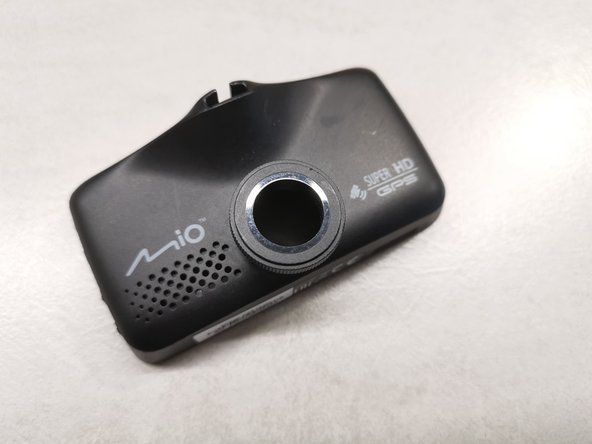
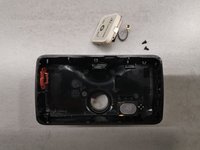
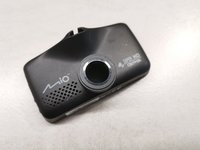
    • We will disassemble Mio MiVue 698 (Dual) car camera in this guide.

    • On the top of the unit, under the two caps, there are two Philips screws. Remove those caps and use Philips 0 screwdriver.

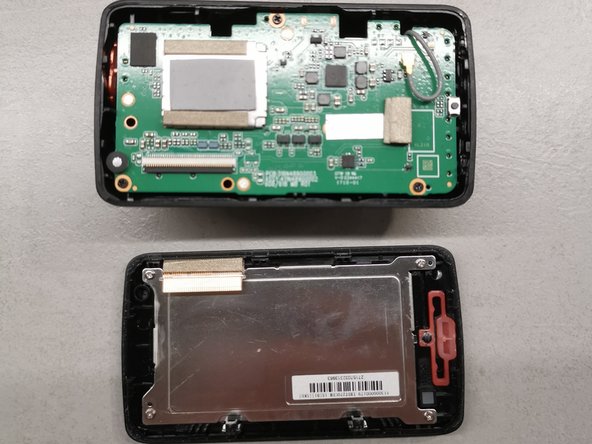
  2. Mio MiVue 698 Disassembly, Open it up: Schritt 2, Bild 1 von 3 Mio MiVue 698 Disassembly, Open it up: Schritt 2, Bild 2 von 3 Mio MiVue 698 Disassembly, Open it up: Schritt 2, Bild 3 von 3
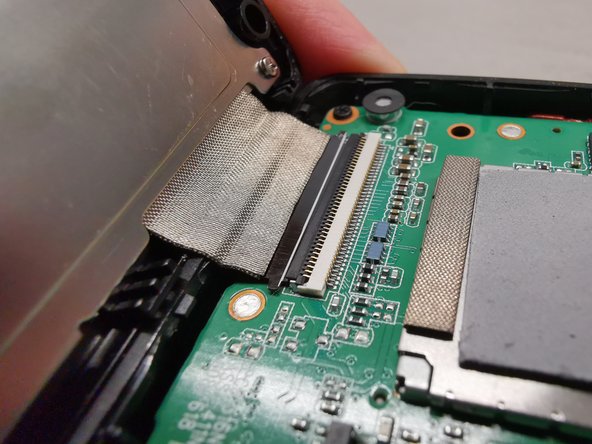
    • Now use a prying tool and gently pry all four sides of the display assembly.

    • Be careful not to damage the wire strip on the bottom.

  3. Mio MiVue 698 Disassembly, Remove wires: Schritt 3, Bild 1 von 3 Mio MiVue 698 Disassembly, Remove wires: Schritt 3, Bild 2 von 3 Mio MiVue 698 Disassembly, Remove wires: Schritt 3, Bild 3 von 3
    In diesem Schritt verwendetes Werkzeug:
    Tweezers
    $4.99
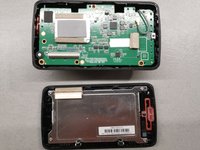
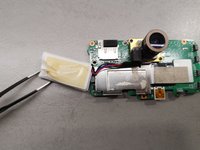
    • Remove black adhesive tape from the contacts.

    • Use a plastic tweezers to gently unlock wire strip from the contacts. You will end up with a disconnected display assembly.

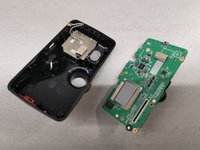
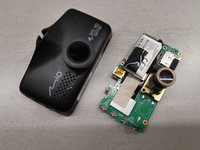
  4. Mio MiVue 698 Disassembly, Remove board from the case: Schritt 4, Bild 1 von 3 Mio MiVue 698 Disassembly, Remove board from the case: Schritt 4, Bild 2 von 3 Mio MiVue 698 Disassembly, Remove board from the case: Schritt 4, Bild 3 von 3
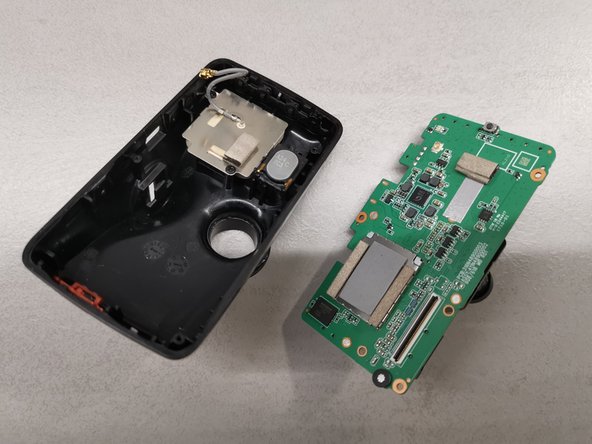
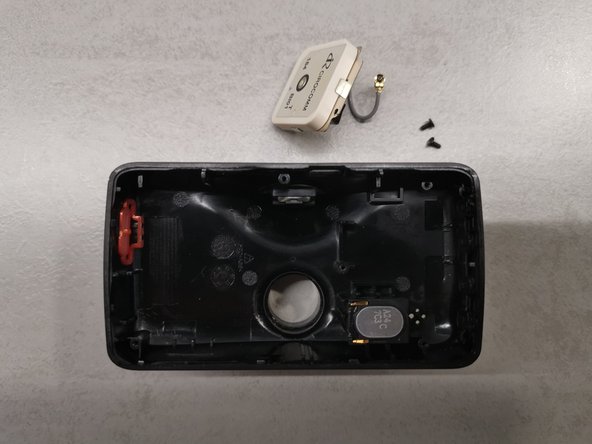
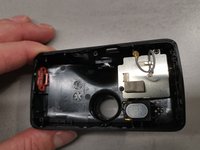
    • Disconnect the grey wire, which leads to GPS module.

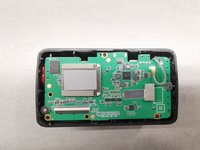
    • Remove three screws that hold the PCB.

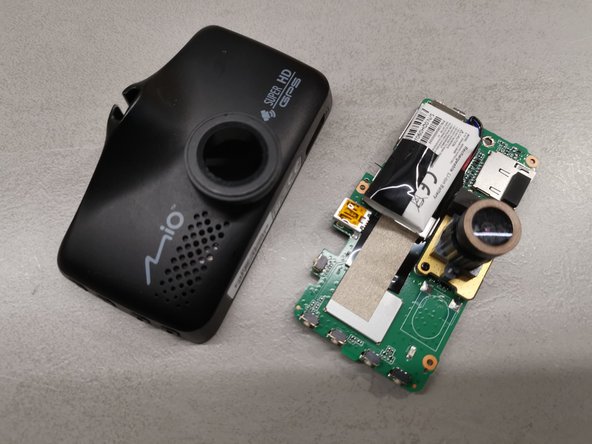
    • Remove the microSD card from the unit. Now you have to use a finger to carefully push against the lens from the front of the car camera, so the board will pop out.

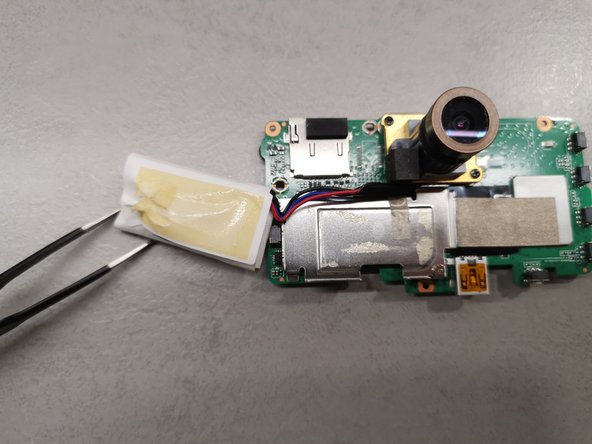
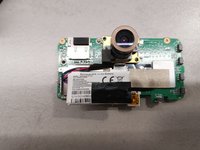
  5. Mio MiVue 698 Disassembly, Remove battery: Schritt 5, Bild 1 von 2 Mio MiVue 698 Disassembly, Remove battery: Schritt 5, Bild 2 von 2
    • The battery is attached to the board with a small piece of tape.

  6. Mio MiVue 698 Disassembly, Remove GPS module: Schritt 6, Bild 1 von 3 Mio MiVue 698 Disassembly, Remove GPS module: Schritt 6, Bild 2 von 3 Mio MiVue 698 Disassembly, Remove GPS module: Schritt 6, Bild 3 von 3
    • Remove two screws so you can remove the GPS module.

Abschluss

To reassemble your device, follow these instructions in reverse order.

Eine weitere Person hat diese Anleitung absolviert.

Peter

Mitglied seit: 01/23/22

163 Reputation

1 Anleitung geschrieben

0 Kommentare zur Anleitung

Kommentar hinzufügen

Seitenaufrufe:

Letzte 24 Stunden: 0

Letzte 7 Tage: 8

Letzte 30 Tage: 32

Insgesamt: 1,019