Einleitung
If you want to access the inside of this speaker, we need to take off the outer shell first. This is a step-by-step guide that shows how to remove the outer shell of the Philips TAS7505.
Was du brauchst
-
-
Turn the speaker upside down. You will see a rubber base. Use an opening tool to lift up the sides to expose the screws.
 Frag FixBot
-
-
-
There will be 4 exposed screws. Make sure to use the Phillips #0 Screwdriver.
-
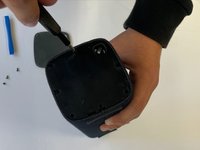
When the screws are removed, you can use an opening tool to take off the plastic cover.
-
-
-
-
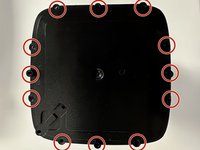
Now that you have removed this cover, there is another cover. This cover has a total of 9 screws that can be removed with a Philips #0 screwdriver.
-
Once all these screws are removed, you can take off the cover
-
-
-
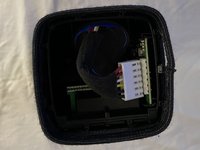
You can now see the inside of the speaker but you aren't done yet.
-
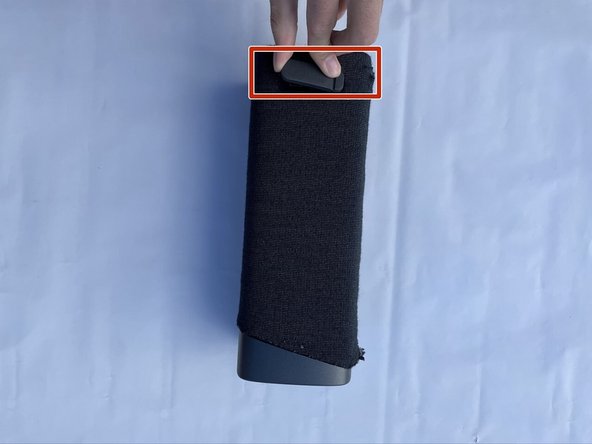
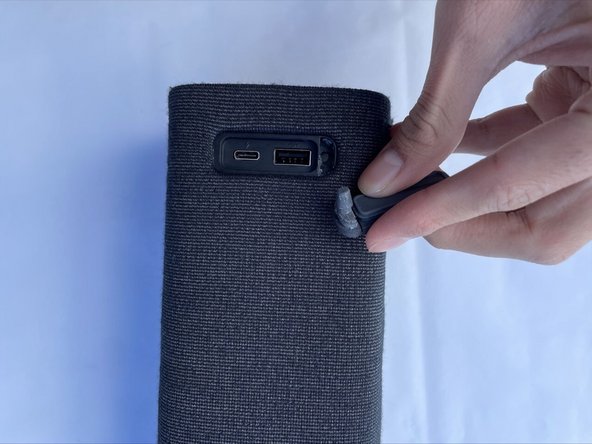
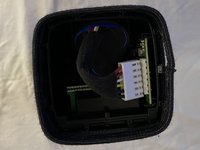
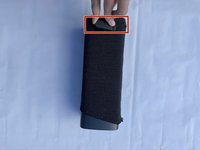
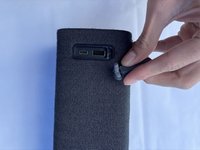
Remove both rubber stands that hold up the device horizontally (one of these stands is a cover for the USB ports).
-
-
-
Once you pull these out, you can pull the whole sleeve to expose the infrastructure of the device.
-




To reassemble your device, follow these instructions in reverse order.

Team

CSU Los Angeles, Team 5-2, Adachi Fall 2022 Mitglied von CSU Los Angeles, Team 5-2, Adachi Fall 2022
CSULA-ADACHI-F22S5G2
5 Mitglieder
5 Anleitungen geschrieben
