Einleitung
The Samsung Galaxy Note 7 is a rather dangerous phone, but even if it's rare and borderline unusable, it still needs proper documentation and maintenance.
NOTE: This guide assumes that you have a replacement screen + midframe with the other non-motherboard parts (speakers, S-pen compartment, etc).
Was du brauchst
-
-
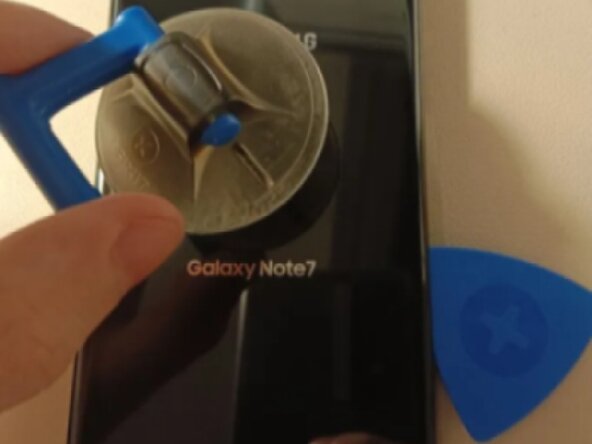
Apply heat to the back panel, use a guitar pick and suction cup to carefully remove the adhesive and remove the back panel.
-
-
-
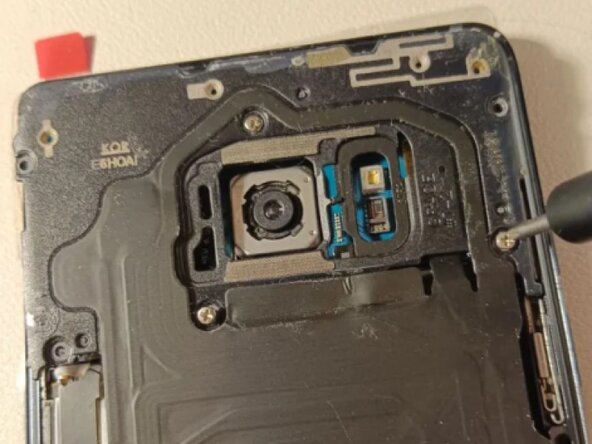
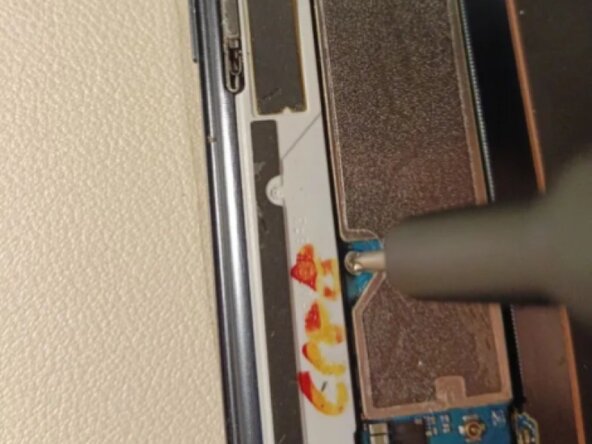
Remove the screws holding the wireless charging and NFC cover in place using a 00 screwdriver, then lift it off.
-
-
-
Carefully disconnect and remove the battery by lifting up the connector with either your fingernail or the flat end of a plastic spudger.
-
-
-
-
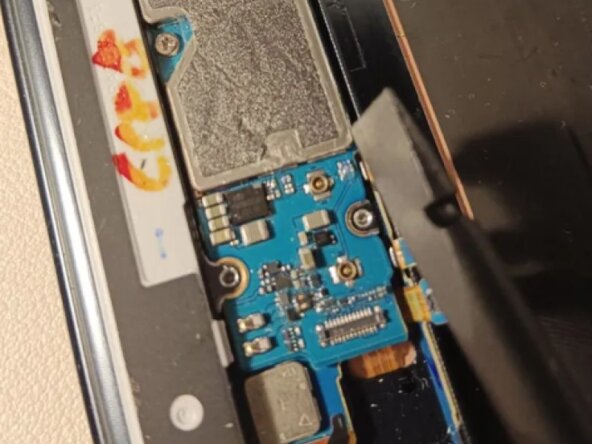
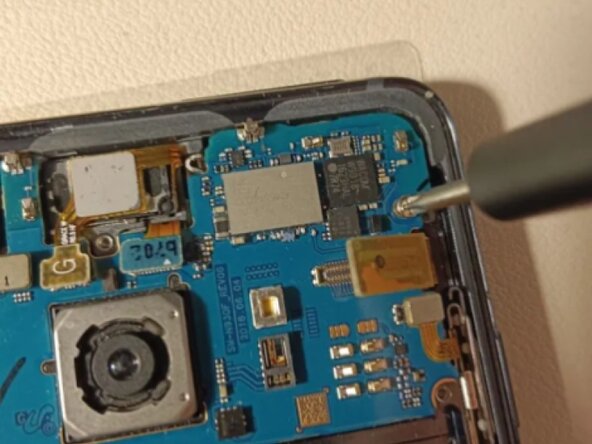
Using the flat end of a plastic spudger, carefully remove and lift up every connector on the board.
-
Make sure to press them a little further upward using the spudger, or else they might end up blocking the motherboard from being lifted up, and can also get stuck underneath it during the reassembly process.
-
-
-
Using a plastic spudger, lift up the bottom part of the motherboard, then lift it up and out of the frame.
-
-
-
To reassemble the phone with the new screen + midframe, follow these steps in reverse order.
-





To reassemble your device, follow these instructions in reverse order.
Rückgängig: Ich habe diese Anleitung nicht absolviert.
Eine weitere Person hat diese Anleitung absolviert.


