Einleitung
The Supersonic Matrix SC-91MID tablet features a display that is both important and highly fragile. Screens on this device can easily become cracked, shattered, or unresponsive due to drops or impact. If your SC-91MID screen is damaged or no longer functioning properly, use this step by step guide to replace it.
This guide will walk you through the step-by-step process of removing the screen and installing a new replacement screen.
Before beginning the repair, inspect the screen for loose glass and ensure the device is powered off to avoid accidental injury.
Was du brauchst
-
-
Place the plastic opening tool between the screen and the main component and pry open between the two. Once removed place the main component in a safe place and continue working on the screen section.
-
Be aware of the ribbon cables when removing the display screen from the main component.
-
-
-
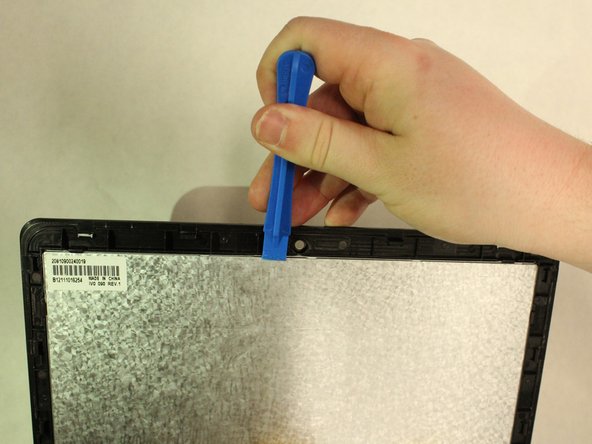
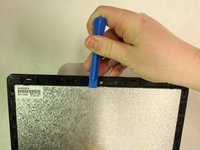
Place the plastic opening tool between the metal screen plate and the black front casing.
-
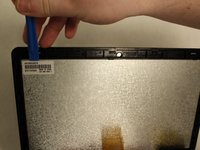
There are small clips where the plastic opening tool can be placed to help pry the screen from the casing.
-
-
-
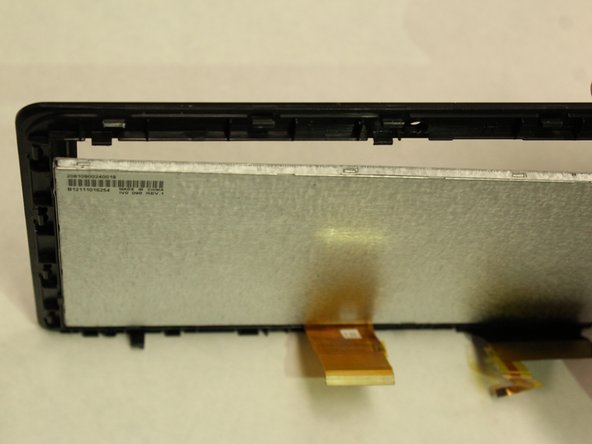
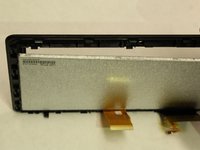
Continue to slide the opening tool along the length of the casing until there is a clear separation between the screen and the cover (as shown in the third image).
-
-
-
Once there is a clearing, carefully remove the screen from the black cover. You now have separated the screen from the tablet device and and are now ready to replace screen.
-



To reassemble your device, follow these instructions in reverse order.
Rückgängig: Ich habe diese Anleitung nicht absolviert.
Eine weitere Person hat diese Anleitung absolviert.



Team

IUPUI, Team S1-G1, Wilson Spring 2018 Mitglied von IUPUI, Team S1-G1, Wilson Spring 2018
IUPUI-WILSON-S18S1G1
5 Mitglieder
6 Anleitungen geschrieben
