Einleitung
This guide will show how to take the front glass off and move the screen out of the way on a Telikin Elite Silver 22in Touchscreen Computer
Was du brauchst
-
-
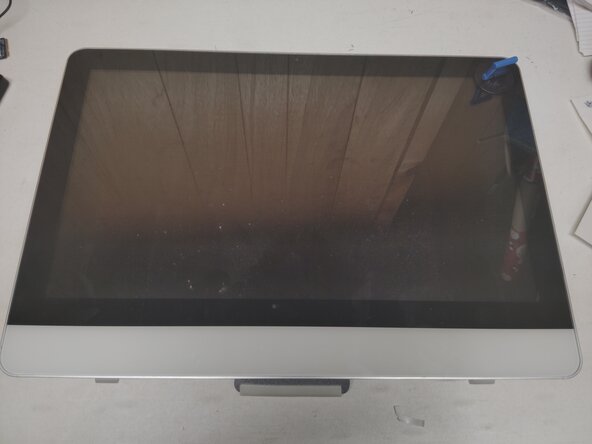
Lay the computer down on a flat surface
-
Put your suction cups on the top corners of the screen
-
Pull upwards in an arching motion trying to pull the front glass towards yourself. It's held in place with magnets, some force may be required.
-
-
-
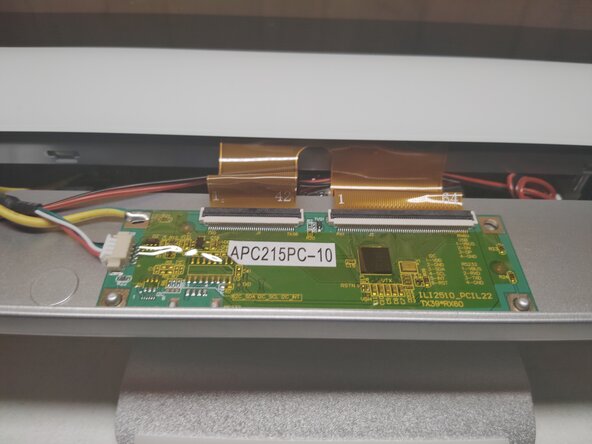
Disconnect the ribbon cables.
-
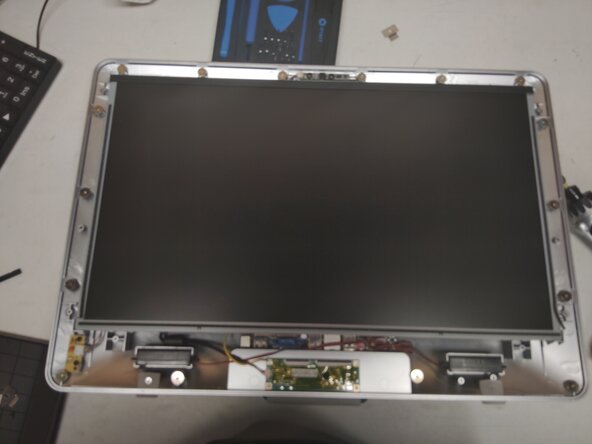
While wearing gloves remove the front glass and place it to the side
-
-
-
-
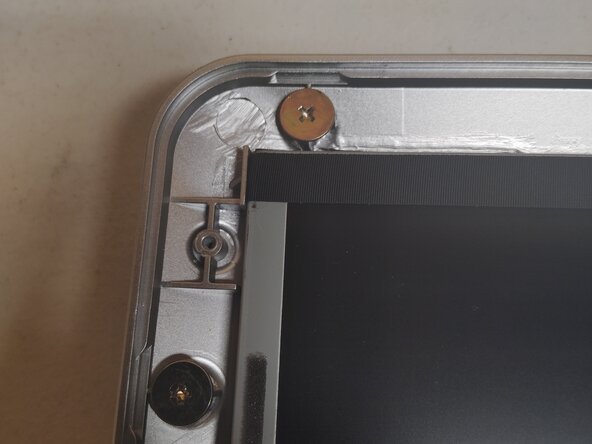
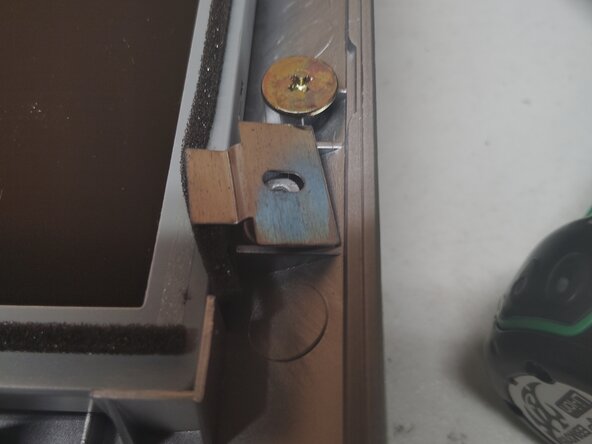
Remove the brackets on the top corners of the screen using a Phillips head screwdriver, put aside for reassembly.
-
-
-
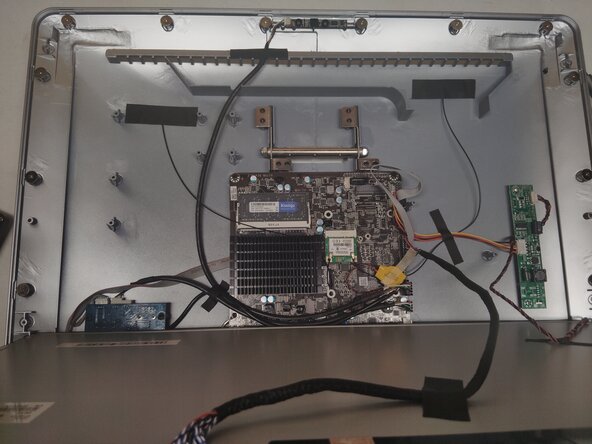
Once the screen is unscrewed pull in a similar arching motion as you did the front glass.
-
-
-
When reassembling, ensure that the screen is flush with all four corners. Otherwise it will not seat back into the chassis properly.
-
-
-
This is the INCORRECT way to put the brackets back on, the bend point should be facing upwards
-
As some of the screws are next to the magnets, you may want to use a pair of pliers or tweezers to get them started in the holes
-
To reassemble your device, follow these instructions in reverse order.



