Einleitung
This guide will explain how to remove the Hard Drive, take apart the Bottom Panel, and the Top Panel.
Was du brauchst
-
-
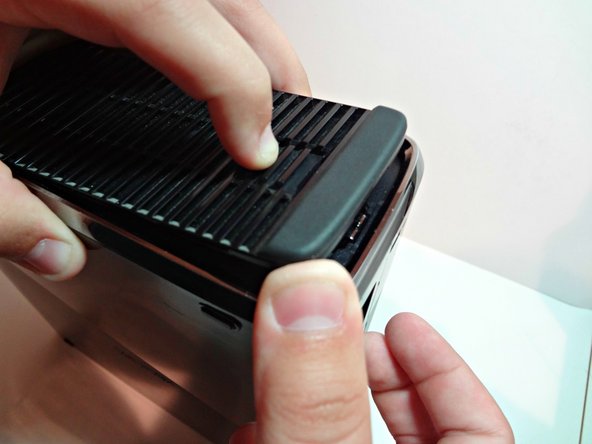
Flip the Xbox over and you will see three separate prongs. Pull those back and pull up, then you will see the hard drive. Pull the rectangle fabric piece up.
-
The hard drive should be removed.
-
-
-
-
Move the Xbox with the hard drive facing toward the right.
-
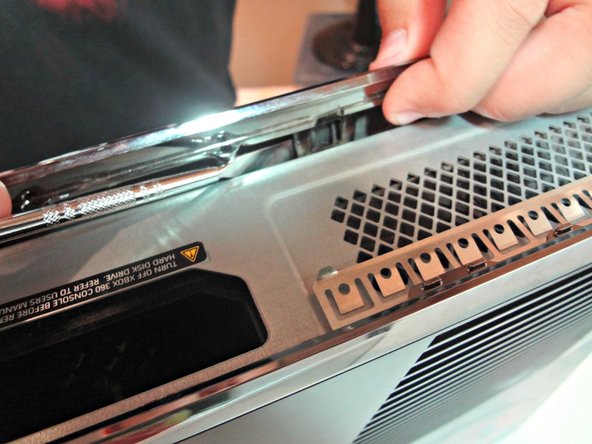
Then insert your Metal Spudger in between the silver ring and the vent. You should here a pop noise which is the clip popping out.
-
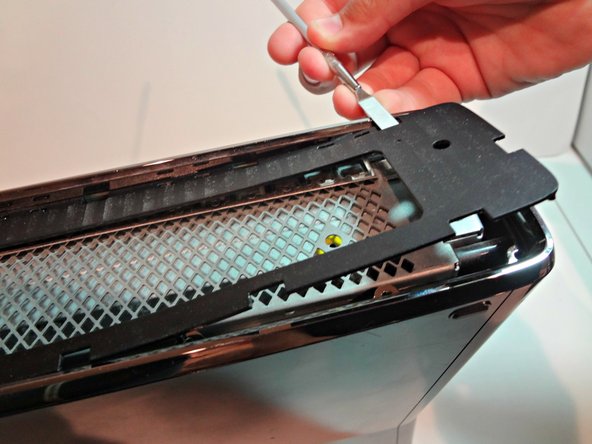
Rotate the tool away from the Xbox prying open the bottom plate. Continue that step for all the remaining clips.
-
-
-
The top panel is very similar to the bottom panel removal. There will be thirteen clips you need to undo.
-
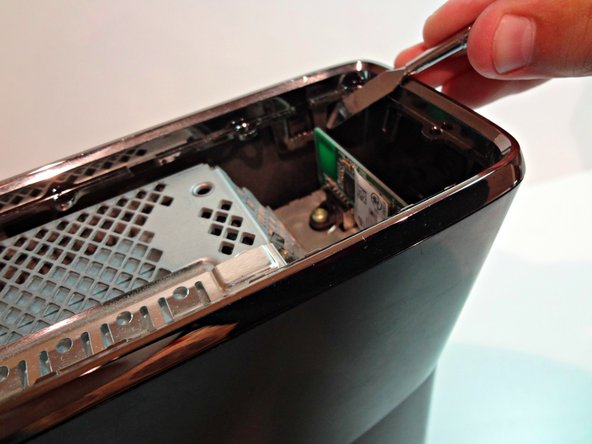
Make sure the front of the Xbox is facing towards the left. Then use the tool undo the clips just like you did on the bottom panel.
-
DO NOT BREAK ANY OF THE CLIPS.
-




Rückgängig: Ich habe diese Anleitung nicht absolviert.
2 weitere Nutzer:innen haben diese Anleitung absolviert.



