Einleitung
This guide will walk you through replacing the battery on a Latitude 5480, 5490, 5491 series laptop. You’ll need a #1 Phillips screwdriver, and about ten minutes of patience.
Was du brauchst
-
-
Use a Phillips screwdriver to remove the eight 5.6 mm screws that secure the lower case.
-
-
-
Insert an opening tool into the seam between the lower case and chassis.
-
Pry up around the perimeter of the device until the lower case fully releases.
-
Lift off the lower case.
-
-
-
-
Grip the black battery cable connector loop and pull it directly up to disconnect the battery.
-


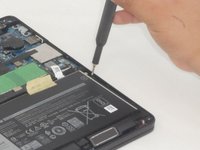

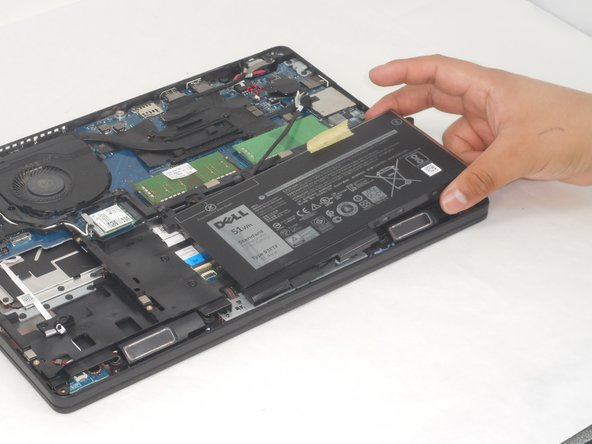
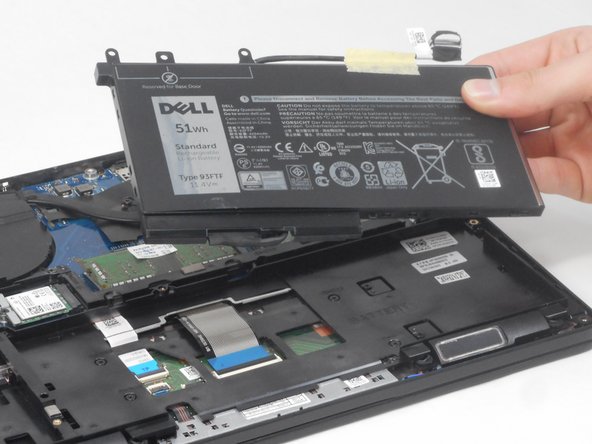


To reassemble your device, follow these instructions in reverse order.
Rückgängig: Ich habe diese Anleitung nicht absolviert.
Eine weitere Person hat diese Anleitung absolviert.


Team

University of Memphis, Team 2-2, Sneed Spring 2024 Mitglied von University of Memphis, Team 2-2, Sneed Spring 2024
UM-SNEED-S24S2G2
4 Mitglieder
7 Anleitungen geschrieben
