Einleitung
This guide will show you how to replace the battery in your Lenovo IdeaPad Flex 6-14IKB. The battery is an essential part of the laptop because it is the energy storage device. The battery gives power to the laptop while it is not plugged into a charger. Your battery may need replacement if your laptop only powers on while plugged into a charger or it discharges very quickly when unplugged.
Before starting the replacement, make sure the laptop is fully turned off and unplugged from a power cord.
Was du brauchst
-
-
Remove the ten 6.5 mm screws that secure the base cover using a T5 Torx screwdriver.
-
-
-
Use the plastic opening tool to pry in the seam between the bottom cover and the rest of the laptop.
-
Work your way around the bottom cover of the laptop in a clockwise rotation until every clip is free.
-
-
-
-
Remove the four 3.5 mm screws around the battery using a Phillips #00 screwdriver.
-
-
In diesem Schritt verwendetes Werkzeug:Tweezers$4.99
-
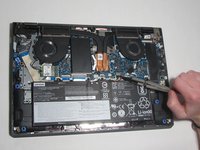
Disconnect the battery supply from the motherboard using a pair of tweezers.
-
Remove the battery from the laptop.
-


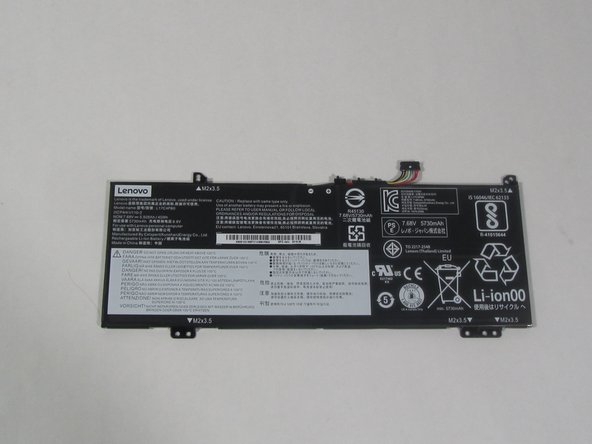

To reassemble your device, follow these instructions in reverse order.
Rückgängig: Ich habe diese Anleitung nicht absolviert.
7 weitere Personen haben diese Anleitung absolviert.


Team

Illinois Wesleyan University, Team 1-2, Bullock Spring 2022 Mitglied von Illinois Wesleyan University, Team 1-2, Bullock Spring 2022
IWU-BULLOCK-S22S1G2
4 Mitglieder
7 Anleitungen geschrieben
