Einleitung
Diese Anleitung zeigt, wie das RAM getauscht wird.
Das DS412+ unterstützt DDR3 800/1066MHz RAM Module.
Was du brauchst
-
-
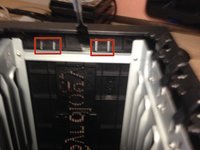
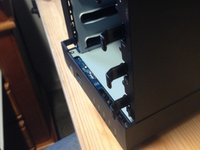
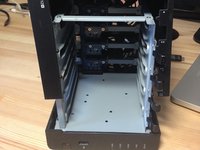
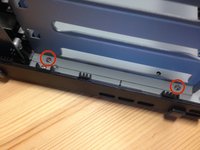
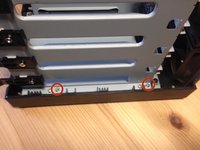
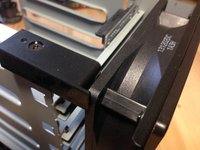
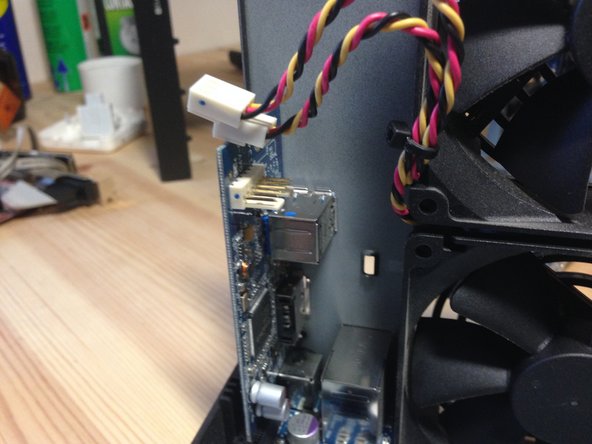
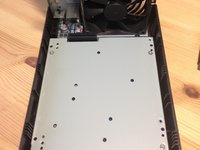
Finde die beiden Laschen innen links im Gerät.
-
Hebe sie aus dem Metallhalter heraus.
-
-
-
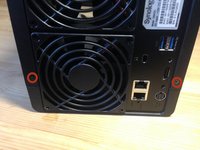
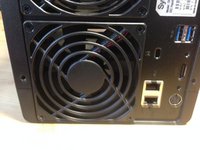
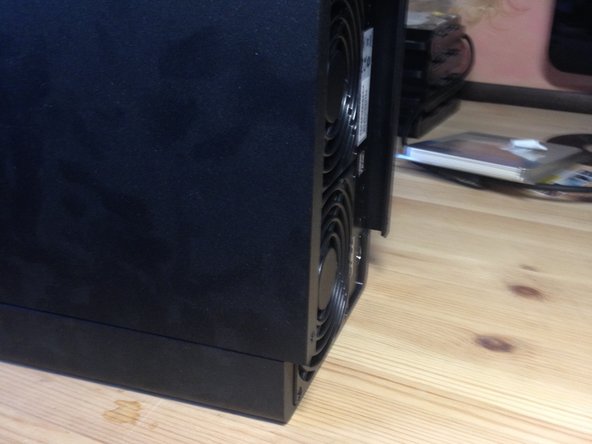
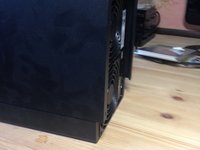
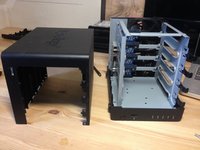
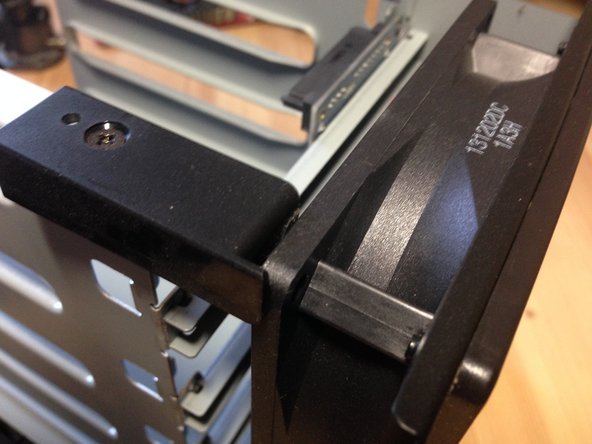
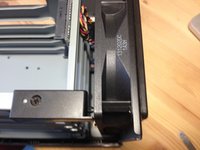
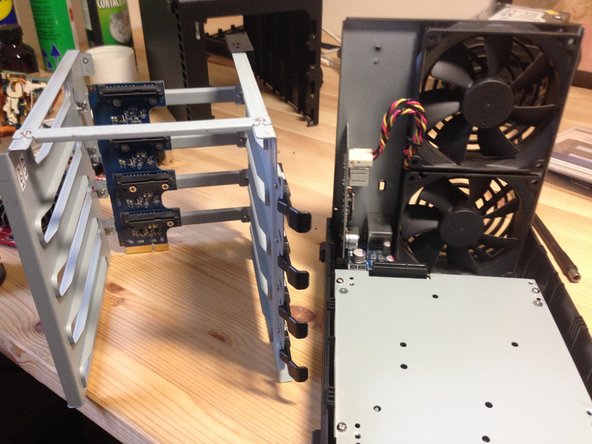
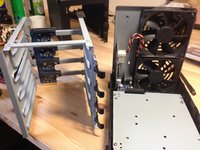
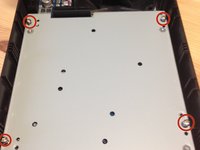
Stelle das NAS auf seine rechte Seite und hebe das Gehäuse nach oben ab. Beachte dabei die Laschen oben am Gehäuse.
-
-
-
-
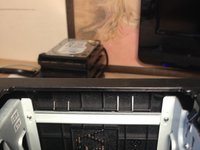
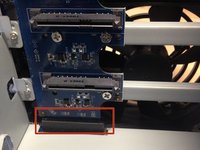
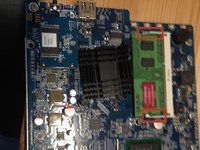
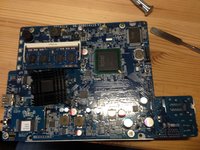
Ziehe an diesen Laschen, entferne dann das RAM.
-
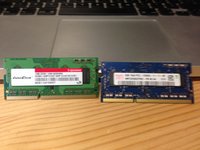
Altes und neues RAM im Vergleich.
-
Das alte RAM hatte die Bezeichnung M3SN-1GSFCCM7-GA14.
-


















Um dein Gerät wieder zusammenzubauen, folge den Schritten in umgekehrter Reihenfolge.
Rückgängig: Ich habe diese Anleitung nicht absolviert.
35 weitere Personen haben diese Anleitung absolviert.
Besonderer Dank geht an diese Übersetzer:innen:
100%

VauWeh hilft uns, die Welt in Ordnung zu bringen! Wie kann ich mithelfen?
Hier starten ›

19 Kommentare zur Anleitung
Hi is it also possible with a Synology ds216play? Or is the RAM not modular in this Drives?
Thank you for the guide, just to ease it up a bit for everybody following, the best way to pull the two tabs from step 4 was to use small spoon (or anything metal) and use it as a crowbar from the inside (do not try to put force from the outer rim, but really from inside of the Synology itself (against the metal beam the tabs are holding to).
Thank you very much.
did these steps and now my DS412+ won't boot anymore. just the blue power light for a few seconds, no hard drive or fan will turn on.
after putting the old RAM in the slot nothing changed. cannot find any error, how do I find out what's wrong here???
