Zum Hauptinhalt wechseln
Gemeinsam reparieren - Jetzt registrieren

iRobot Roomba 890 Side Brush Module Replacement

Was du brauchst

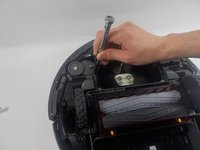
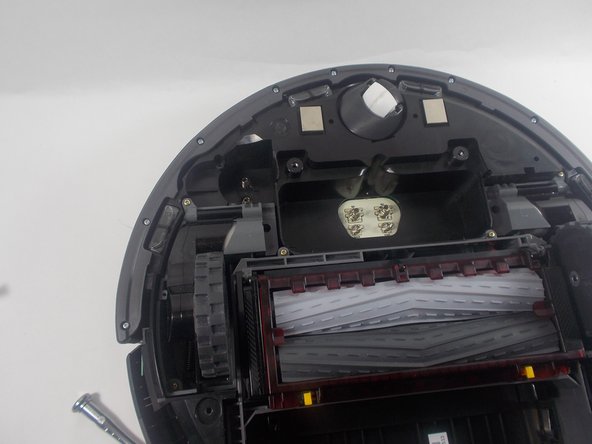
  1. iRobot Roomba 890 Side Brush Module Replacement, Side Brush Module: Schritt 1, Bild 1 von 2 iRobot Roomba 890 Side Brush Module Replacement, Side Brush Module: Schritt 1, Bild 2 von 2
    • Use a #2 Phillips screwdriver to remove the 7.7 mm screw securing the side brush head.

    • Remove the yellow brush head.

    Frag FixBot

    Kommentar hinzufügen

  2. iRobot Roomba 890 Side Brush Module Replacement: Schritt 2, Bild 1 von 1
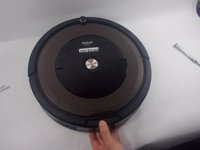
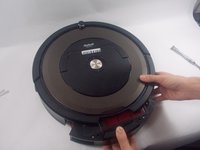
    • Place the Roomba with its bottom facing toward you.

    • Use a Phillips #2 screwdriver to remove the four 11 mm screws.

    • Remove the battery cover.

    Frag FixBot

    Kommentar hinzufügen

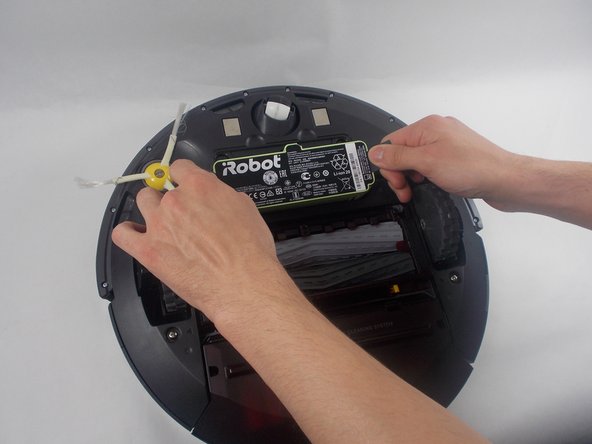
  3. iRobot Roomba 890 Side Brush Module Replacement: Schritt 3, Bild 1 von 2 iRobot Roomba 890 Side Brush Module Replacement: Schritt 3, Bild 2 von 2
    • Pull directly up on the grey pull tabs to remove the battery.

    Frag FixBot

    Kommentar hinzufügen

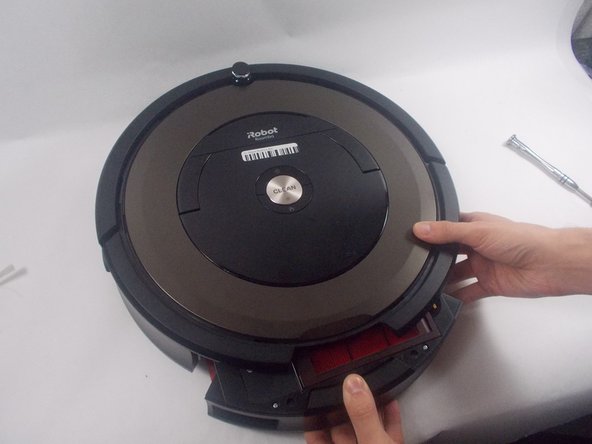
  4. iRobot Roomba 890 Side Brush Module Replacement: Schritt 4, Bild 1 von 1
    • Lift off the baseplate.

    Frag FixBot

    Kommentar hinzufügen

  5. iRobot Roomba 890 Side Brush Module Replacement: Schritt 5, Bild 1 von 2 iRobot Roomba 890 Side Brush Module Replacement: Schritt 5, Bild 2 von 2
    • Press the dustbin release button and pull it straight out.

    Frag FixBot

    Kommentar hinzufügen

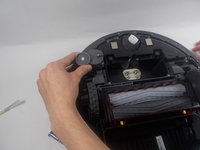
  6. iRobot Roomba 890 Side Brush Module Replacement: Schritt 6, Bild 1 von 2 iRobot Roomba 890 Side Brush Module Replacement: Schritt 6, Bild 2 von 2
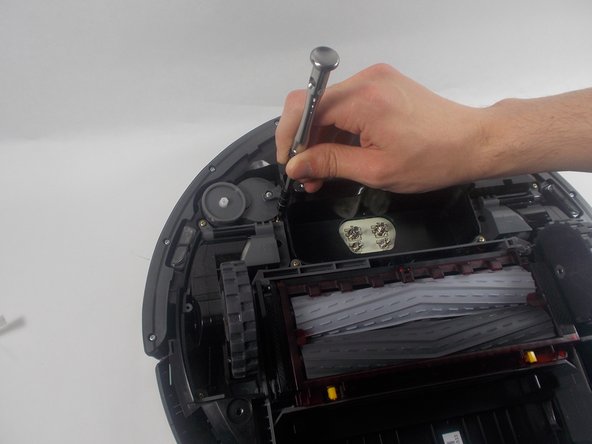
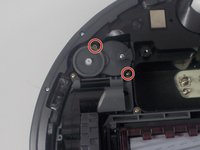
    • On the underside of the Roomba, use a Phillips #1 screwdriver to remove the two 15.5 mm screws.

    Frag FixBot

    Kommentar hinzufügen

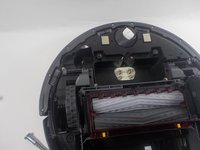
  7. iRobot Roomba 890 Side Brush Module Replacement: Schritt 7, Bild 1 von 2 iRobot Roomba 890 Side Brush Module Replacement: Schritt 7, Bild 2 von 2
    • Grip the side brush module casing and lift it out vertically, perpendicular to the Roomba.

    Frag FixBot

    Kommentar hinzufügen

Abschluss

To reassemble your device, follow these instructions in reverse order.

Rückgängig: Ich habe diese Anleitung nicht absolviert.

Dustin Staples

Mitglied seit: 03/28/22

339 Reputation

2 Anleitungen geschrieben

Team

UMass Dartmouth, Team 1-3, Petersen Spring 2022 Mitglied von UMass Dartmouth, Team 1-3, Petersen Spring 2022

UMASSD-PETERSEN-S22S1G3

3 Mitglieder

14 Anleitungen geschrieben

0 Kommentare zur Anleitung

Kommentar hinzufügen

Seitenaufrufe:

Letzte 24 Stunden: 3

Letzte 7 Tage: 12

Letzte 30 Tage: 47

Insgesamt: 1,493