Zum Hauptinhalt wechseln

Microsoft Game Console Teardown

Was du brauchst

Einführungsvideo
    • Insert wisdom here.

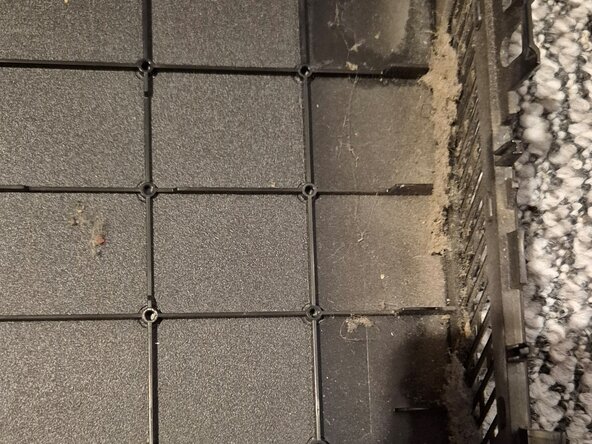
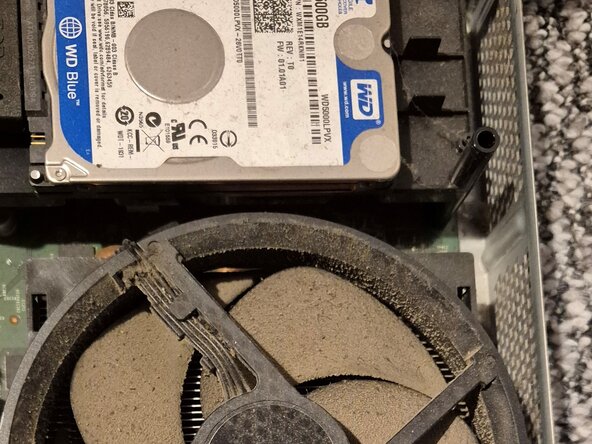
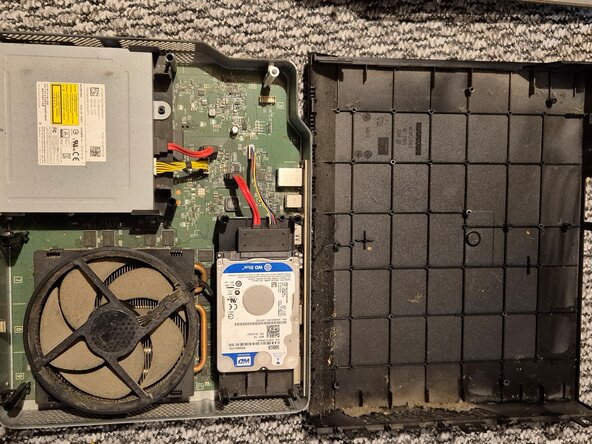
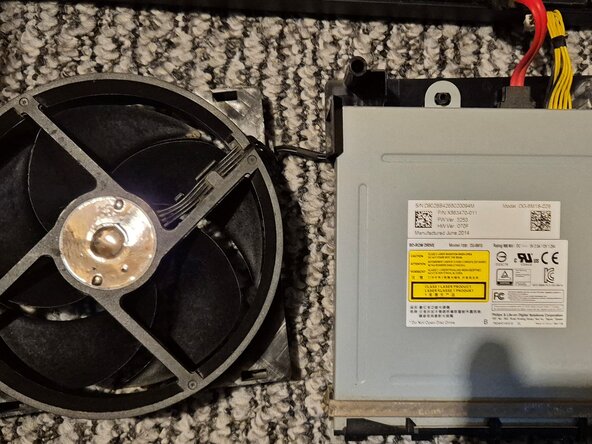
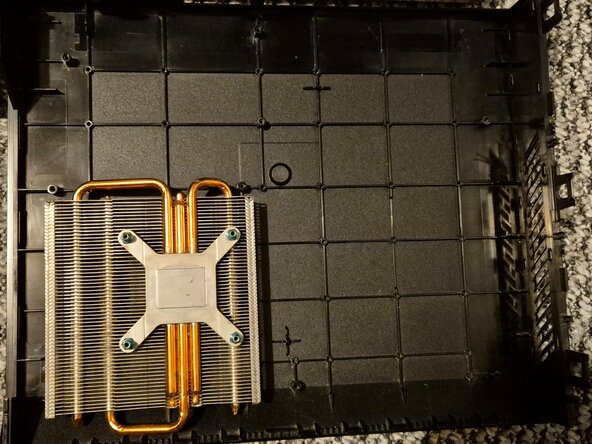
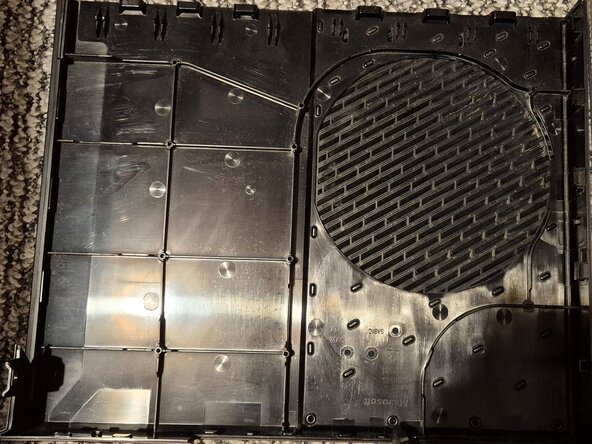
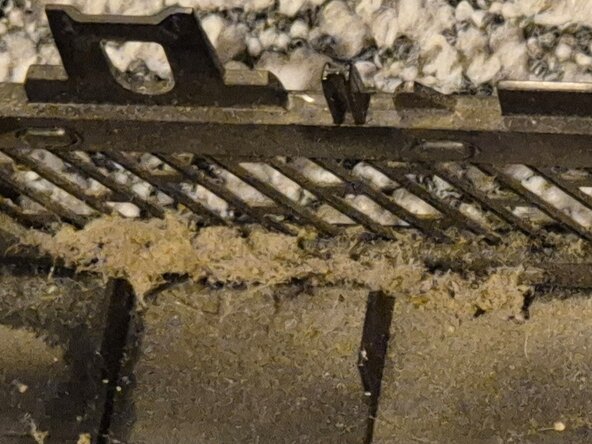
  1. Microsoft Game Console Teardown: Schritt 2, Bild 1 von 3 Microsoft Game Console Teardown: Schritt 2, Bild 2 von 3 Microsoft Game Console Teardown: Schritt 2, Bild 3 von 3
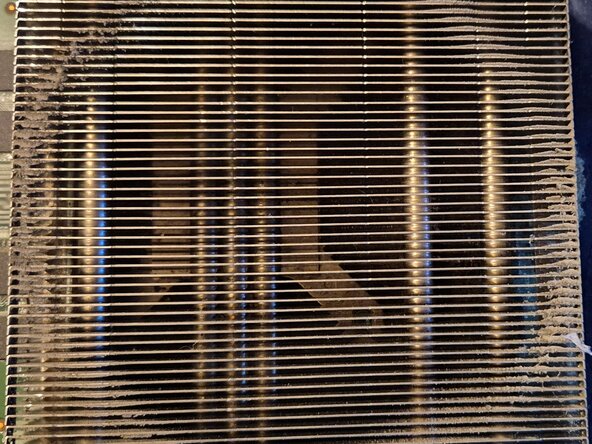
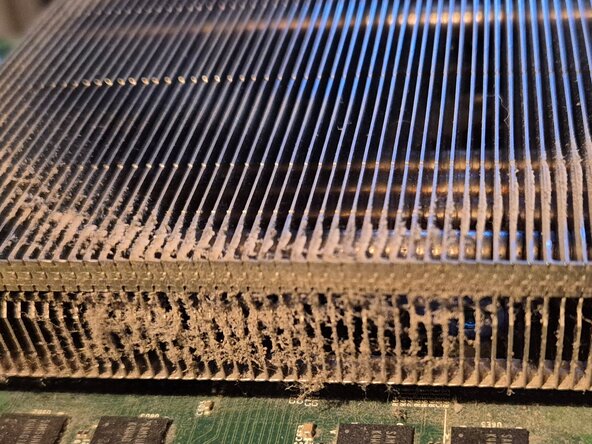
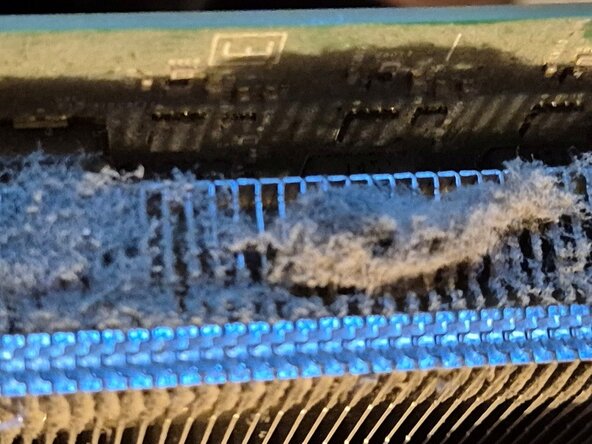
    • IMAGES OF BEFORE THE CLEAN UP

  2. Microsoft Game Console Teardown: Schritt 3, Bild 1 von 3 Microsoft Game Console Teardown: Schritt 3, Bild 2 von 3 Microsoft Game Console Teardown: Schritt 3, Bild 3 von 3
    • BEFORE REMOVING THE X-CLAMP AND HEAT SYNC AND APPLYING THE NEW THERMAL PASTE

  3. Microsoft Game Console Teardown: Schritt 4, Bild 1 von 3 Microsoft Game Console Teardown: Schritt 4, Bild 2 von 3 Microsoft Game Console Teardown: Schritt 4, Bild 3 von 3
    • before the clean up of the console

  4. Microsoft Game Console Teardown: Schritt 5, Bild 1 von 3 Microsoft Game Console Teardown: Schritt 5, Bild 2 von 3 Microsoft Game Console Teardown: Schritt 5, Bild 3 von 3
    • Insert wisdom here.

  5. Microsoft Game Console Teardown: Schritt 6, Bild 1 von 1
    • Insert wisdom here.

  6. Microsoft Game Console Teardown: Schritt 7, Bild 1 von 3 Microsoft Game Console Teardown: Schritt 7, Bild 2 von 3 Microsoft Game Console Teardown: Schritt 7, Bild 3 von 3
    • AFTER THE CLEAN UP WITH FRESH NEW THERMAL PASTE APPLIED

  7. Microsoft Game Console Teardown: Schritt 8, Bild 1 von 3 Microsoft Game Console Teardown: Schritt 8, Bild 2 von 3 Microsoft Game Console Teardown: Schritt 8, Bild 3 von 3
    • Insert wisdom here.

Abschluss

To reassemble your console, follow these instructions in reverse order as carefully as you did when disassembling the console.

Eine weitere Person hat diese Anleitung absolviert.

Matt

Mitglied seit: 11/19/23

53 Reputation

1 Anleitung geschrieben

0 Kommentare zur Anleitung

Kommentar hinzufügen

Seitenaufrufe:

Letzte 24 Stunden: 10

Letzte 7 Tage: 43

Letzte 30 Tage: 48

Insgesamt: 48