Einleitung
Use this guide to remove and replace the Input Module Connector Board in your Framework Laptop 16.
Was du brauchst
-
-
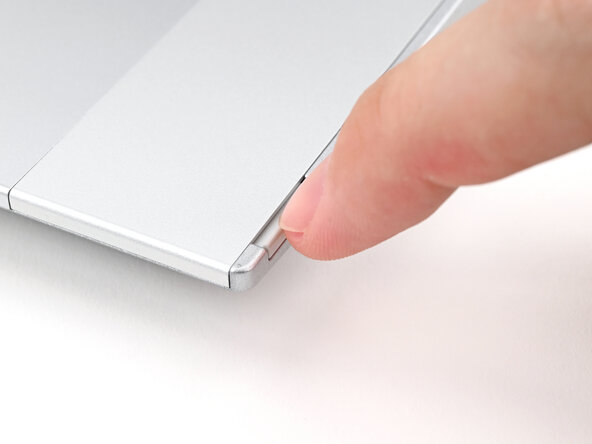
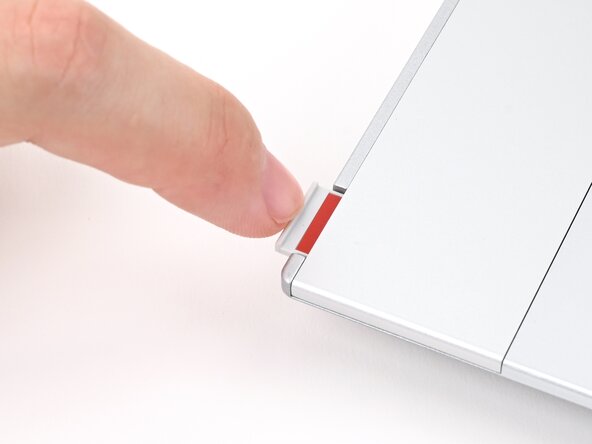
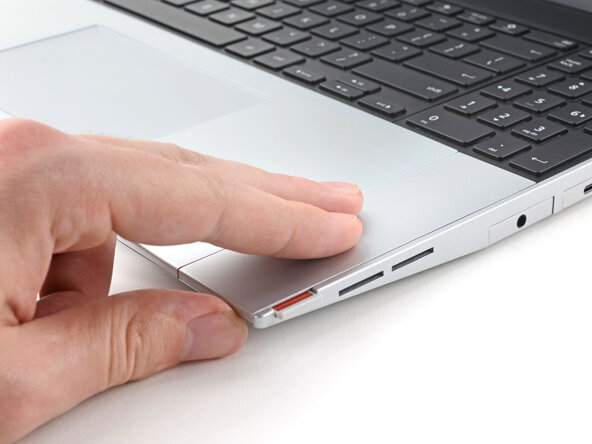
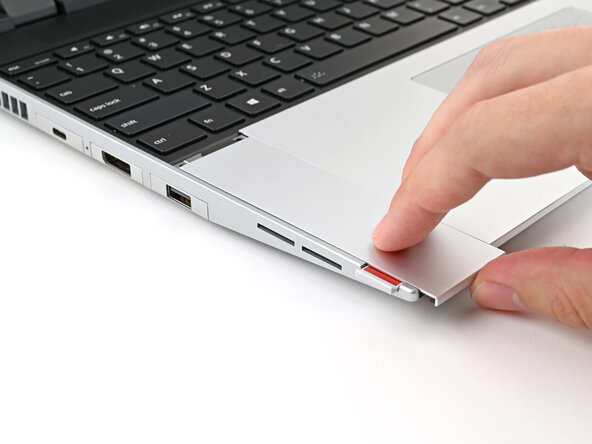
Use your fingernail to pull out the two Input Module latches and unlock them.
-
-
-
Use your fingers to slide the Touchpad Spacer toward the bottom edge of the laptop and unclip it.
-
Lift the Touchpad Spacer off the laptop and remove it.
-
-
-
Use your fingers to slide the Touchpad Module toward the bottom edge of the laptop and disconnect it.
-
Lift the Touchpad Module and remove it.
-
-
-
Grip the two pull tabs along the bottom of the keyboard and lift until its magnets release.
-
Remove the keyboard.
-
-
-
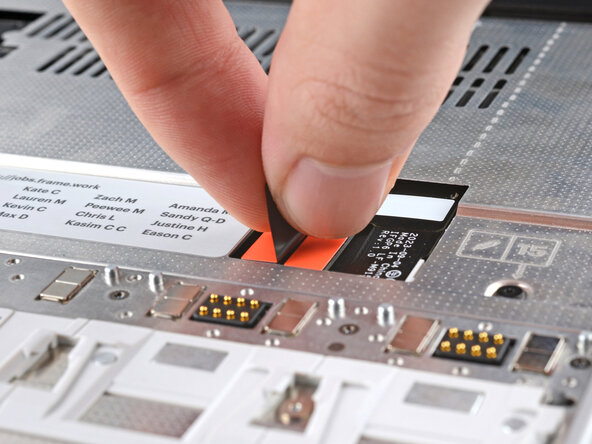
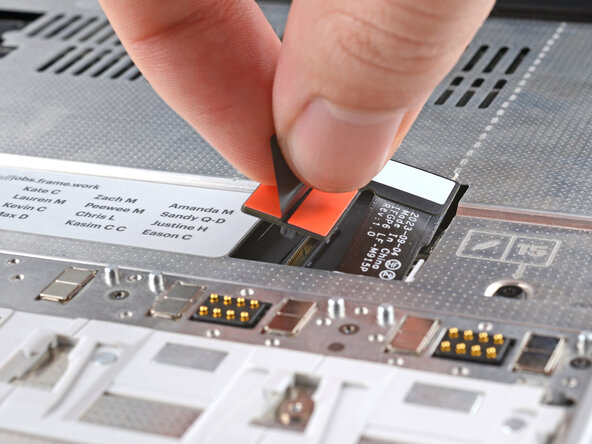
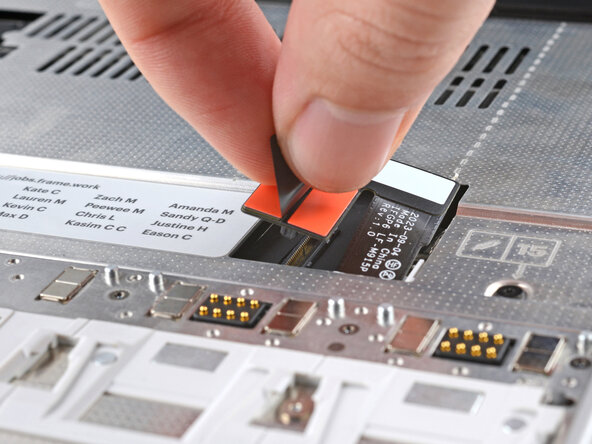
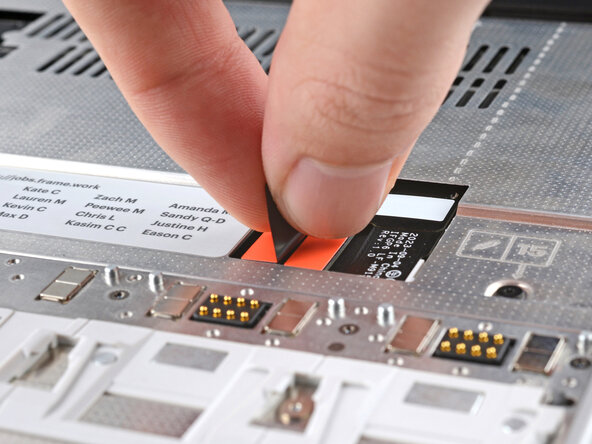
Grip the black pull tab on the Mid Plate cable press connector.
-
Lift up to disconnect the Mid Plate cable.
-
-
-
-
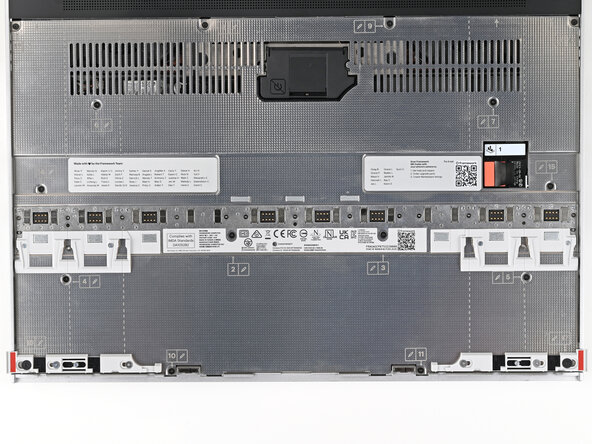
Use your Framework Screwdriver to loosen the 16 captive T5 Torx screws securing the Mid Plate.
-
-
-
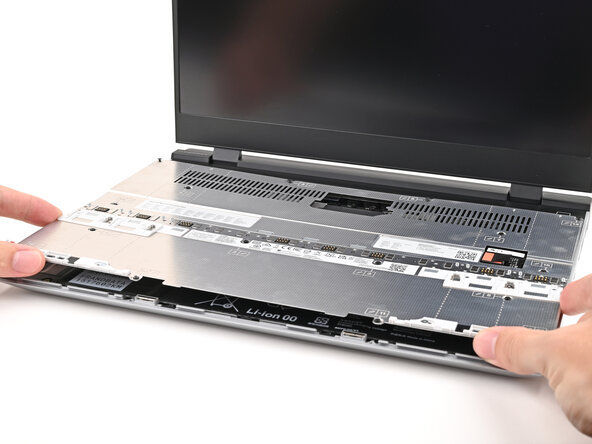
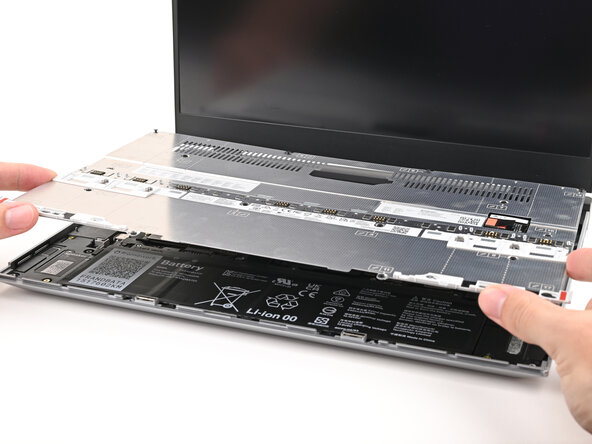
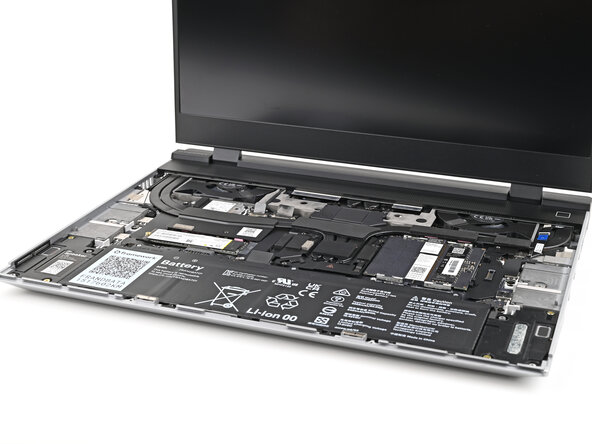
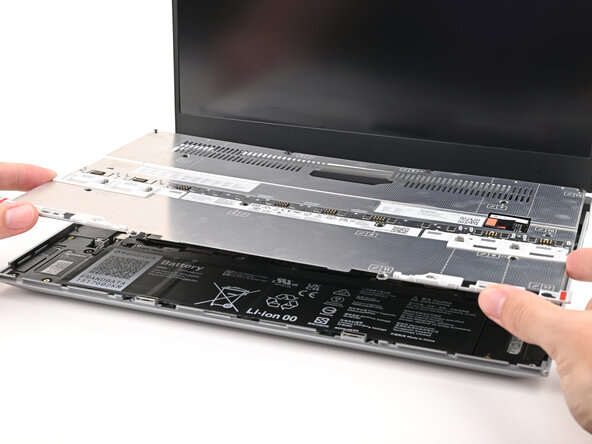
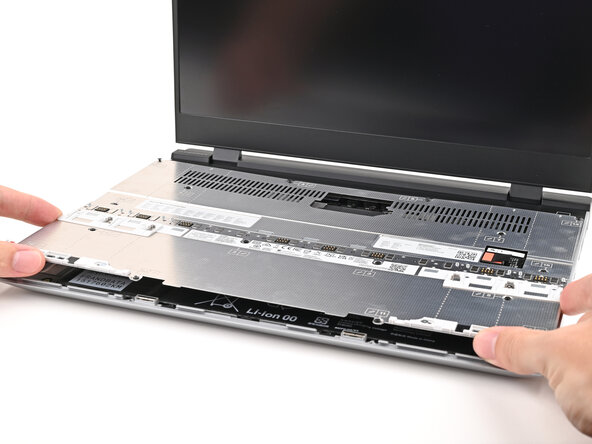
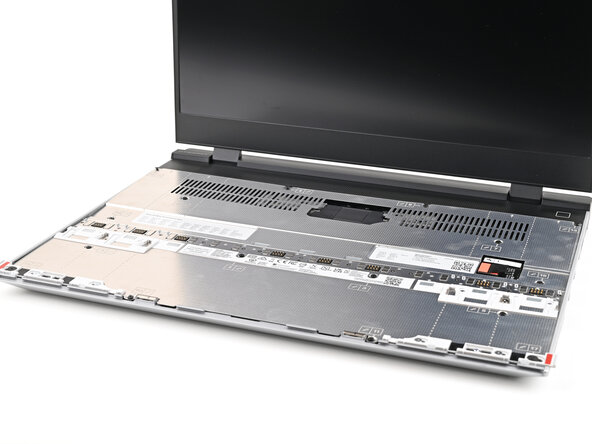
Use your fingers to lift the Mid Plate off the laptop and remove it.
-
-
-
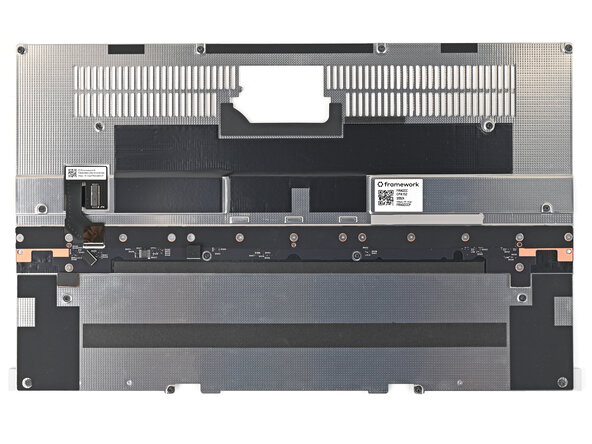
Use your Framework Screwdriver to remove the fifteen 1.4 mm‑long Phillips screws securing the Input Module Connector Board.
-
-
-
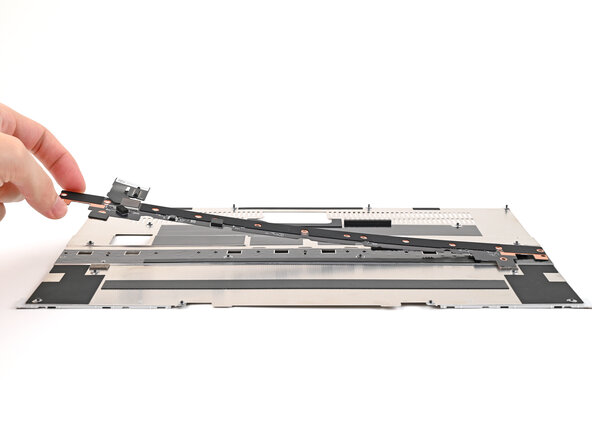
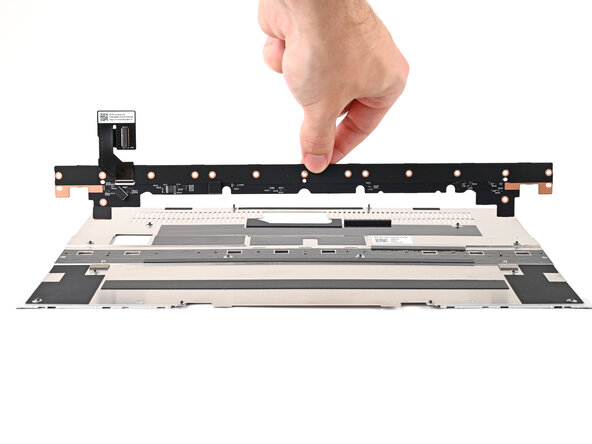
Lift the Input Module Connector Board off the Mid Plate and remove it.
-
-
-
Congratulations on completing disassembly! The remaining steps will show how to reassemble your Framework Laptop.
-
-
-
Place the Input Module Connector Board on the Mid Plate, making sure the connector is aligned with the hole in the Mid Plate.
-
-
-
Use your Framework Screwdriver to install the fifteen 1.4 mm‑long screws securing the Input Module Connector Board.
-
-
-
Place the Mid Plate on the laptop, making sure it sits evenly on its alignment pegs.
-
-
-
Use your Framework Screwdriver to tighten the 16 captive T5 Torx screws in order (starting with 2) to secure the Mid Plate evenly.
-
-
-
Align the Mid Plate cable press connector over its socket and press down to connect it.
-
-
-
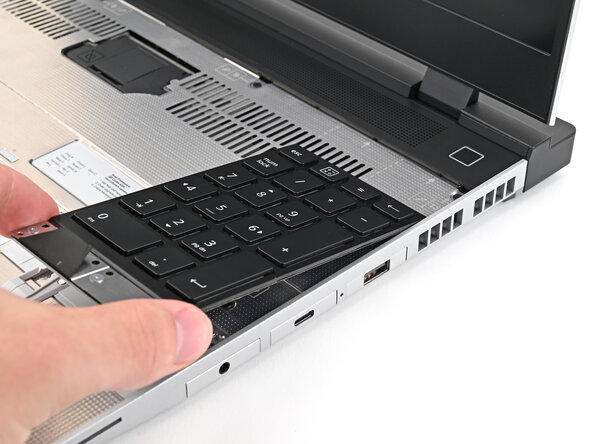
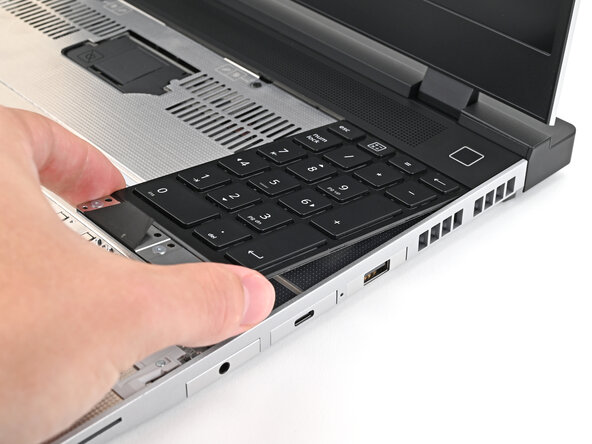
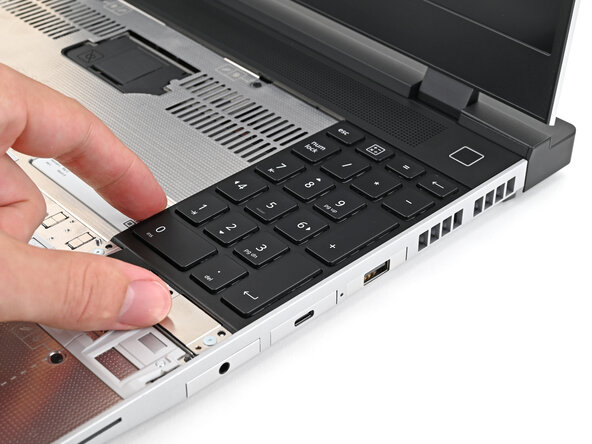
Align the top edge of the Input Module with the top edge of the laptop.
-
Lay the Input Module on the laptop and let the magnets pull the keyboard into place
-
Repeat for any remaining Input Modules.
-
-
-
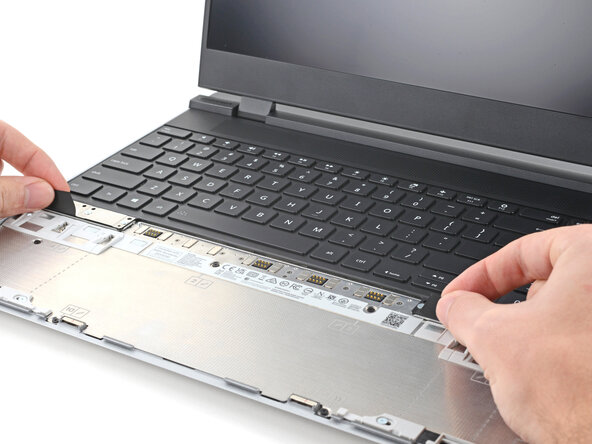
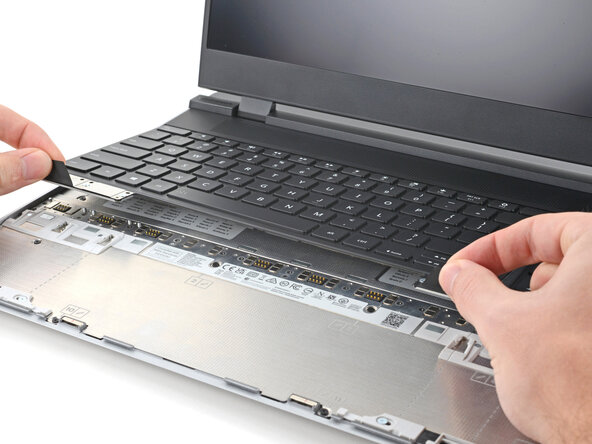
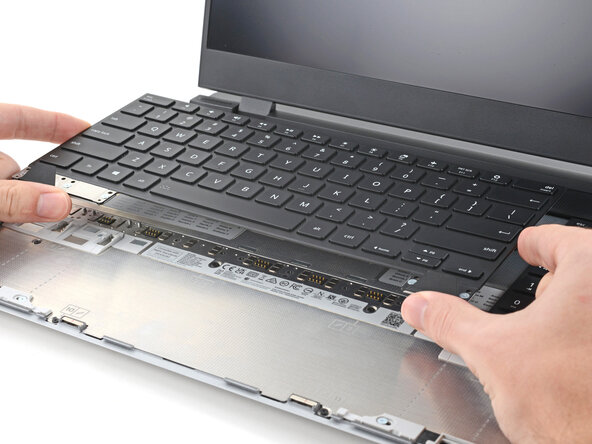
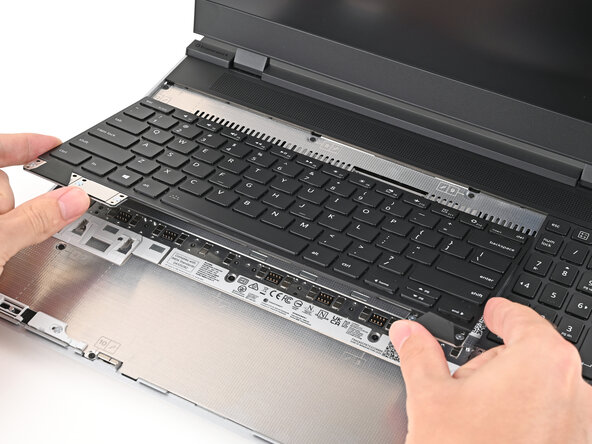
Align the top edge of the keyboard with the top edge of the laptop.
-
Lay the keyboard on the laptop and let the magnets pull the keyboard into place
-
-
-
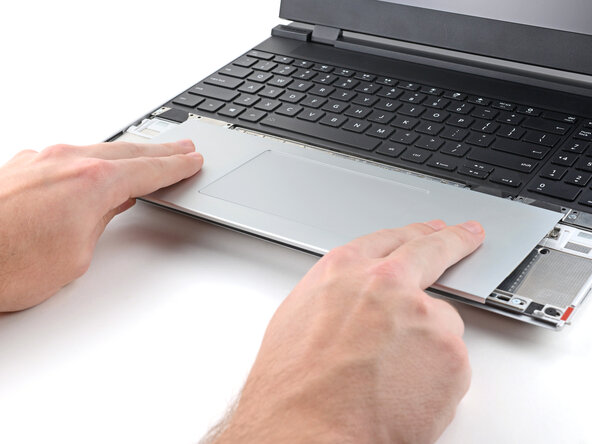
Place the Touchpad Module flat on its cutout so its clips are properly aligned.
-
Press the Touchpad Module down and slide it into place so it lines up evenly with the bottom edge of the laptop.
-
-
-
Place the Touchpad Spacer over its spot on the laptop with the bottom edge overhanging slightly.
-
Slide the Touchpad Spacer towards the top of the laptop to secure it.
-
Repeat the same procedure for the other Touchpad Spacer.
-






















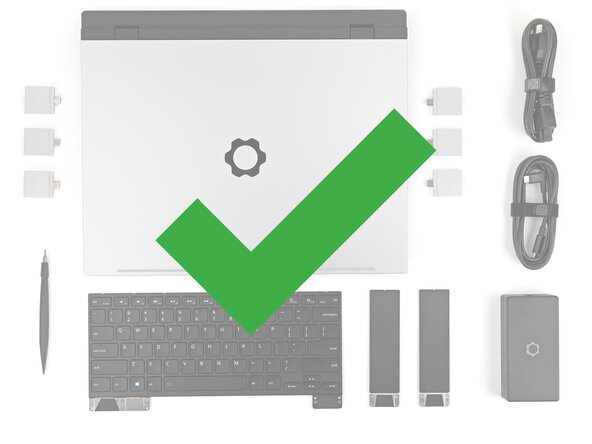






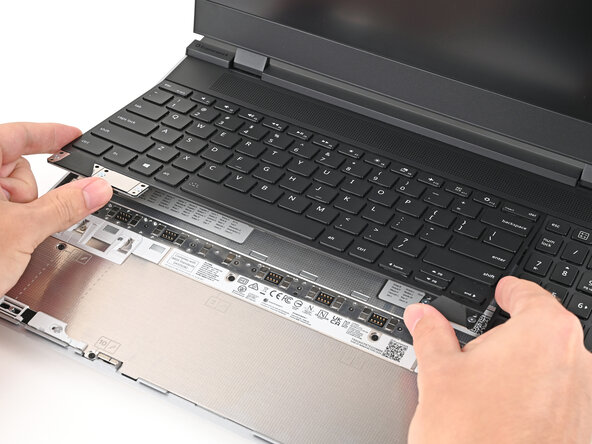
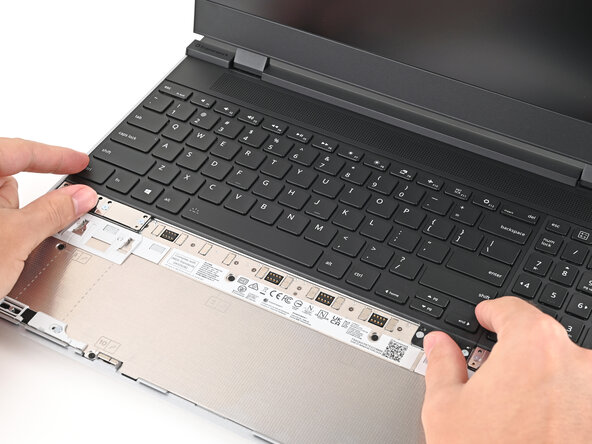


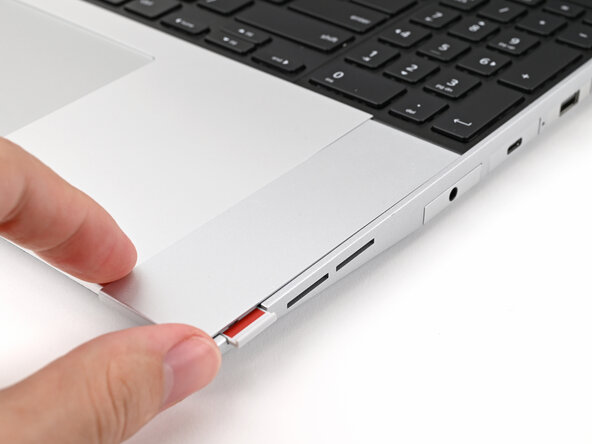
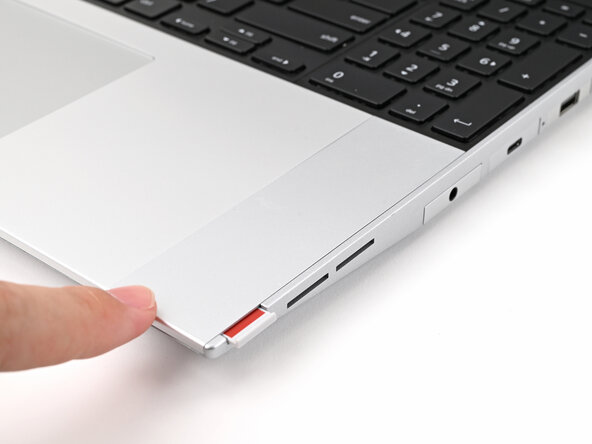


You finished fixing your Framework Laptop!
Take your e-waste to an R2 or e-Stewards certified recycler.
If you need help, contact Framework support.


