Einleitung
Use this guide to replace the Corner Brush Module on your iRobot Roomba S9+ (Model number: s955020). Be sure to be careful when you’re disconnecting wires. Only pull on solid plastic pieces and not wires. For more information, check out our troubleshooting page.
Was du brauchst
-
-
Place your Roomba upside down with the brush module facing you.
-
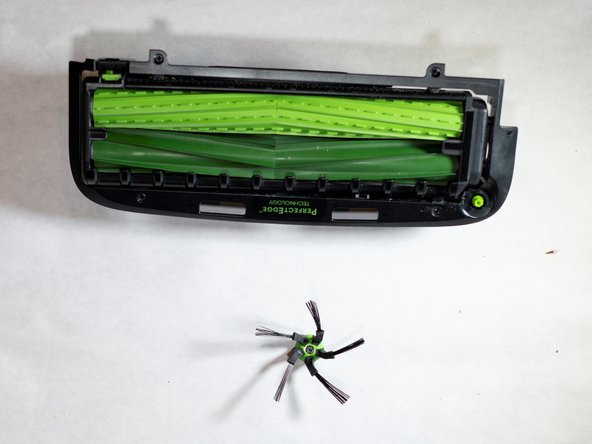
Push the grey tab by the top left corner of the brushes to release the retaining arm.
-
-
-
-
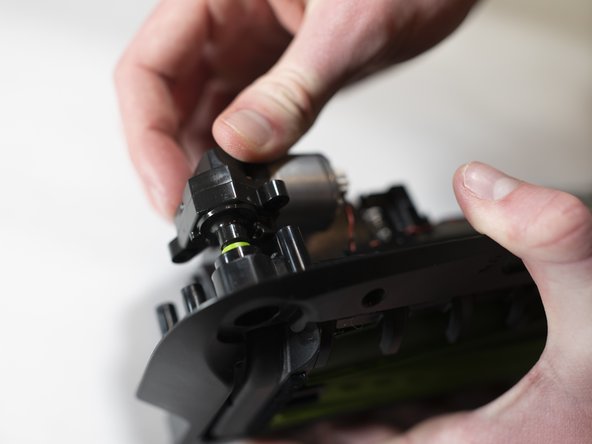
Flip over the brush module to access the corner brush motor.
-
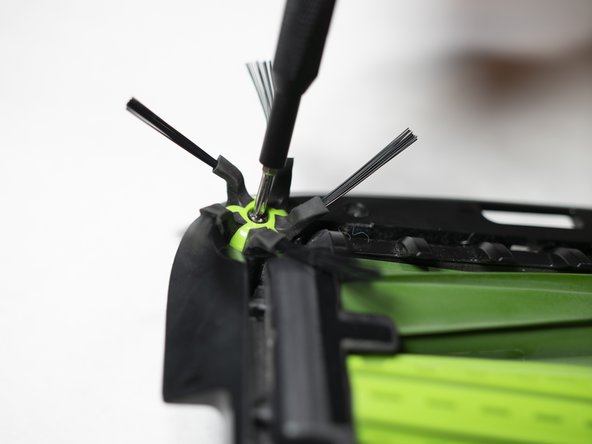
Unscrew the 15mm Phillips #0 screws holding the motor in place.
-
-
-
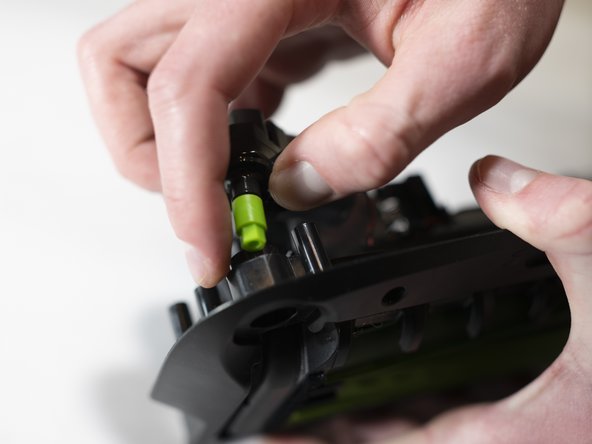
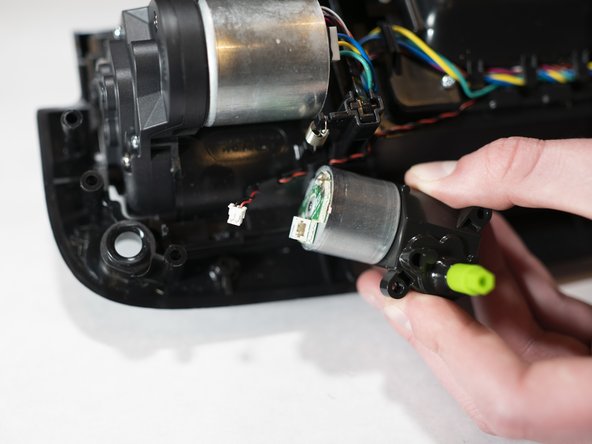
Disconnect the wire connecting the motor using tweezers to pull out the connector.
-






To reassemble your device, follow these instructions in reverse order.
To reassemble your device, follow these instructions in reverse order.
Rückgängig: Ich habe diese Anleitung nicht absolviert.
2 weitere Personen haben diese Anleitung absolviert.



Team

Cal Poly, Team S18-G3, White Winter 2020 Mitglied von Cal Poly, Team S18-G3, White Winter 2020
CPSU-WHITE-W20S18G3
4 Mitglieder
9 Anleitungen geschrieben
2 Kommentare
Wish there was a way to replace that plastic. Stripped on mine.
