Einleitung
Prerequisite for removing the back panel of a Nikon Coolpix S3500.
Was du brauchst
-
-
-
With the battery door facing upward, take your PH000 screwdriver and remove the 4 mm screws from the bottom of the device.
 Frag FixBot
-
-
-
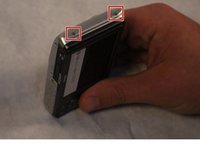
After removing the screws, rotate the device to where the micro USB port is facing up.
-
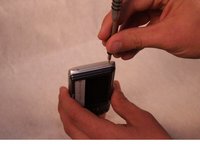
Now, take your PH000 screwdriver and remove the two 4 mm screws from the device.
-
-
-
-
Rotate the device 180 degrees so that the opposite side of the device is now facing upwards.
-
Now, take your PH000 screwdriver and remove the two 4 mm screws from the device.
-
-
-
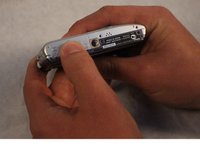
After all of the screws are removed, rotate the device so that the bottom of the device is now facing upward.
-
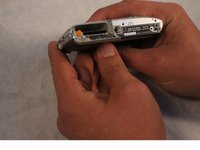
With your index finger, press down and slide open the memory card/battery door.
-
-
-
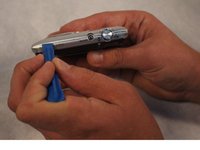
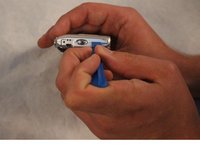
Now take the plastic opening tool, and place it in the seam of the device.
-
Now, work the tool around the seam of the device until you can safely pry open the device.
-
-
-
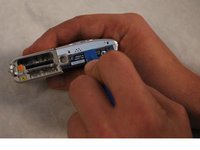
Using your free hand, finish prying off the back piece of the device.
-
-








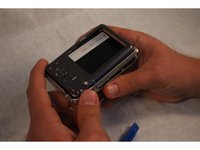
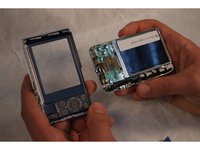
To reassemble your device, follow these instructions in reverse order.
Rückgängig: Ich habe diese Anleitung nicht absolviert.
2 weitere Personen haben diese Anleitung absolviert.

Team

Sam Houston State, Team 2-1, Blackburne Fall 2015 Mitglied von Sam Houston State, Team 2-1, Blackburne Fall 2015
SHSU-BLACKBURNE-F15S2G1
3 Mitglieder
36 Anleitungen geschrieben
