Einleitung
This guide gives directions on how to completely disassemble the Canon PowerShot G1 X Mark II into its major components.
Was du brauchst
-
-
-
Locate the battery housing cover on the bottom of your camera.
-
Place a finger on the textured portion of the battery housing cover.
-
Slide the cover in the direction that the arrow is pointing.
 Frag FixBot
-
-
-
-
-
Remove the two 4mm Hex screws that connect the grip to the camera with a Hex head screwdriver.
-
Remove the two Phillips screws to the left of the hex screws with a Phillips head screwdriver:
-
One 2mm screw
-
One 3mm screw
-
Remove the grip from the front of the camera by pulling it away from the lens and then away from the camera.
-
-
-
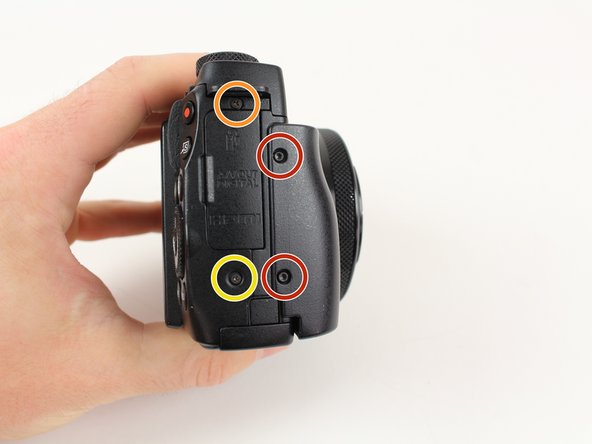
Remove the following three Philips screws from the flash release side of the camera with a Philips Head screwdriver:
-
One 2.5mm screw
-
One 4.5mm screw
-
One 1.75mm screw
-
-
-
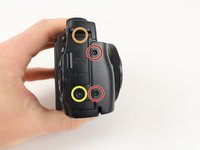
Remove the following three Philips screws from the bottom of the camera with a Philips Head screwdriver:
-
One 3.25mm screw
-
One 2.5mm screw
-
One 2.75mm screw
-
-
-
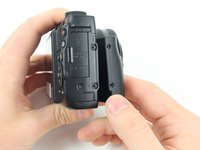
Remove the following four Phillips screws securing the back panel with a Philips Head screwdriver:
-
Two 3 mm screws
-
One 2mm screw
-
One 2.5 mm screw
-
-
-
Use a plastic spudger to gently release the locking tab holding the ribbon cable, closest to the edge of the camera, in place.
-
Repeat this process for the second ribbon cable to the right.
-
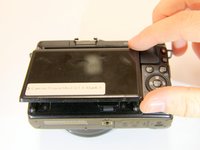
Carefully lift the back casing away from the camera.
-
-
-
-
Remove the five Phillips screws that are attached to the copper plate with a Philips Head screwdriver:
-
Two 3mm screws
-
Two 1.5mm screws
-
One 4mm screw
-
Lift the copper plate away from the camera.
-
-
-
Remove the following three Phillips screws securing the silver plate with a Philips Head screwdriver:
-
Two 2.9mm screws on the front of the camera
-
One 1.8mm screw on the bottom of the camera
-
Lift the silver plate away from the camera.
-
-
-
Use the plastic spudger to lift up both sides of the ribbon cable from its connector pins.
-
-
-
Use the flat end of the plastic spudger to rotate the black plastic locking tab towards the ribbon cable.
-
Insert the pointed end of the plastic spudger into a small hole on the side of the ribbon cable and pull the ribbon cable out of its housing.
-
Use the flat end of the plastic spudger to pry the ribbon cable connector from the motherboard.
-
-
-
Remove the following two Phillips screws from the flash cavity with a Philips Head screwdriver:
-
Remove the 2mm screw to the right of the flash.
-
Remove the 2.5mm screw to the left of the flash.
-
-
-
Remove the 2.5mm Phillips screw from the front plate with a Phillips head screwdriver.
-
Pull up on the top portion of the camera to separate the top casing from the camera body.
-
-
-
Remove the 3.5mm Phillips screw from the grey tab on the top of the camera with a Philips Head screwdriver.
-
Rotate the camera so the back panel is facing you.
-
Remove the 1.4mm Phillips screw from the sliver tab near the top of the camera with a Philips Head screwdriver.
-
-
-
Use the flat end of the plastic spudger to release the plastic retaining clip on the side plate closest to the lens.
-
Rotate the side plate closest to the lens toward the lens of the camera and then pull the plate away from the camera.
-
-
In diesem Schritt verwendetes Werkzeug:Tweezers$4.99
-
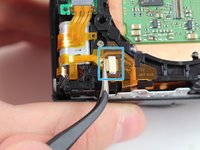
Release the plastic locking tab of the upper ribbon cable with the plastic spudger.
-
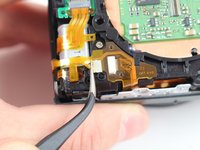
Pull the top ribbon cable from its mount with the fine tip metal tweezers.
-
Remove the bottom ribbon cable with the fine tip metal tweezers by pulling it toward the flash switch side of the camera.
-
-
-
Remove the rubber dust cover from the camera by moving the hooks away from the three prongs holding them in place and then pulling the cover away from the camera.
-
-
-
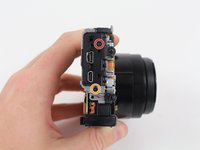
Remove the following two Phillips screws from the side of the camera with the three connector ports with a Phillips head screwdriver:
-
One 2.5mm screw
-
One 3.3mm screw
-
Pull the metal shield away from the camera.
-
-
-
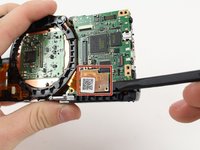
Use the plastic spudger to remove the ribbon cable from the motherboard by placing the spudger under the ribbon cable connector and pulling up.
-
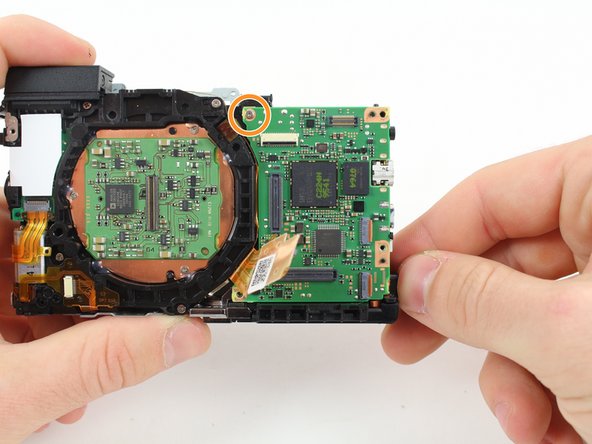
Remove the 2.8mm screw from the motherboard.
-
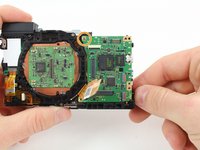
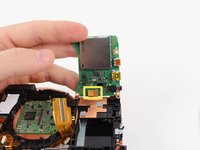
Carefully rotate the motherboard upward.
-
Use the plastic spudger to remove the ribbon cable from the bottom of the motherboard by placing the spudger under the ribbon cable connector and pulling up.
-
-
-
-
-
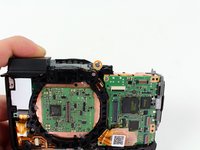
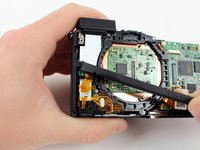
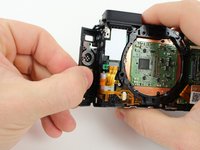
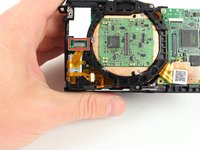
Remove the four 4.25mm Philips screws from the silver frame that surrounds the lens of the camera with a Philips Head screwdriver.
-
Remove the frame by lifting straight up.
-
-
-
-
-
You have disassembled the Canon PowerShot G1 X Mark II!
-
-





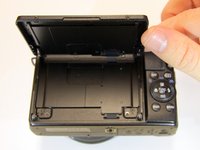


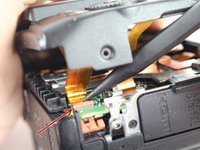
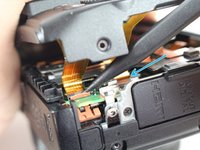


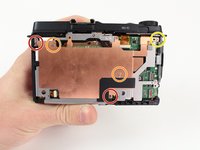
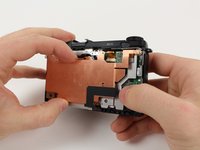


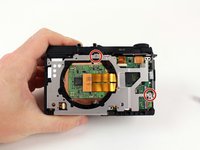
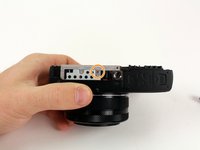
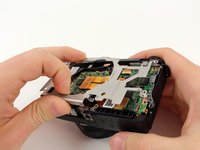


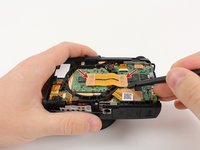
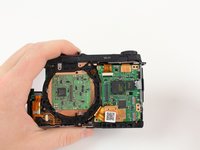


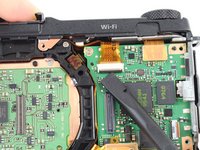
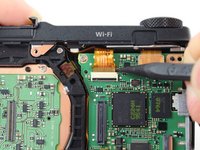
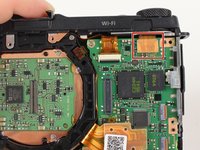


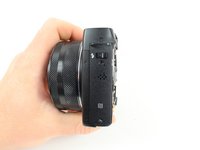
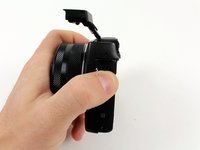


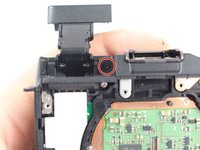
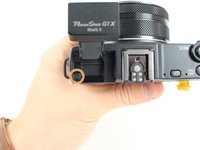


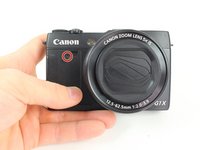
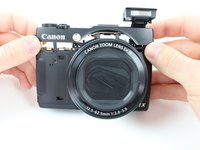


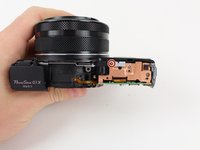






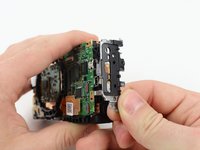




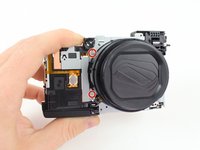
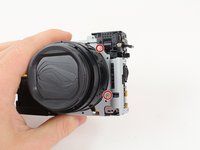
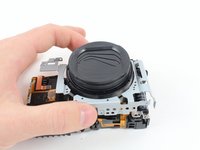


To reassemble your device, follow these instructions in reverse order.
Rückgängig: Ich habe diese Anleitung nicht absolviert.
7 weitere Personen haben diese Anleitung absolviert.

Team

Cal Poly, Team 70-2, Forte Winter 2016 Mitglied von Cal Poly, Team 70-2, Forte Winter 2016
CPSU-FORTE-W16S70G2
4 Mitglieder
4 Anleitungen geschrieben
5 Kommentare zur Anleitung
I have an LCD display problem and would like to disassemble it, the guide does not cover anything to do with the LDC assembly, otherwise a very good guide. I’ll attempt it anyway once I feel like a risk.
Fabuloso. La pantalla de mi camara canon gx1 cuando la invertias se apagaba. Lo que he hecho fue comprar un cable ribbon nuevo en aliexpress y substituirlo. Asunto arreglado por 7euros.
En este tutorial, falta como desmontar la pantalla. Para hacerlo debes retirar los tornillos de la pantalla con delicadeza, despegar el cable con delicadeza y montar la pantalla otra vez.
hola miguel angel, cual es ese cable? podrias enlazarlo, mi pantalla da fallos y debe ser ese ribbon. gracias!
Thanks for this great guide ! I need to disassemble and clean the external flash connector in the top portion of the camera because of some dirt and even corrosion - I found no way how to do this, I removed all screws but I was not able to remove the metallic structure. Any idea to take this apart ? thanks in advance...
