Zum Hauptinhalt wechseln
Gemeinsam reparieren - Jetzt registrieren

HTC One Mini LCD Display Replacement

Was du brauchst

  1. HTC One Mini LCD Display Replacement, iOpener Heating: Schritt 1, Bild 1 von 1
    • Use the iOpener to melt the glue off of the top and bottom speaker grills.

    Frag FixBot

    Kommentar hinzufügen

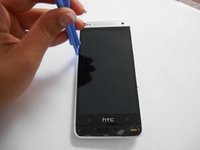
  2. HTC One Mini LCD Display Replacement, Remove Speaker Grills: Schritt 2, Bild 1 von 1
    • Use the blue plastic opening tool to pry and remove the bottom speaker grill.

    Frag FixBot

    Kommentar hinzufügen

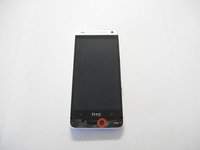
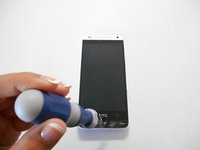
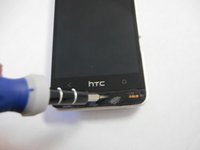
  3. HTC One Mini LCD Display Replacement, Remove Screw: Schritt 3, Bild 1 von 3 HTC One Mini LCD Display Replacement, Remove Screw: Schritt 3, Bild 2 von 3 HTC One Mini LCD Display Replacement, Remove Screw: Schritt 3, Bild 3 von 3
    • Remove the screw under speaker grill using a T6 Torx screwdriver.

    Frag FixBot

    Kommentar hinzufügen

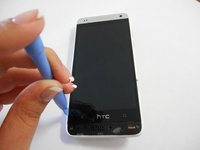
  4. HTC One Mini LCD Display Replacement: Schritt 4, Bild 1 von 3 HTC One Mini LCD Display Replacement: Schritt 4, Bild 2 von 3 HTC One Mini LCD Display Replacement: Schritt 4, Bild 3 von 3
    • Wedge the plastic opening tool between the screen and the edge of the case.

    • Use force to pry and separate the rear panel.

    Frag FixBot

    Kommentar hinzufügen

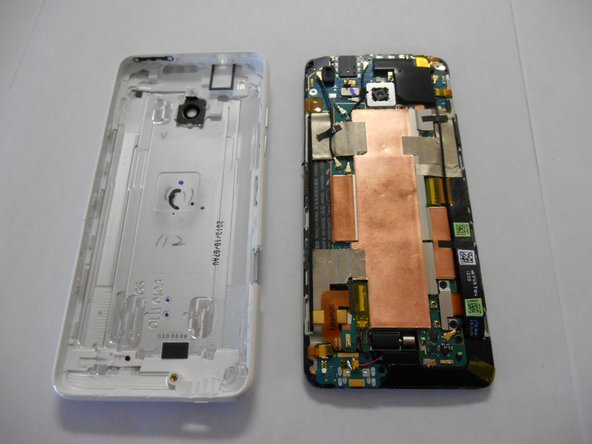
  5. HTC One Mini LCD Display Replacement, Separate Rear Case: Schritt 5, Bild 1 von 2 HTC One Mini LCD Display Replacement, Separate Rear Case: Schritt 5, Bild 2 von 2
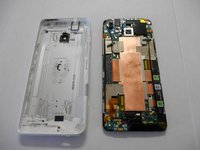
    • Separate the rear panel from the phone.

    Frag FixBot

    Kommentar hinzufügen

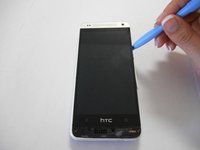
  6. HTC One Mini LCD Display Replacement: Schritt 6, Bild 1 von 2 HTC One Mini LCD Display Replacement: Schritt 6, Bild 2 von 2
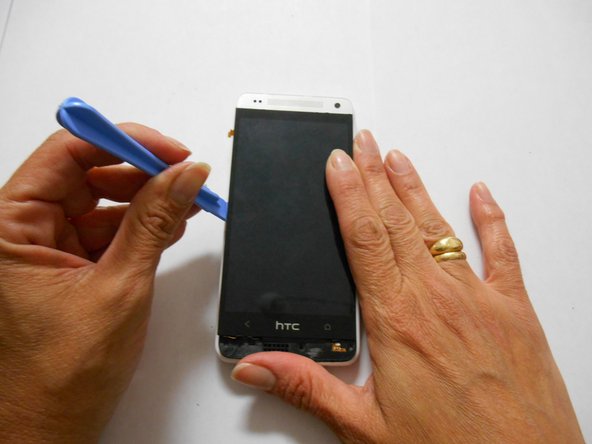
    • Using the plastic opening tool, pry on the screen to separate it from the adhesive holding it.

    Frag FixBot

    Kommentar hinzufügen

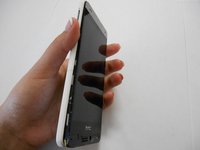
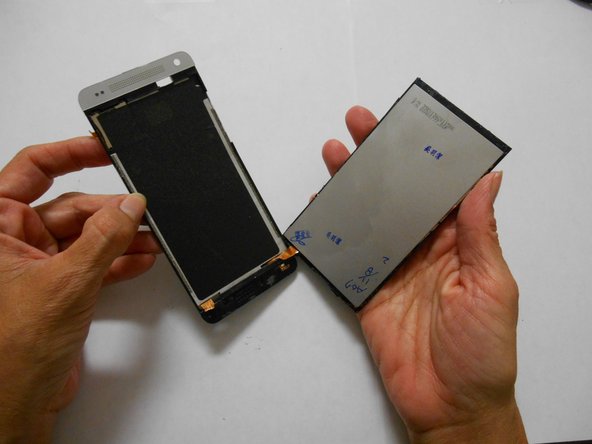
  7. HTC One Mini LCD Display Replacement, Separate LCD Screen: Schritt 7, Bild 1 von 2 HTC One Mini LCD Display Replacement, Separate LCD Screen: Schritt 7, Bild 2 von 2
    • After you have used the opening tool to pry, use some force to separate the LCD screen from the glue.

    Frag FixBot

    Kommentar hinzufügen

Abschluss

To reassemble your device, follow these instructions in reverse order.

Rückgängig: Ich habe diese Anleitung nicht absolviert.

12 weitere Personen haben diese Anleitung absolviert.

Team

USF Tampa, Team 3-4, Brown Fall 2014 Mitglied von USF Tampa, Team 3-4, Brown Fall 2014

USFT-BROWN-F14S3G4

3 Mitglieder

15 Anleitungen geschrieben

2 Kommentare zur Anleitung

I have bought a new lcd digitizer for an htc m8 mini 2….I've assemble it and when i have turned the power on all i got was a light coming on… no displays on the screen…what could be the issue??

Ramon Alex Headley - Antwort Teilen

Is it easier to fix if only the screen glass is broken and not the LCD?

myshepherd - Antwort Teilen

Kommentar hinzufügen

Seitenaufrufe:

Letzte 24 Stunden: 1

Letzte 7 Tage: 4

Letzte 30 Tage: 30

Insgesamt: 49,034