Einleitung
Use this guide to replace the Projection Lamp on the Optoma HD72. A projection lamp is a very powerful bulb used to project images or a video. The projection lamp will need to be replaced if you are experiencing any of the following symptoms.
- Projection Lamp’s light is becoming dim
- The Lamp has burnt out completely
- A connection has become loose
A warning when replacing the bulb is to be wary of any electrostatic charge. Be sure to wear proper PPE i.e. rubber gloves, as well as ensure the device has been turned off for at least 5-10 minutes before disassembling.
Was du brauchst
-
-
-
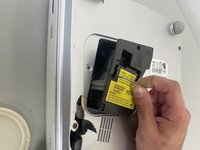
Use a Phillips screwdriver to loosen the single captive 2 mm screw that secures the small lamp panel on the lower case.
-
Remove the panel.
 Frag FixBot
-
-
-
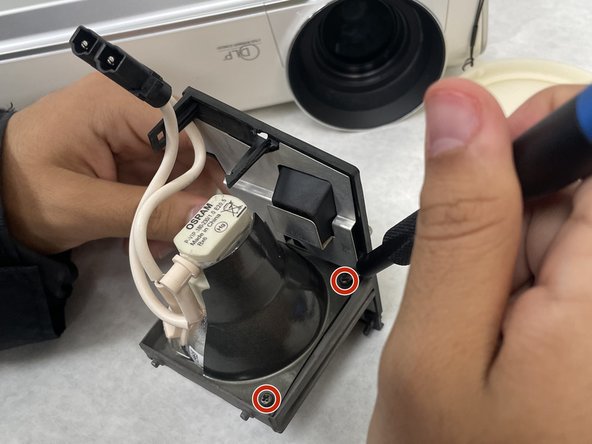
Use a Phillips screwdriver to loosen the two 2 mm screws on the bottom of the projection lamp housing.
-
-
-
-
Lift the panel off of the device using the metal handle.
-
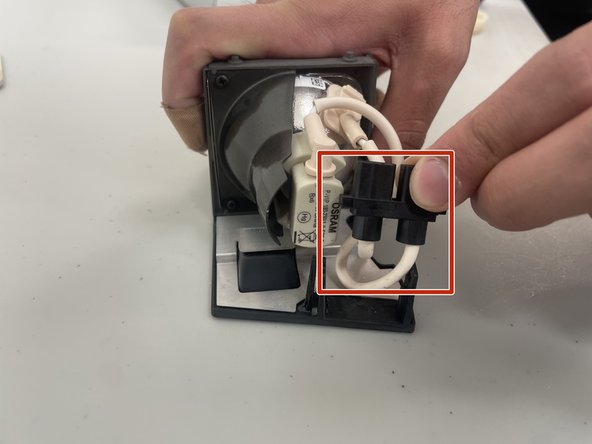
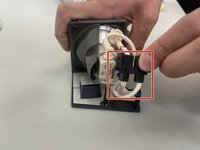
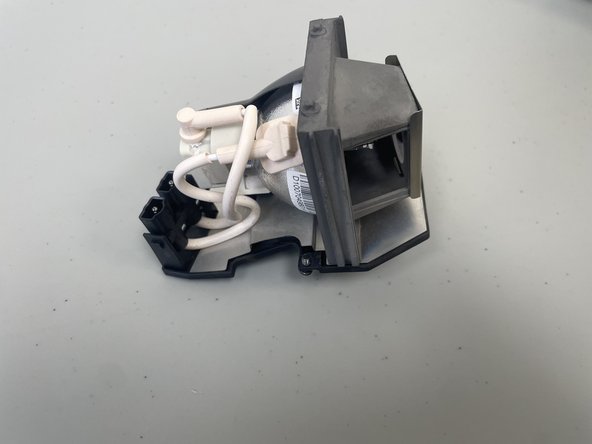
Disconnect the pink wires from the black plastic housing.
-
-
-
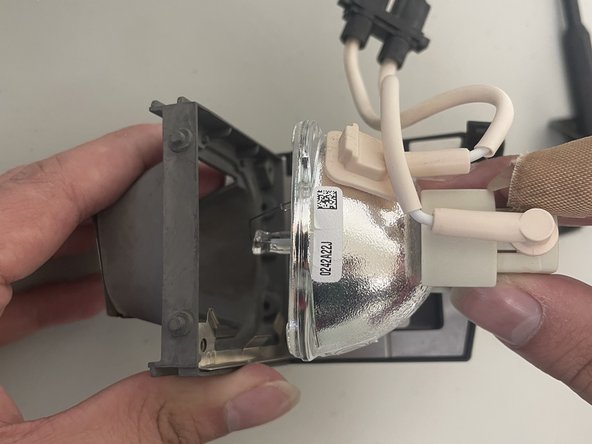
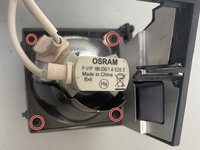
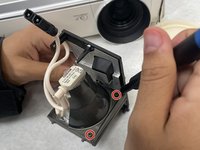
Use a Phillips #2 screwdriver to remove the four 2 mm screws that secure the lamp to its housing.
-
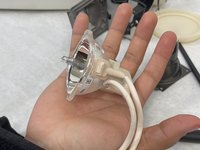
Remove the projection lamp casing by gently lifting the bulb from its housing.
-
-




To reassemble your device, follow these instructions in reverse order.

Team

University of North Texas, Team 2-5, Kilpatrick Spring 2024 Mitglied von University of North Texas, Team 2-5, Kilpatrick Spring 2024
UNT-KILPATRICK-S24S2G5
3 Mitglieder
10 Anleitungen geschrieben
