Zum Hauptinhalt wechseln
Gemeinsam reparieren - Jetzt registrieren

PDP Rematch Advanced Action Buttons Replacement

Was du brauchst

  1. PDP Rematch Advanced Action Buttons Replacement, Action Buttons: Schritt 1, Bild 1 von 3 PDP Rematch Advanced Action Buttons Replacement, Action Buttons: Schritt 1, Bild 2 von 3 PDP Rematch Advanced Action Buttons Replacement, Action Buttons: Schritt 1, Bild 3 von 3
    • Orient the controller so the back side is facing you.

    • Use a Phillips #000 screwdriver to remove the seven 9 mm screws that secure the back shell.

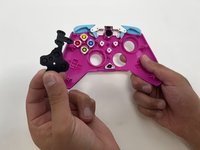
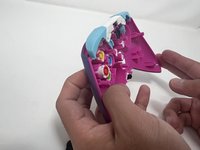
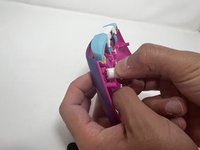
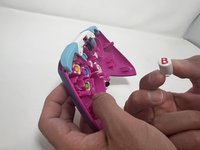
  2. PDP Rematch Advanced Action Buttons Replacement: Schritt 2, Bild 1 von 3 PDP Rematch Advanced Action Buttons Replacement: Schritt 2, Bild 2 von 3 PDP Rematch Advanced Action Buttons Replacement: Schritt 2, Bild 3 von 3
    • Pull apart the controller's front and back shells with moderate force.

    • Orient the controller so that the front shell is facing the floor to prevent the face buttons from falling out.

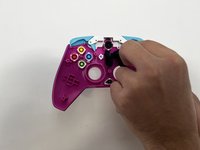
  3. PDP Rematch Advanced Action Buttons Replacement: Schritt 3, Bild 1 von 3 PDP Rematch Advanced Action Buttons Replacement: Schritt 3, Bild 2 von 3 PDP Rematch Advanced Action Buttons Replacement: Schritt 3, Bild 3 von 3
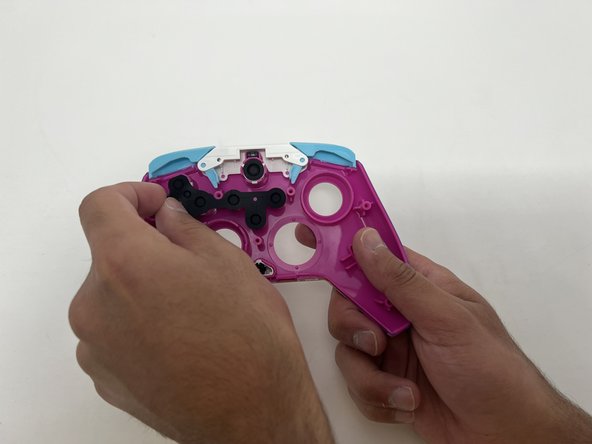
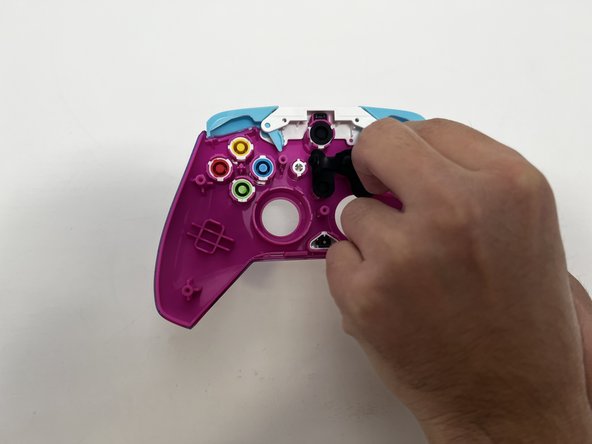
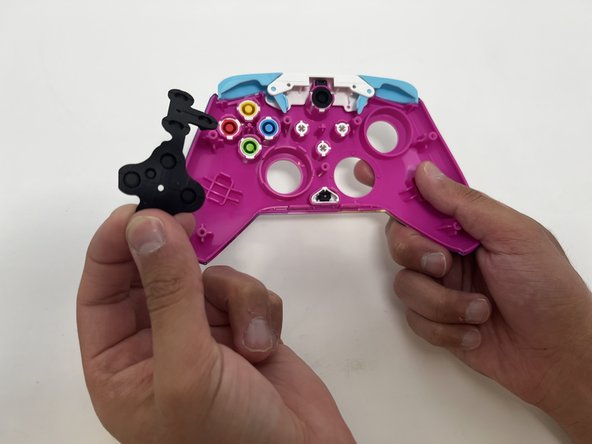
    • Peel the rubber gasket off the back of the action buttons.

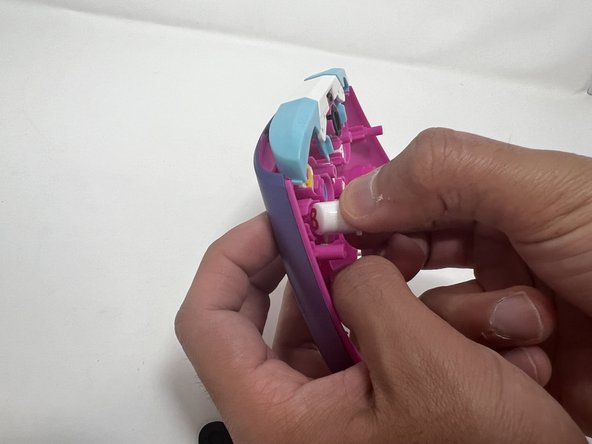
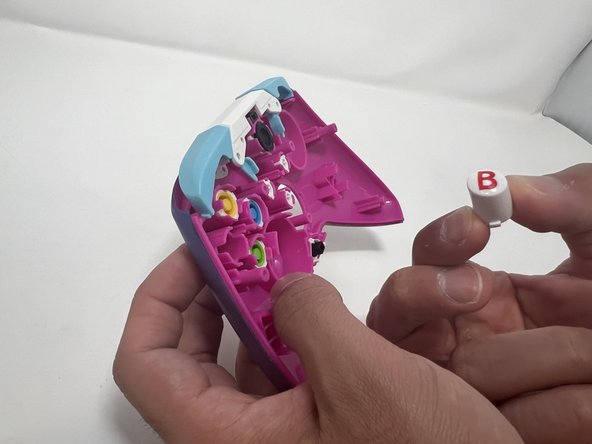
  4. PDP Rematch Advanced Action Buttons Replacement: Schritt 4, Bild 1 von 3 PDP Rematch Advanced Action Buttons Replacement: Schritt 4, Bild 2 von 3 PDP Rematch Advanced Action Buttons Replacement: Schritt 4, Bild 3 von 3
    • Push all the action buttons out from the front of the shell.

Abschluss

To reassemble your device, follow these instructions in reverse order.

Eine weitere Person hat diese Anleitung absolviert.

Team

Utah Tech University, Team 1-1, McMurrin Spring 2024 Mitglied von Utah Tech University, Team 1-1, McMurrin Spring 2024

UTAHTECH-MCMURRIN-S24S1G1

2 Mitglieder

7 Anleitungen geschrieben

0 Kommentare zur Anleitung

Kommentar hinzufügen

Seitenaufrufe:

Letzte 24 Stunden: 1

Letzte 7 Tage: 11

Letzte 30 Tage: 66

Insgesamt: 1,129