Einleitung
If the trigger in your Worm Drive Saw won’t respond when pressed or appears to be broken, use this guide to remove and replace your trigger switch and trigger. All you need are the standard Phillips 2 Screwdriver and Torque 20 Screwdriver, in order to remove the two types of screws involved with this replacement.
Was du brauchst
-
-
-
Place the Worm Drive Saw down and adjust the base plate, so that way the main housing assembly and handle set is easily accessible.
 Frag FixBot
-
-
-
Using the Torque 20 screwdriver, remove the twelve 3/10 cm screws holding the handle set together.
-
-
-
-
Place the Worm Drive Saw on its side to help remove the trigger.
-
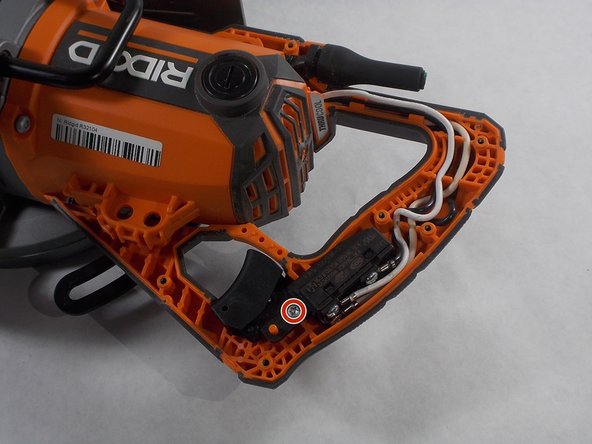
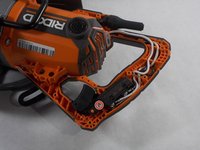
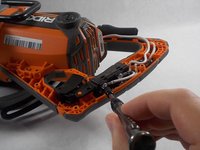
Use the Torque 20 screwdriver to remove the single 3/10 cm screw that attaches the trigger switch to the handle set.
-
-
-
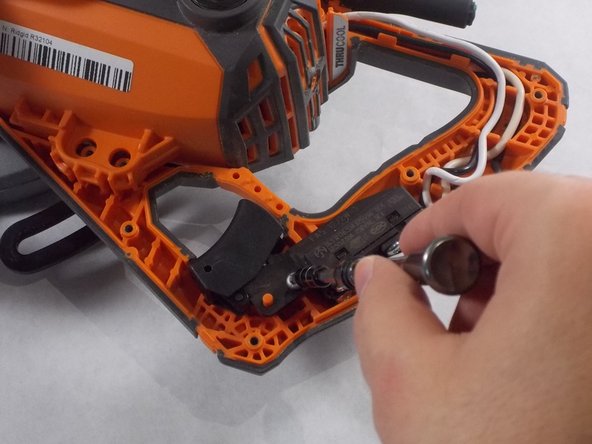
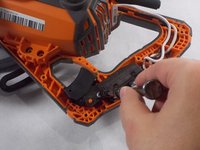
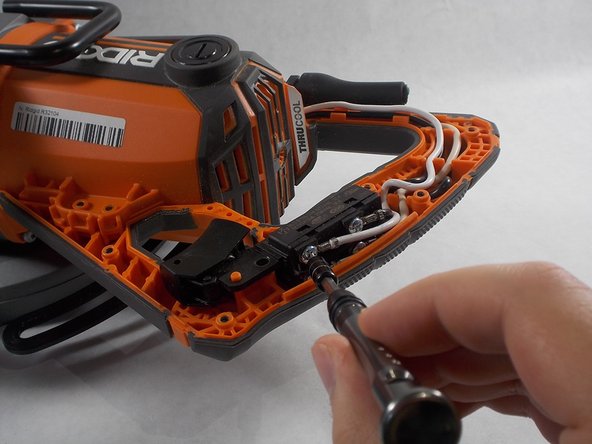
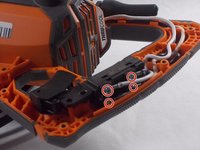
Use the Phillips 2 screwdriver to remove the four 3/10 cm screws holding the trigger and four wires, from the main housing assembly, in place.
-
-


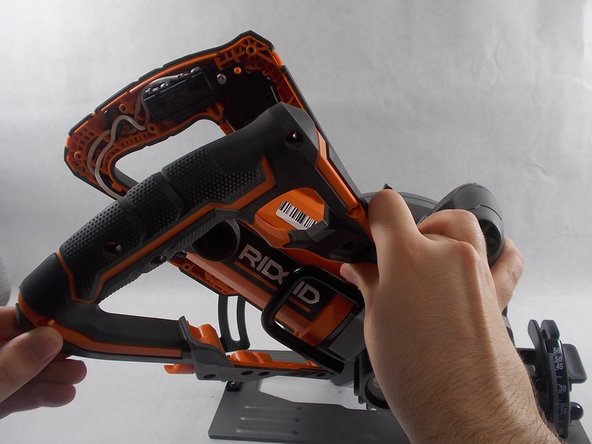
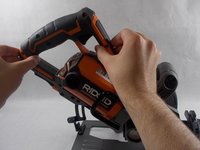
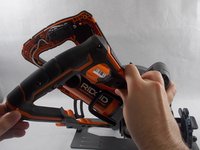



To reassemble your device, follow these instructions in reverse order.
Rückgängig: Ich habe diese Anleitung nicht absolviert.
2 weitere Personen haben diese Anleitung absolviert.

Team

UMass Dartmouth, Team S5-G1, Julie Spring 2019 Mitglied von UMass Dartmouth, Team S5-G1, Julie Spring 2019
UMASSD-JULIE-S19S5G1
4 Mitglieder
8 Anleitungen geschrieben
