Einleitung
Use this guide to remove the Wi-Fi module from your device.
Was du brauchst
-
-
-
On the back side of the unit, remove the three 8.1mm screws marked with a Phillips #1 screwdriver.
 Frag FixBot
-
-
-
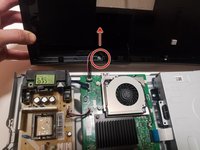
From the back, lift the case upwards away from the unit then forwards, releasing the prongs on the front.
-
-
-
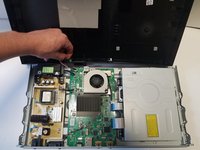
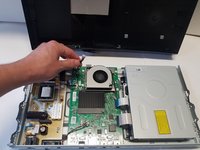
There is one group of wires located towards the front of the case and attached directly to the motherboard and the case. Using two fingers in a pinching motion, release the wire from the clip and disconnect it.
-
-
-
-
-
-
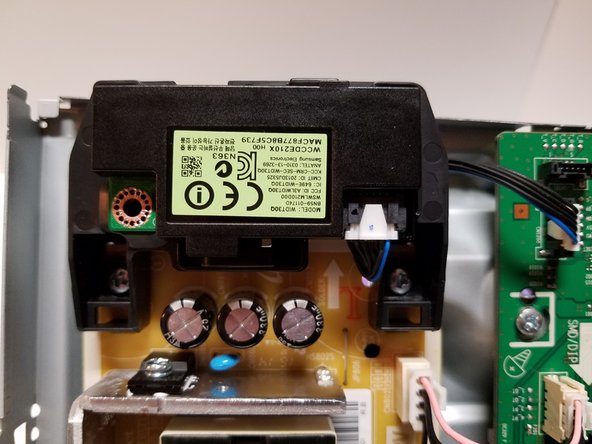
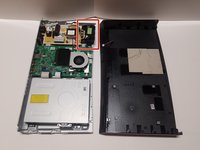
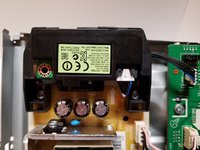
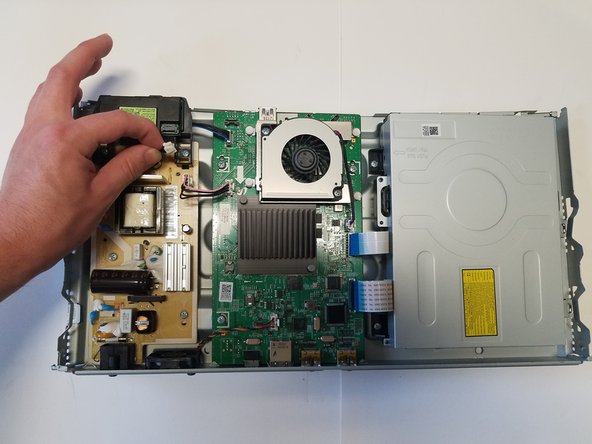
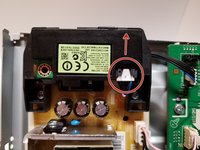
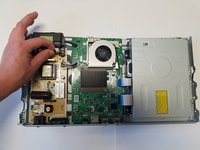
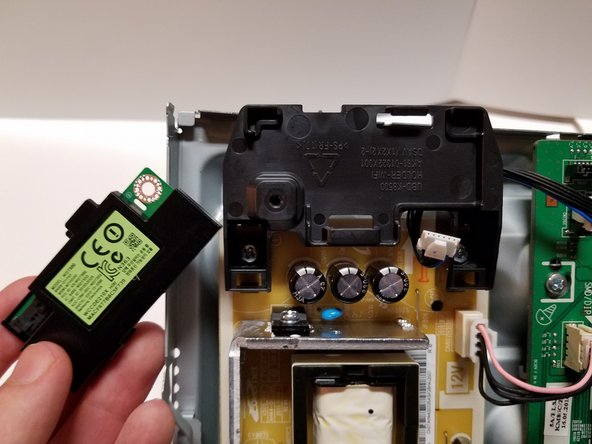
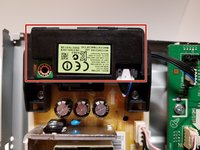
The wifi module is clipped into place in the corner of the device. There are no screws or adhesives holding it down.
-
-
-
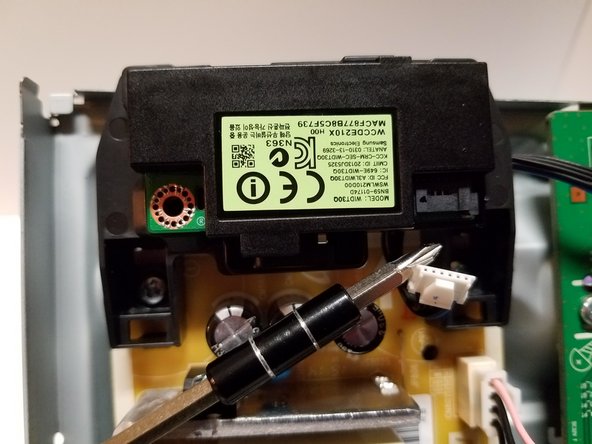
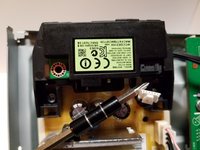
There is one wire plugged into the Wi-Fi module that has to be removed in order to allow the range of motion to remove the module. Simply pinch the white plastic end of the wire and pull it out.
-
-
-
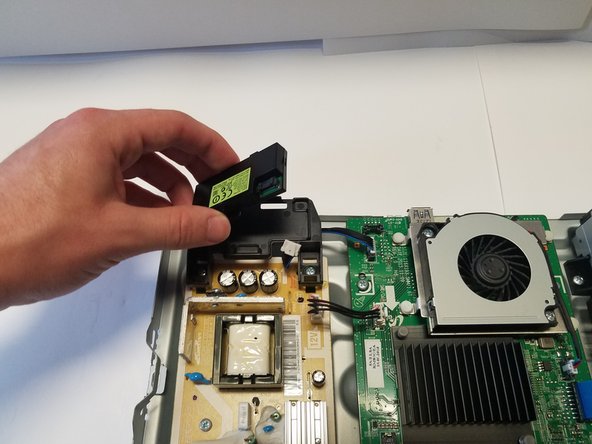
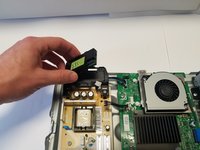
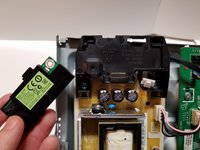
Pull on the module from the sides and be sure not to pull on the stand that is screwed into the frame. The Wi-Fi module can then be pulled out of the clips and off the stand.
-
-






To reassemble your device, follow these instructions in reverse order.
Rückgängig: Ich habe diese Anleitung nicht absolviert.
Eine weitere Person hat diese Anleitung absolviert.

Team

Baylor, Team S2-G1, Johnson Spring 2018 Mitglied von Baylor, Team S2-G1, Johnson Spring 2018
BU-JOHNSON-S18S2G1
3 Mitglieder
18 Anleitungen geschrieben
