Diese Übersetzung wurde maschinell erstellt und noch nicht von einer Person überprüft. Sprichst du diese Sprache? Schau es dir an.
Einleitung
Diese Anleitung zeigt dir, wie du die Front-Buttons deines Turtle Beach Recon ausbaust und ersetzt.
Die Front-Buttons sind für den Großteil der Eingaben deines Turtle Beach Recon verantwortlich. Zu den Front-Buttons gehören Funktionen wie Bewegung, Menü und der Power-Button.
Es ist oft notwendig, die Front-Buttons auszubauen und zu ersetzen, falls sie defekt, sichtbar beschädigt oder verschmutzt sind.
Was du brauchst
-
-
-
Entferne mit einem Kreuzschlitz Schraubendreher der Größe #00 sieben 10 mm Schrauben von der Rückplatte.
 Frag FixBot
-
-
-
Verwende ein Öffnungswerkzeug, um die Rückplatte von den Griffen deines Turtle Beach Recon zu lösen.
-
Entferne die Rückplatte mit den Fingern vom Gehäuse deines Turtle Beach Recon.
-
-
-
-
-
-
Entferne die vier 10 mm Schrauben vom Motherboard mit einem Kreuzschlitz Schraubendreher #00.
-
-
-
Greife das Motherboard mit den Fingern.
-
Ziehe das Motherboard und die Joystick-Kappen vorsichtig von der Frontabdeckung ab.
-
-
-
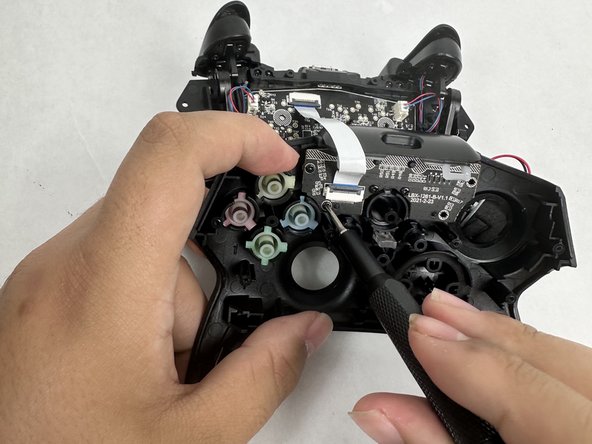
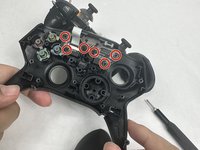
Entferne sechs 10 mm Kreuzschlitzschrauben vom Motherboard mit einem Kreuzschlitz-Schraubendreher.
-
-
-
-
-
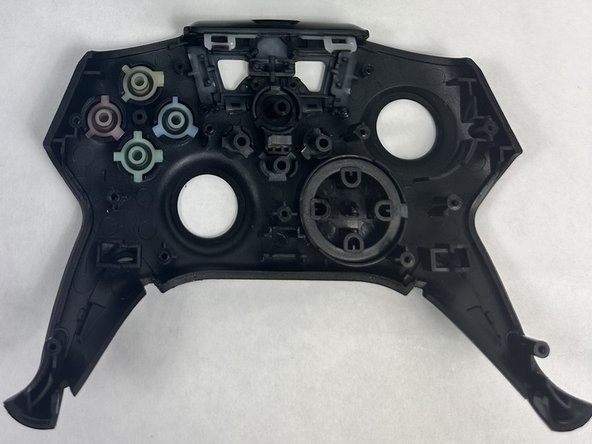
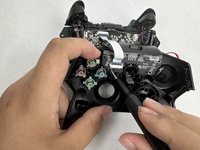
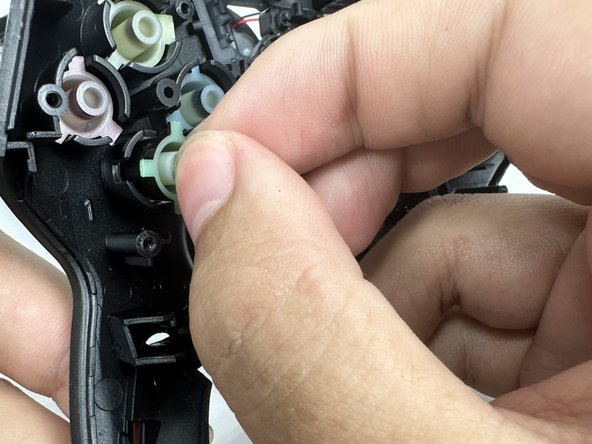
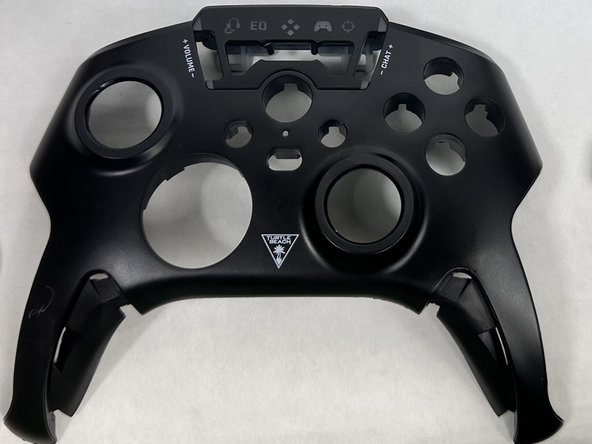
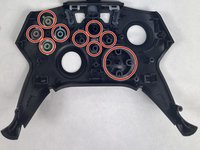
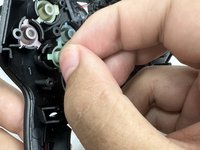
Entferne die vorderen Tasten vorsichtig von Hand aus der Frontblende.
-
-


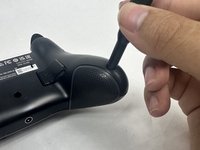


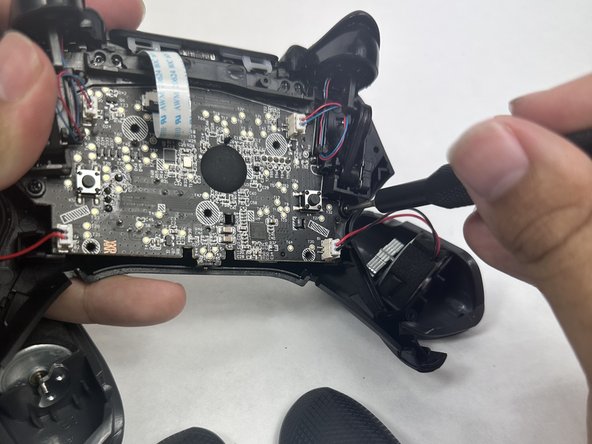
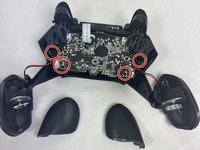
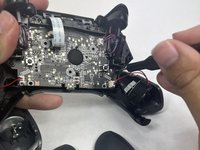

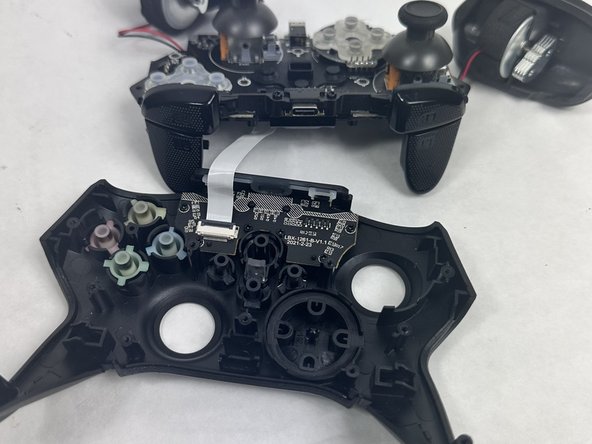

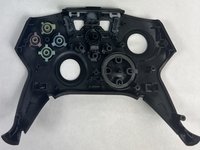

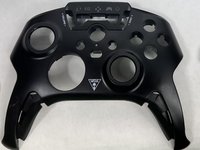
Um dein Gerät wieder zusammenzubauen, folge den Schritten dieser Anleitung in umgekehrter Reihenfolge.
Rückgängig: Ich habe diese Anleitung nicht absolviert.
2 weitere Personen haben diese Anleitung absolviert.
Besonderer Dank geht an diese Übersetzer:innen:
100%

Translation Bot hilft uns, die Welt in Ordnung zu bringen! Wie kann ich mithelfen?
Hier starten ›

Team

UMass Dartmouth, Team 6-1, Botvin Spring 2024 Mitglied von UMass Dartmouth, Team 6-1, Botvin Spring 2024
UMASSD-BOTVIN-S24S6G1
3 Mitglieder
55 Anleitungen geschrieben
