Einleitung
If the VTech VM3245 will not switch on, the battery may need to be replaced. The information below specifically states how to remove the battery and replace it with a new one. The only tools needed include a Phillips #00 screwdriver, Jimmy, and one opening pick. You will not have any difficult steps, but remove the front cover of the device attentively.
Was du brauchst
-
-
-
Turn the monitor on its back, and remove the two 8 mm Phillips #0 case screws.
 Frag FixBot
-
-
-
Use the iFixit Jimmy tool to begin removing the face of the monitor.
-
Once the screen has been separated, lift it from the case.
-
-
-
-
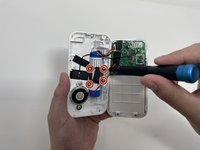
Remove the four 8 mm Phillips #00 screws from the bracket that secures the battery.
-
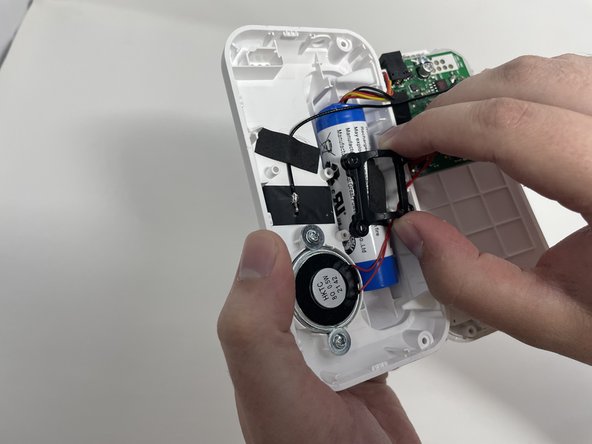
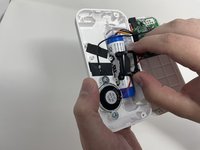
Remove the bracket.
-
-
-
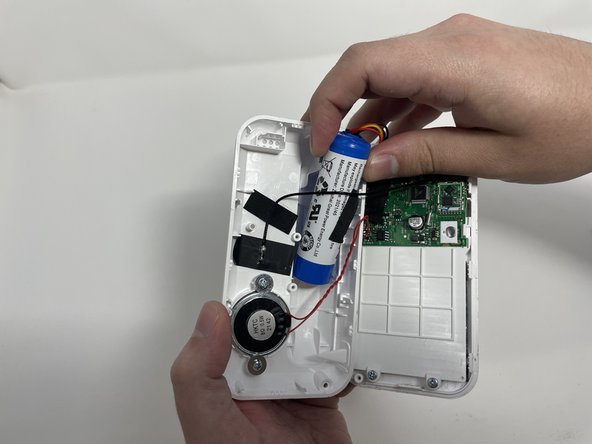
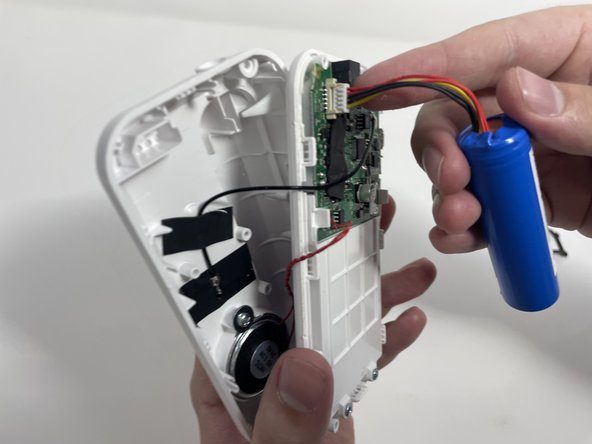
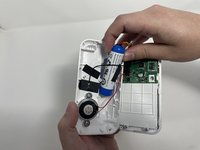
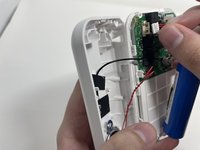
Gently remove the battery from its location.
-
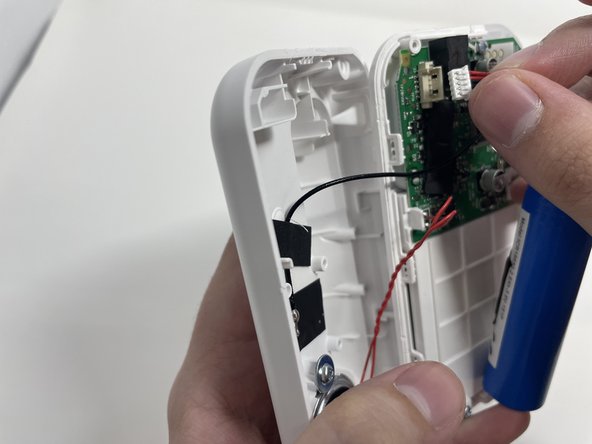
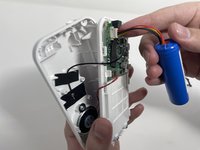
Carefully disconnect the bundled cable connector from the circuit board.
-
-


To reassemble your device, follow these instructions in reverse order.

Team

Utah Tech University, Team 1-2, McMurrin Spring 2023 Mitglied von Utah Tech University, Team 1-2, McMurrin Spring 2023
UTAHTECH-MCMURRIN-S23S1G2
4 Mitglieder
6 Anleitungen geschrieben
1 Kommentar zur Anleitung
What is the battery that needs to be replaced called?
