Diese Übersetzung wurde maschinell erstellt und noch nicht von einer Person überprüft. Sprichst du diese Sprache? Schau es dir an.
Einleitung
Wenn die Steuerknüppel deines Xbox Duke Controller keine Eingaben registrieren oder Eingaben registrieren, während du sie gar nicht berührst, verwende diese Anleitung, um sie zu ersetzen.
Bevor du diese Anleitung verwendest, prüfe, ob Schmutz oder Rückstände den Zwischenraum zwischen dem Controller und dem Steuerknüppel blockieren. Das Einsprühen einer kleinen Menge Kontaktreiniger in diesen Bereich und das Bewegen des Steuerknüppels kann das Problem möglicherweise beheben. Andernfalls liegt das Problem eventuell am Potentiometer im Inneren des Controllers.
Eine kleine Menge Kontaktreiniger direkt im Potentiometer könnte helfen, andernfalls müssen sie ersetzt werden. Folge dieser Anleitung bis Schritt 2, um den Duke Controller zu öffnen und die beiden Gehäusehälften voneinander zu trennen.
Was du brauchst
-
-
-
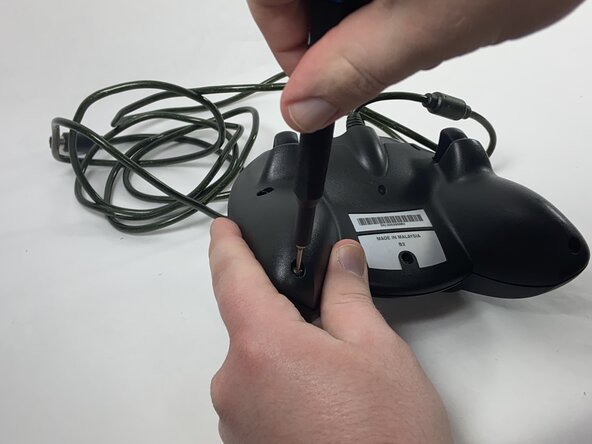
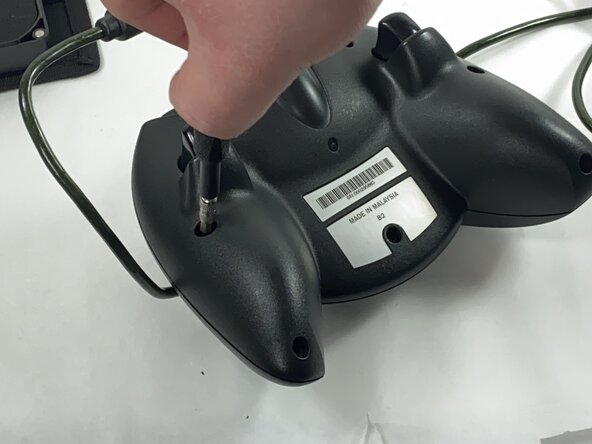
Entferne die sieben schwarzen 8 mm Schrauben, die die beiden Gehäusehälften des Duke zusammenhalten, mit einem Kreuzschlitz-Schraubendreher (PH1).
 Frag FixBot
-
-
-
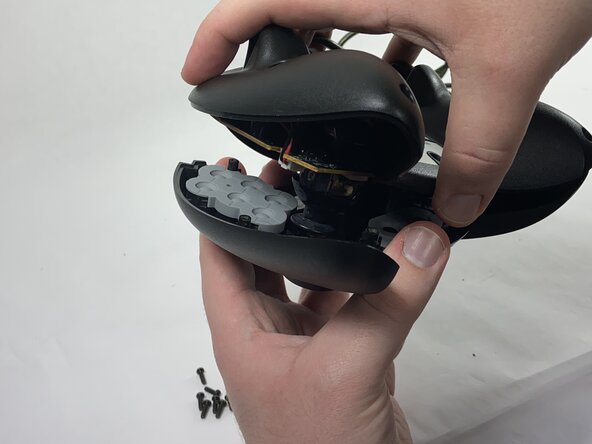
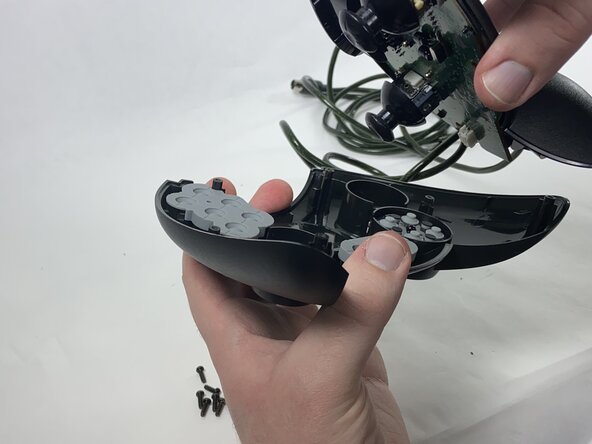
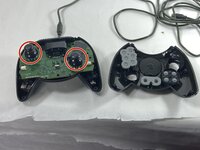
Nimm die beiden Hälften des Duke auseinander und lege die obere Platte mit der Vorderseite nach unten, damit die Tasten nicht herausfallen.
-
-
-
-
-
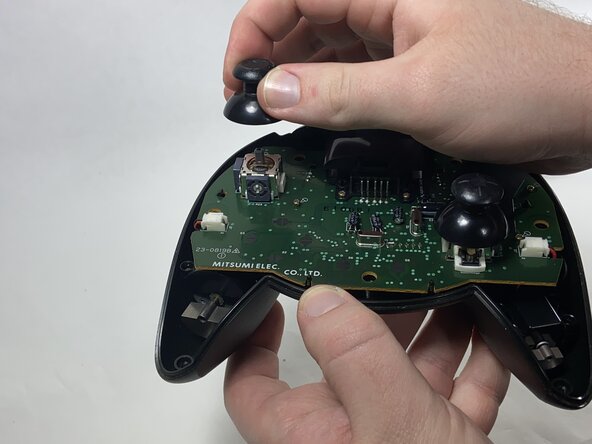
Nimm die Stick-Kappen von den Potentiometern ab.
-
-
-
-
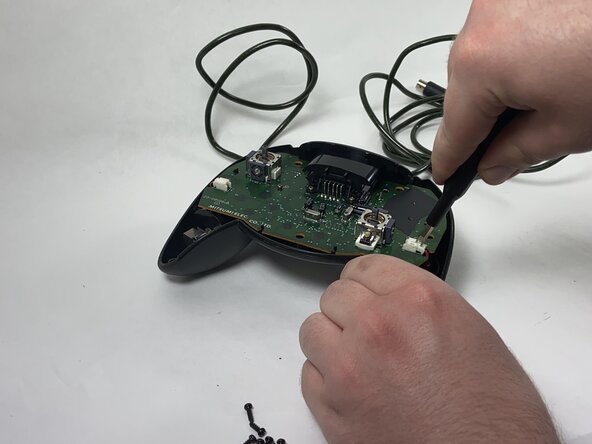
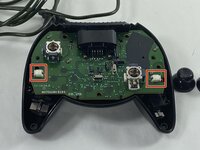
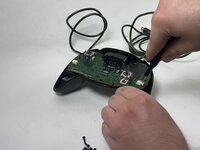
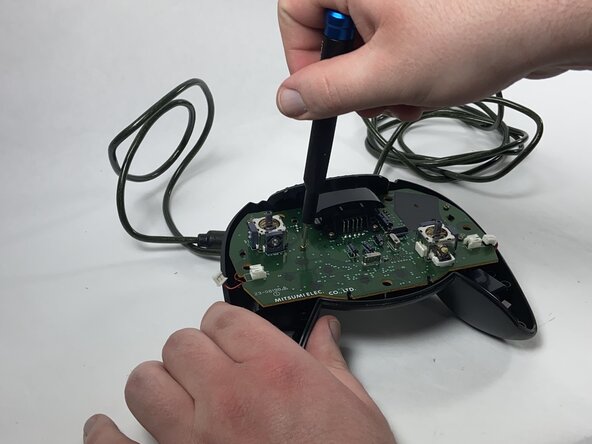
Trenne die Stecker, die die Rüttelmotoren mit dem Motherboard verbinden, mit einer Pinzette.
-
-
-
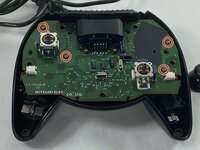
Entferne mit einem Kreuzschlitz-Schraubendreher die vier gelben 8-mm-Schrauben, die das Motherboard an der unteren Hälfte des Controllers befestigen.
-
-
-
Entlöte die Kontaktstifte, die die linke Triggereinheit halten.
-
Entferne die Triggereinheit, indem du auf die schwarzen Stecker drückst, mit denen sie am Motherboard befestigt ist.
-
-
-
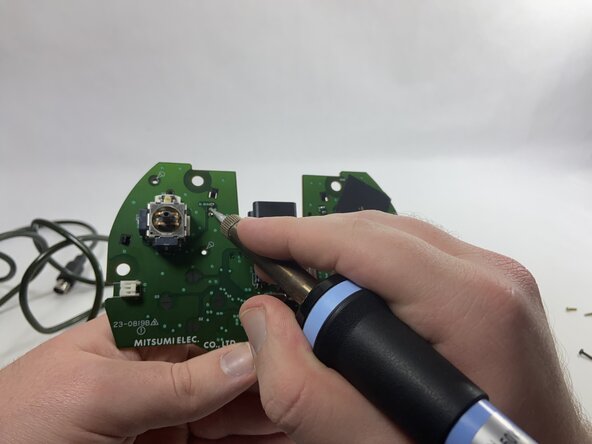
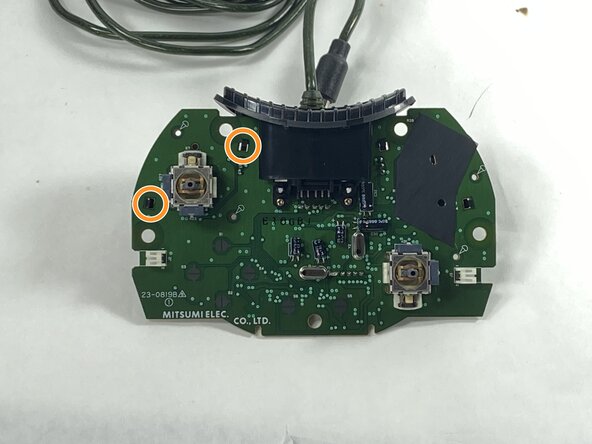
Entlöte alle Kontaktstifte, die das Potentiometer halten.
-
Ziehe die Potentiometer heraus und löte die neuen an ihrer Stelle ein.
-
-







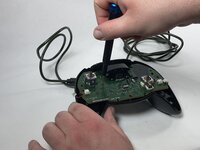

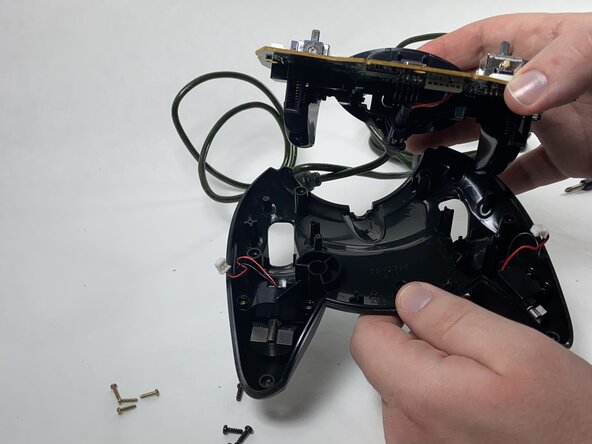
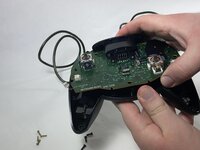
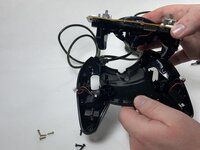

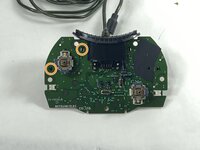

Um dein Gerät wieder zusammenzubauen, folge den Schritten dieser Anleitung in umgekehrter Reihenfolge.
Rückgängig: Ich habe diese Anleitung nicht absolviert.
Eine weitere Person hat diese Anleitung absolviert.

Team

UMass Dartmouth, Team 1-1, Gulbrandsen Spring 2025 Mitglied von UMass Dartmouth, Team 1-1, Gulbrandsen Spring 2025
UMASSD-GULBRANDSEN-S25S1G1
1 Mitglied
48 Anleitungen geschrieben
