Platzhalter-Seite (Stub)
This wiki page is a stub. Help us improve this page by adding information to it!
Von Studierenden verfasstes Wiki
Ein tolles Team von Studierenden aus unserem Bildungsprogramm hat dieses Wiki erstellt.
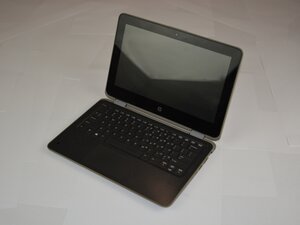
Wenn dein HP ProBook x360 11 G3 EE bei einfachen Aufgaben sehr heiß wird, findest du auf dieser Seite mögliche Lösungen.
Verschmutzte Lüftungsschlitze
Sieh dir die Rückseite des Laptops an und untersuche die Lüftungsschlitze. Wenn sie voller Staub sind, musst du sie reinigen. Schmutz und Ablagerungen können sich in den Schlitzen ansammeln und dazu führen, dass der Laptop überhitzt. Du kannst eine Dose Druckluft verwenden, um den Staub aus den Lüftungsschlitzen zu blasen, damit die Luft wieder durchströmen und den Laptop kühlen kann.
Defekter Lüfter
Wenn du den Lüfter während des Betriebs nicht hören kannst, ist er möglicherweise defekt. Entferne die untere Gehäuseabdeckung des Laptops und untersuche den Lüfter. Versuche, den Lüfter von Ablagerungen zu befreien, falls er verschmutzt ist. Starte den Laptop und prüfe, ob sich der Lüfter dreht. Wenn nicht, musst du den Lüfter austauschen.

Team

Texas Tech, Team 37-7, Allen Fall 2025 Mitglied von Texas Tech, Team 37-7, Allen Fall 2025
TTU-ALLEN-F25S37G7
5 Mitglieder
71 Anleitungen geschrieben

0 Kommentare