Zum Hauptinhalt wechseln
Gemeinsam reparieren - Jetzt registrieren

How to Open the Left Handle of the Backbone One

Was du brauchst

  1. How to Open the Left Handle of the Backbone One, Unfasten the screws: Schritt 1, Bild 1 von 1
    • Use a Phillips screwdriver to remove the four 5.9 mm-long screws.

    Frag FixBot

    Kommentar hinzufügen

  2. How to Open the Left Handle of the Backbone One, Rotate the upper cover: Schritt 2, Bild 1 von 3 How to Open the Left Handle of the Backbone One, Rotate the upper cover: Schritt 2, Bild 2 von 3 How to Open the Left Handle of the Backbone One, Rotate the upper cover: Schritt 2, Bild 3 von 3
    • Lift up the upper part of the controller.

    • Swing over the upper cover and place it on the controller case.

    • Take care that the interconnecting cable has no tension.

    Frag FixBot

    Kommentar hinzufügen

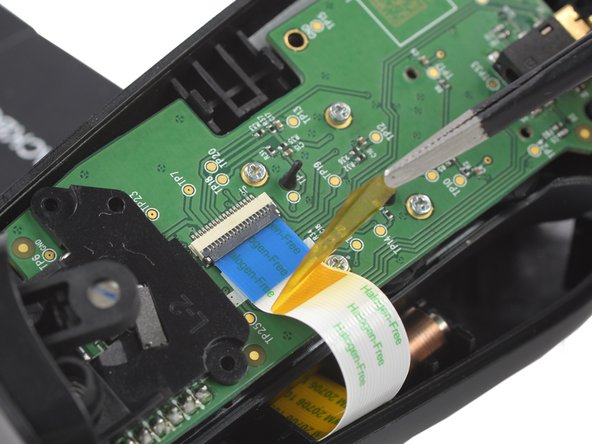
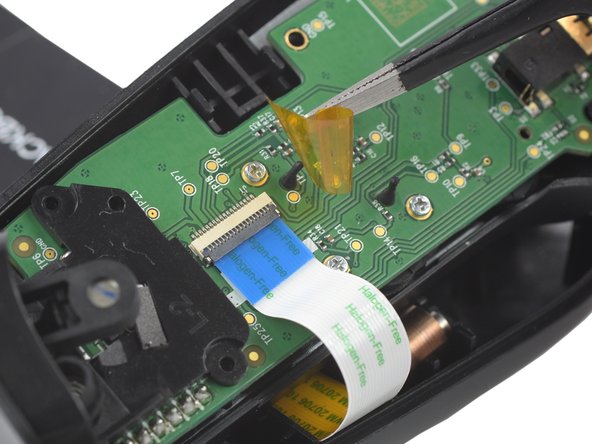
  3. How to Open the Left Handle of the Backbone One, Remove the protective tape: Schritt 3, Bild 1 von 3 How to Open the Left Handle of the Backbone One, Remove the protective tape: Schritt 3, Bild 2 von 3 How to Open the Left Handle of the Backbone One, Remove the protective tape: Schritt 3, Bild 3 von 3
    In diesem Schritt verwendetes Werkzeug:
    Tweezers
    $4.99
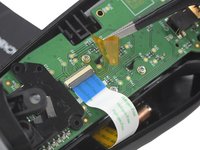
    • Use a pair of tweezers to remove the yellow protective tape which is placed over the interconnect cable connector.

    Frag FixBot

    Kommentar hinzufügen

  4. How to Open the Left Handle of the Backbone One, Open the ZIF connector: Schritt 4, Bild 1 von 2 How to Open the Left Handle of the Backbone One, Open the ZIF connector: Schritt 4, Bild 2 von 2
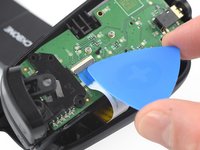
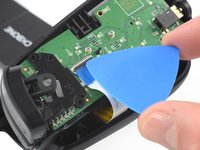
    • Use the tip of an opening pick to open the gray flap of the ZIF connector by pushing it upwards.

    Frag FixBot

    Kommentar hinzufügen

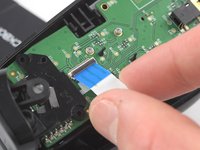
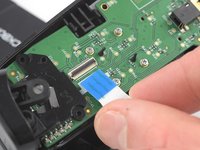
  5. How to Open the Left Handle of the Backbone One, Disconnect the interconnect cable: Schritt 5, Bild 1 von 2 How to Open the Left Handle of the Backbone One, Disconnect the interconnect cable: Schritt 5, Bild 2 von 2
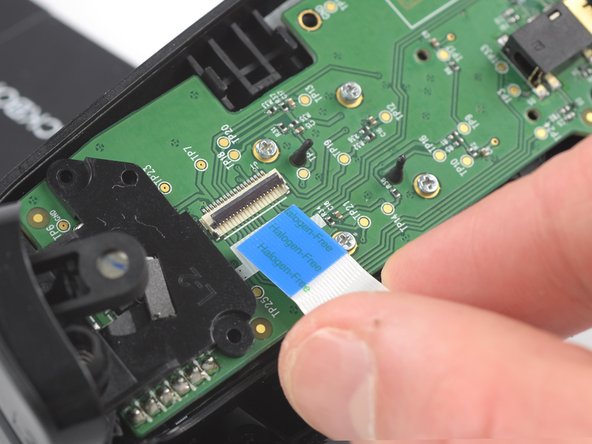
    • Use your fingers to disconnect the interconnect cable from its connector.

    Frag FixBot

    Kommentar hinzufügen

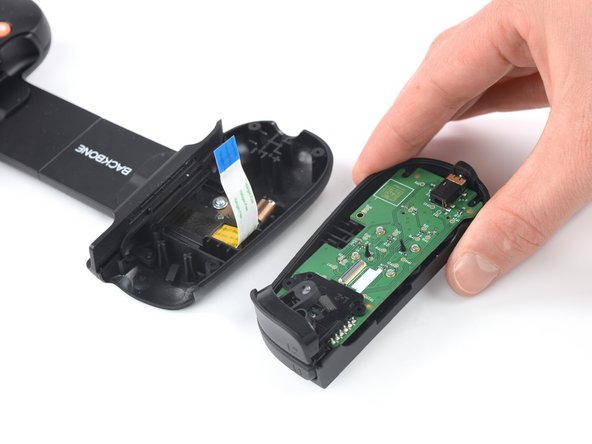
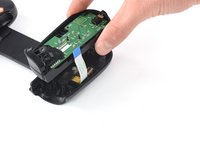
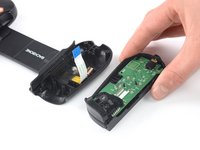
  6. How to Open the Left Handle of the Backbone One: Schritt 6, Bild 1 von 2 How to Open the Left Handle of the Backbone One: Schritt 6, Bild 2 von 2
    • Remove the upper half of the left controller assembly.

    Frag FixBot

    Kommentar hinzufügen

Abschluss

To reassemble your device, follow these instructions in reverse order.

Opening didn’t go as planned? Answers community for help.

Rückgängig: Ich habe diese Anleitung nicht absolviert.

Team

iFixit Mitglied von iFixit

Staff

122 Mitglieder

25.813 Anleitungen geschrieben

2 Kommentare zur Anleitung

Did this work for you?

Shawn Gallant - Antwort Teilen

Did this work for you?

Shawn Gallant - Antwort Teilen

Kommentar hinzufügen

Seitenaufrufe:

Letzte 24 Stunden: 3

Letzte 7 Tage: 22

Letzte 30 Tage: 90

Insgesamt: 2,024