Einleitung
This guide outlines a procedure for completely removing and replacing a non-functioning power port on the motherboard of the Samsung SmartThings Hub.
Was du brauchst
-
-
-
To open your device, gently slide the grey bottom cover in the direction of the arrow as shown.
 Frag FixBot
-
-
-
Using your Phillips #1 screwdriver, remove the four visible 12.5mm screws.
-
Next, either peel up the longer of the two stickers or punch a hole with the tip of your screwdriver to access the fifth 12.5mm screw.
-
-
-
-
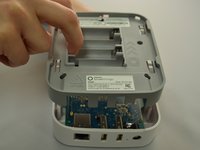
Once all five screws are removed, split the casing apart by applying gentle upwards pressure against the positive terminals in the battery compartment.
-
-
-
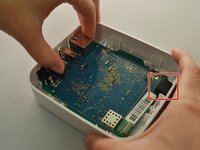
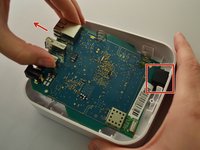
To remove the motherboard, grip the USB port and the Ethernet port. Lift up, then slide towards the front of the device to release the motherboard from the black retaining clip shown on the right.
-
-
-
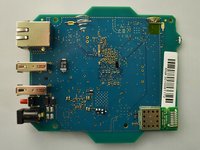
Place the motherboard on a clean, flat surface.
-
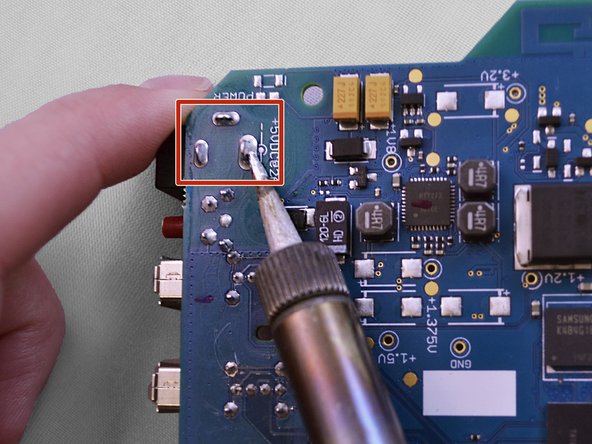
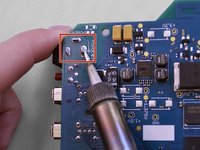
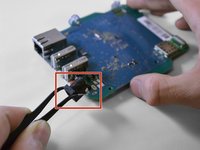
Preheat your soldering iron. The power port has three points of connection to the motherboard (pictured below). Using your soldering iron, apply heat to each solder joint in turn while pulling the power port away from the board.
-
-
In diesem Schritt verwendetes Werkzeug:Tweezers$4.99
-
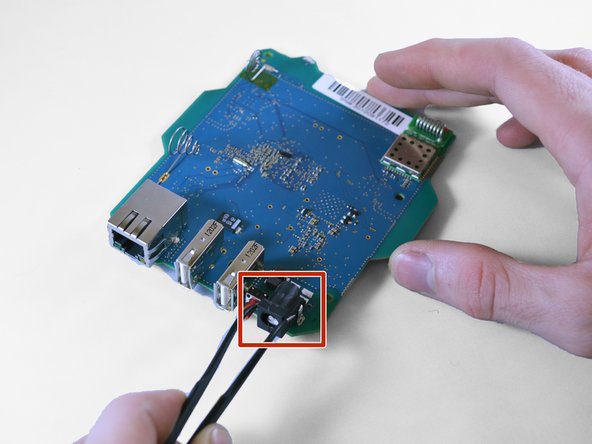
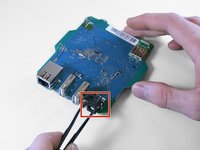
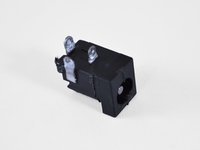
Using tweezers, remove the desoldered power port from the motherboard.
-
-


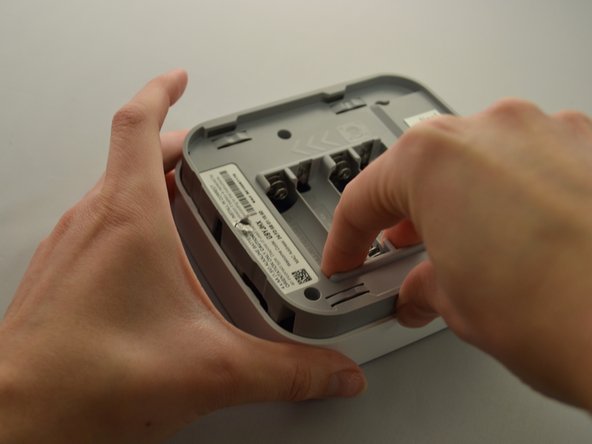
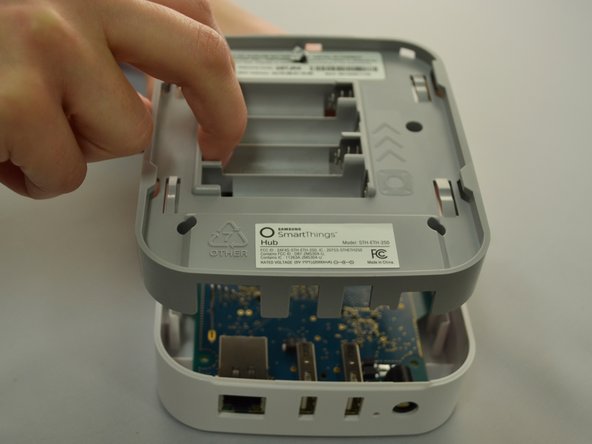
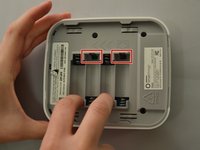
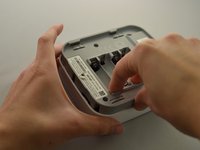




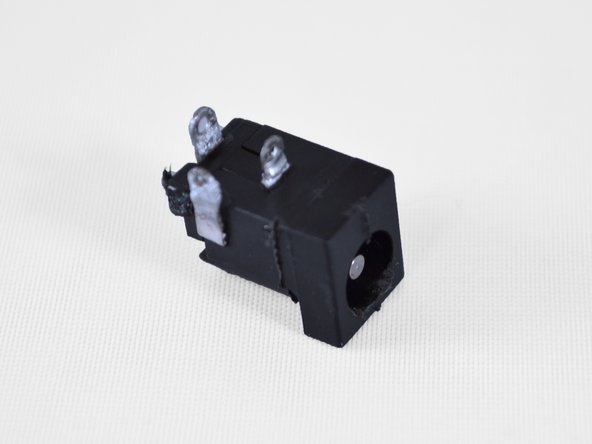

To reassemble your device, follow these instructions in reverse order.
Rückgängig: Ich habe diese Anleitung nicht absolviert.
5 weitere Personen haben diese Anleitung absolviert.

Team

Eastern Washington University, Team S2-G4, Crane Fall 2017 Mitglied von Eastern Washington University, Team S2-G4, Crane Fall 2017
EWU-CRANE-F17S2G4
4 Mitglieder
10 Anleitungen geschrieben
