Diese Übersetzung wurde maschinell erstellt und noch nicht von einer Person überprüft. Sprichst du diese Sprache? Schau es dir an.
Einleitung
Diese Anleitung ist hilfreich, wenn du ein Teil der Kamera austauschen musst, für das es keine spezifische Reparaturanleitung gibt. Um diese Anleitung abzuschließen, musst du Kabel von der Motherboard und den Leiterplatten ablöten. Erfahre hier mehr über das Löten.
Was du brauchst
-
-
-
Drehe die Kamera auf die Unterseite.
-
Lege deinen Daumen auf den Schalter und schiebe ihn in Richtung Kameramitte.
 Frag FixBot
-
-
-
Sobald das Batteriefach offen ist, schiebe die orangefarbene Lasche vom Akku weg, bis er ausgeworfen wird.
-
-
-
-
-
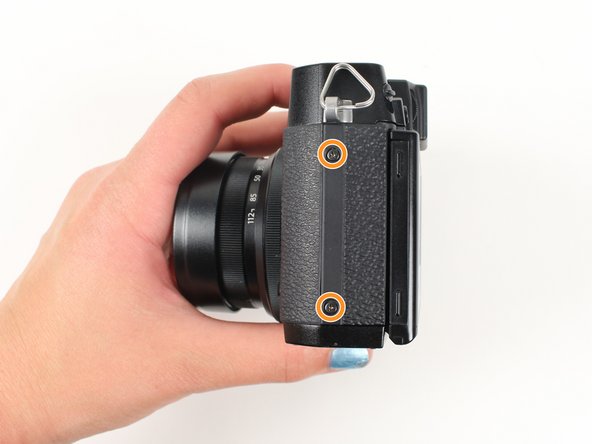
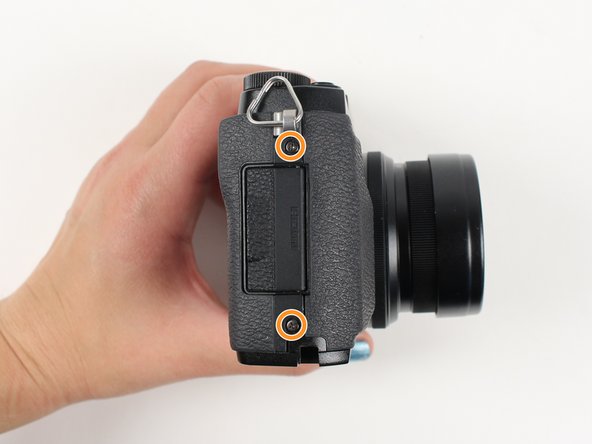
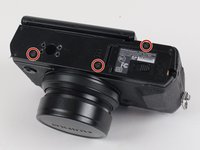
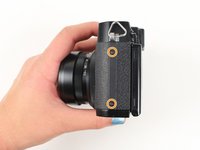
Entferne zuerst die äußeren Schrauben mit einem Kreuzschlitz-Schraubendreher #000:
-
Entferne die drei 3,6 mm langen silbernen Schrauben an der Unterseite der Kamera.
-
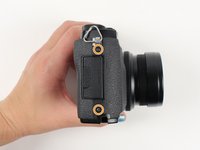
Entferne alle vier 4,7 mm langen Schrauben von den Seiten der Kamera.
-
-
-
Entferne alle folgenden Schrauben mit einem Kreuzschlitz-Schraubendreher #000:
-
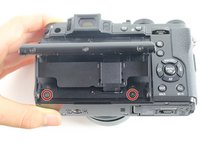
Hebe den Bildschirm an und entferne die zwei 4,5 mm Schrauben in den unteren Ecken.
-
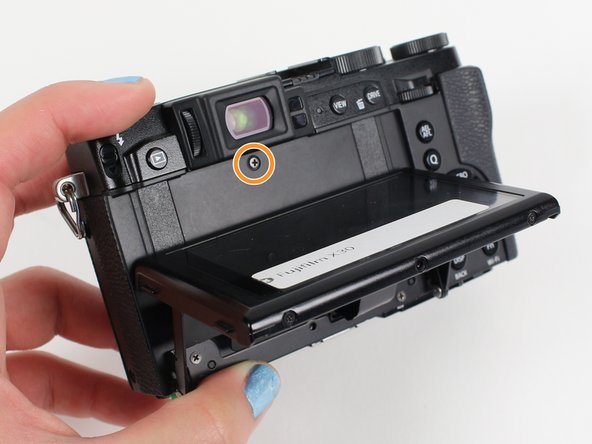
Entferne die 4,0 mm Schraube, die sich hinter dem Bildschirm und direkt unter der Hörmuschel befindet.
-
-
-
Ziehe die Rückseite der Kamera vorsichtig von der linken Seite ab, sodass sie teilweise geöffnet ist.
-
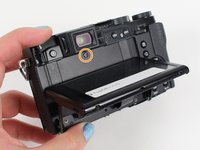
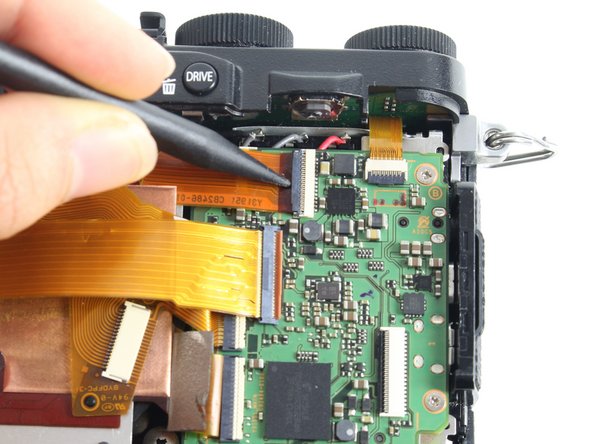
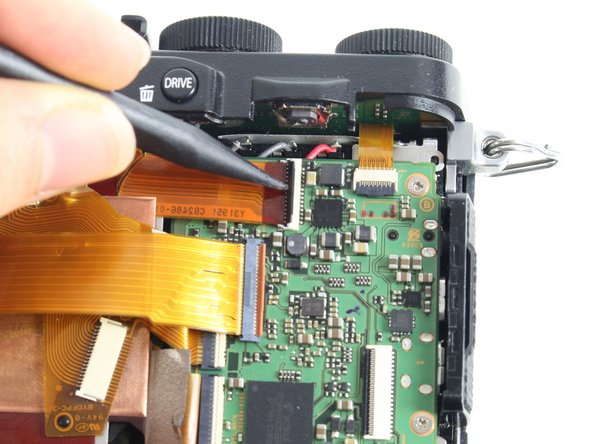
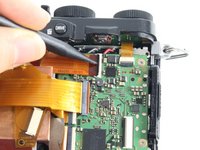
Hebe mit einem Spudger die Lasche an, die das orangefarbene Band hält, und ziehe das Band heraus, um die Verbindung zu trennen.
-
-
-
-
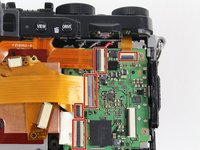
Für alle fünf gekennzeichneten orangefarbenen Streifen:
-
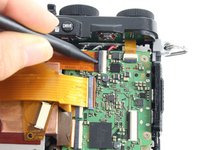
Hebe die Lasche, die den orangefarbenen Streifen hält, mit einem Spudger an und ziehe den Streifen heraus, um ihn zu trennen.
-
-
-
Für den letzten orangefarbenen Streifen, der sich hinter dem oberen Streifen befindet:
-
Hebele die Lasche, die den orangefarbenen Streifen hält, mit einem Spudger an und ziehe den Streifen heraus, um ihn zu trennen.
-
-
-
Für die beiden orangefarbenen Streifen, die an der Kondensatorplatine befestigt sind:
-
Hebe mit einem Spudger die Lasche an, die den orangefarbenen Streifen hält, und ziehe den Streifen heraus, um ihn zu lösen.
-
-
-
Entferne alle unten aufgeführten Schrauben mit einem Kreuzschlitz-Schraubendreher (PH000):
-
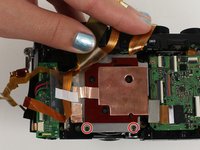
Entferne die beiden 3,4-mm-Schrauben an der Unterseite der silbernen Platte.
-
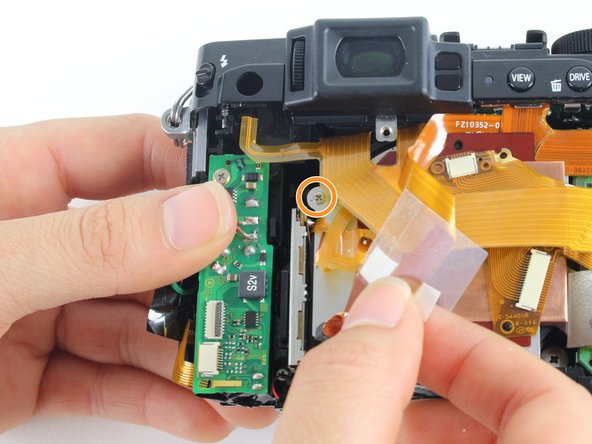
Halte den durchsichtigen Streifen zurück, um eine 2,8-mm-Schraube links von der silbernen Platte freizulegen, und entferne diese.
-
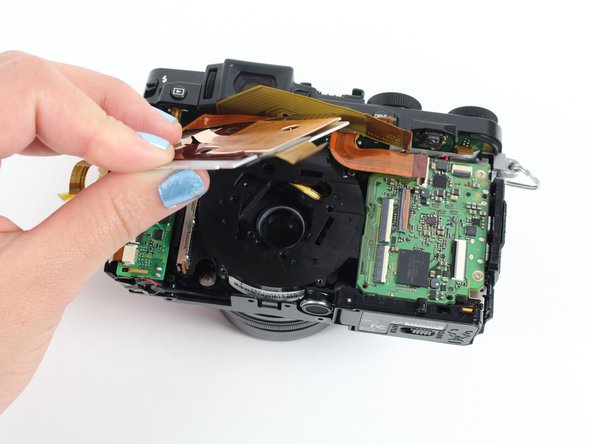
Ziehe die Kupferplatte zurück.
-
-
-
Entferne die drei 2,6 mm Kreuzschlitzschrauben, die sich in den zwei oberen Ecken und der unteren rechten Ecke des Motherboards befinden, mit einem Kreuzschlitz-Schraubendreher #000.
-
-
-
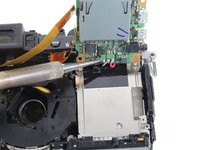
Kippe das Motherboard nach oben, um die schwarzen, grauen und roten Kabel zu finden.
-
Löte diese Kabel ab, um das Motherboard vollständig zu entfernen.
-
-
-
-
-
Entferne die vier 4,4 mm langen silbernen Schrauben an den Ecken des Objektivs mit einem Kreuzschlitz-Schraubendreher (PH000).
-
-
-
Ziehe das Objektiv in Richtung Unterseite der Kamera, damit es an der silbernen Lasche vorbeigeht.
-
Drücke das Objektiv dann mit deinen Zeigefingern von der Vorderseite der Kamera aus, bis es herausgelöst ist.
-
-
-
Entferne die silberne 3,4-mm-Schraube von der oberen linken Ecke der Kondensator-Leiterplatte mit einem Kreuzschlitz-Schraubendreher #000.
-
Löte die roten, schwarzen, grauen und grünen Kabel ab, die an der Kondensator-Leiterplatte befestigt sind, damit die Leiterplatte getrennt und beiseitegelegt werden kann.
-
-
-
Drehe die Kamera so, dass du auf die Unterseite schaust.
-
Entferne die beiden silbernen 3,4 mm Kreuzschlitzschrauben auf der silbernen Platte, die das Okular halten, mit einem Kreuzschlitz Schraubendreher #000.
-
Hebe das Okular aus der Kamera.
-
-
-
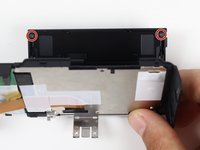
Entferne die beiden schwarzen 3,7-mm-Schrauben in den hinteren Ecken der Bildschirmplatte mit einem Kreuzschlitz-Schraubendreher der Größe #000.
-
Lege die Rückwand flach hin, um das durchsichtige Gehäuse über dem LCD-Bildschirm abzuheben.
-
-







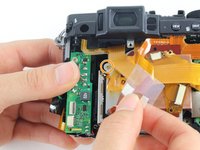
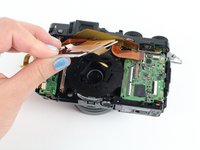


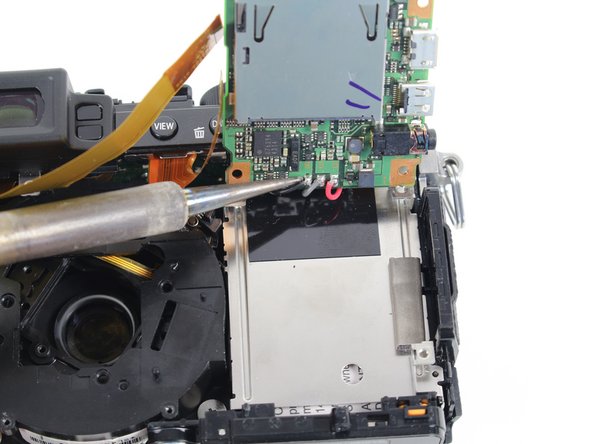
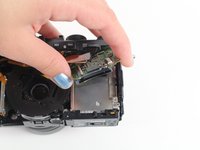


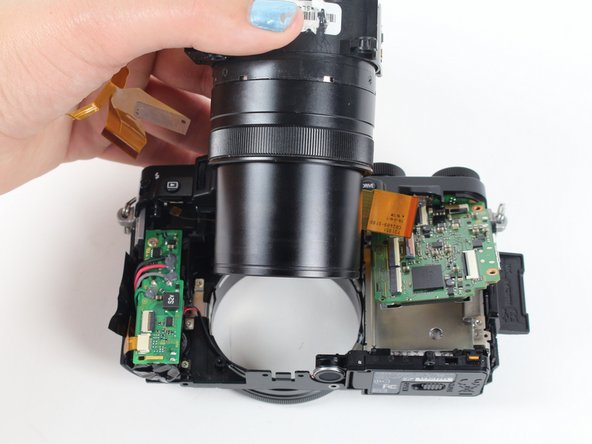
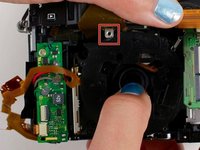

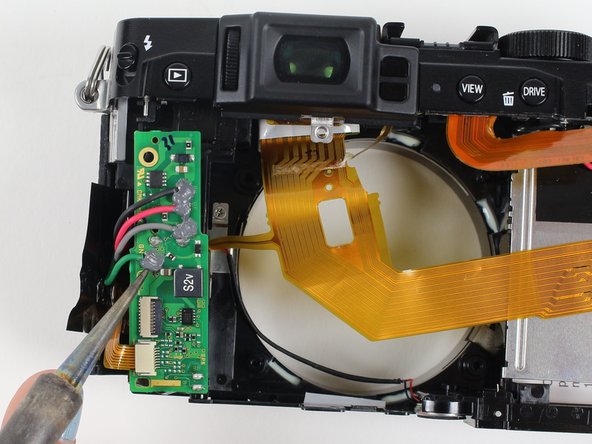
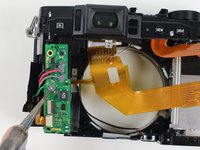

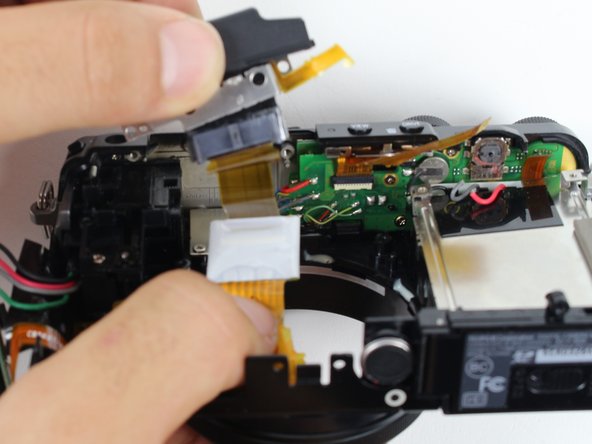
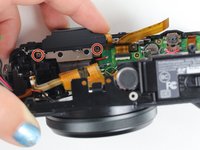
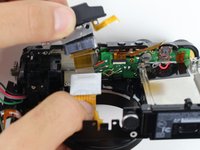

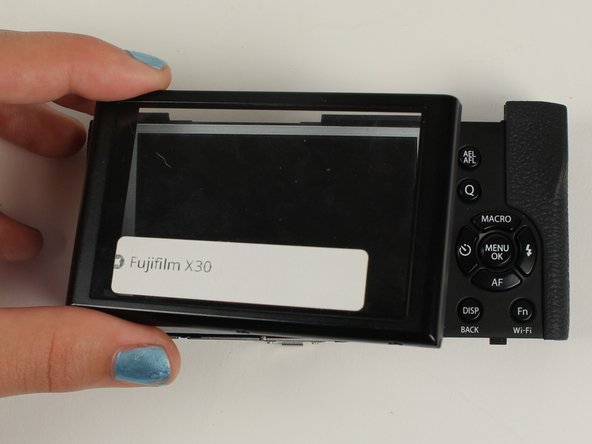
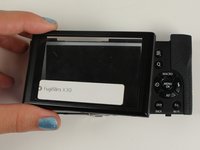

Um dein Gerät wieder zusammenzubauen, folge den Schritten dieser Anleitung in umgekehrter Reihenfolge.
Rückgängig: Ich habe diese Anleitung nicht absolviert.
10 weitere Personen haben diese Anleitung absolviert.

Team

Cal Poly, Team 70-3, Forte Winter 2016 Mitglied von Cal Poly, Team 70-3, Forte Winter 2016
CPSU-FORTE-W16S70G3
5 Mitglieder
48 Anleitungen geschrieben
