Zum Hauptinhalt wechseln
Gemeinsam reparieren - Jetzt registrieren
Reshell Prereq

Grundständige Anleitung
Dies ist eine grundständige Anleitung. Es wird eine Vorgehensweise beschrieben, die die Voraussetzung für andere Anleitungen darstellt, aber keine eigenständige Reparatur.

Was du brauchst

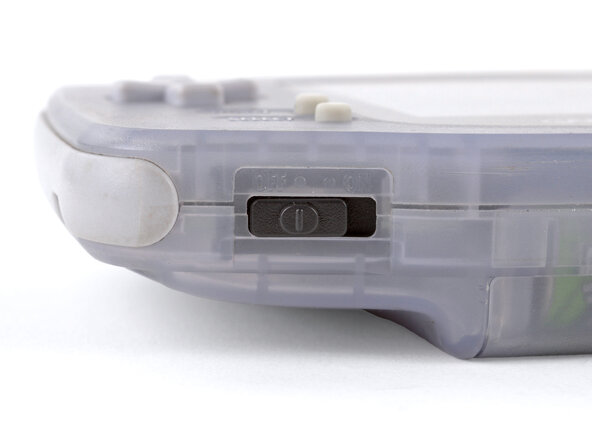
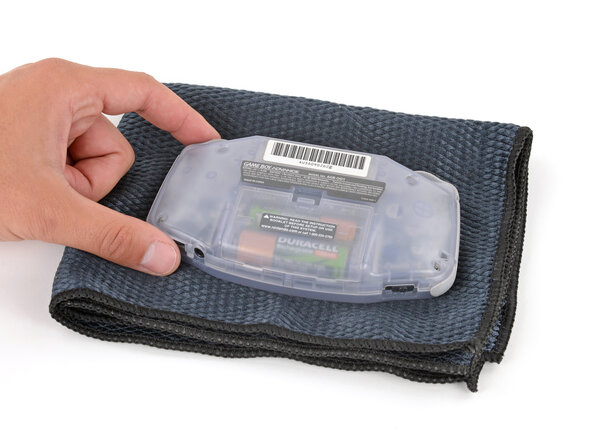
  1. Reshell Prereq, Prepare your Game Boy for disassembly: Schritt 1, Bild 1 von 2 Reshell Prereq, Prepare your Game Boy for disassembly: Schritt 1, Bild 2 von 2
    • Before working on your Game Boy, turn the power switch to the OFF position and unplug any cables.

    • If you have a game cartridge installed, remove it.

    • Since your Game Boy will be laying screen‑side down for most of your repair, consider placing it on a clean cloth for protection.

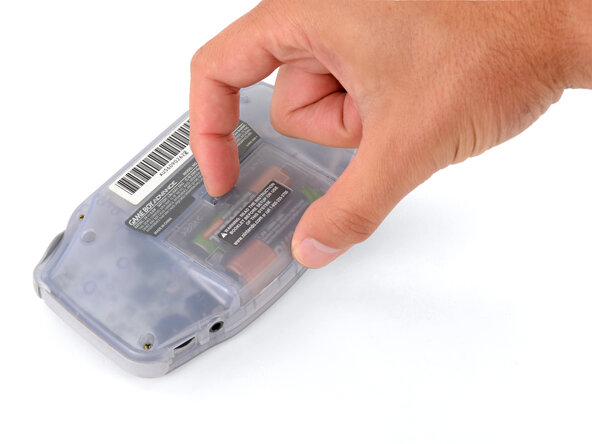
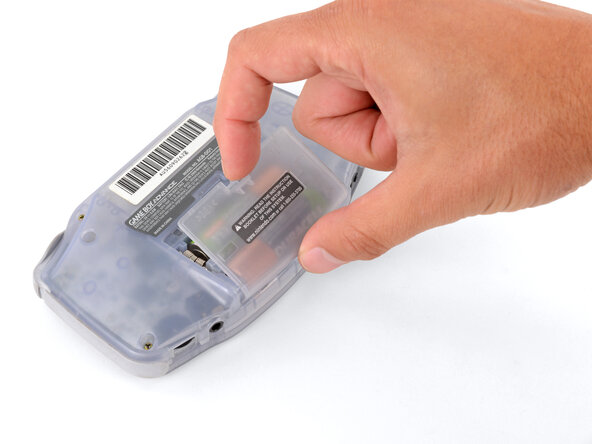
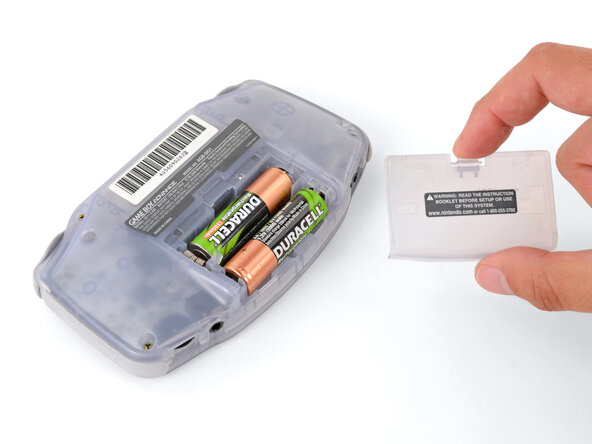
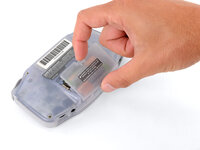
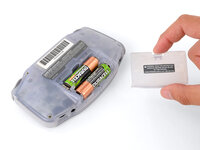
  2. Reshell Prereq, Remove the battery cover: Schritt 2, Bild 1 von 3 Reshell Prereq, Remove the battery cover: Schritt 2, Bild 2 von 3 Reshell Prereq, Remove the battery cover: Schritt 2, Bild 3 von 3
    • Release the battery cover tab with your finger and swing the cover away from your Game Boy to remove it.

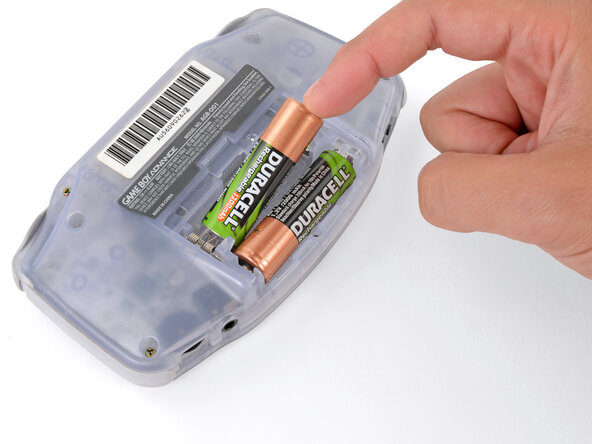
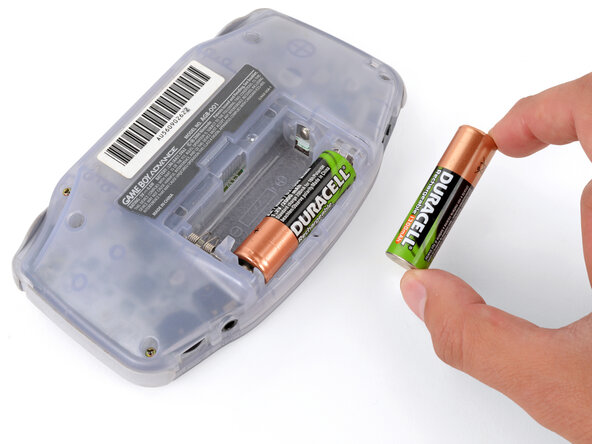
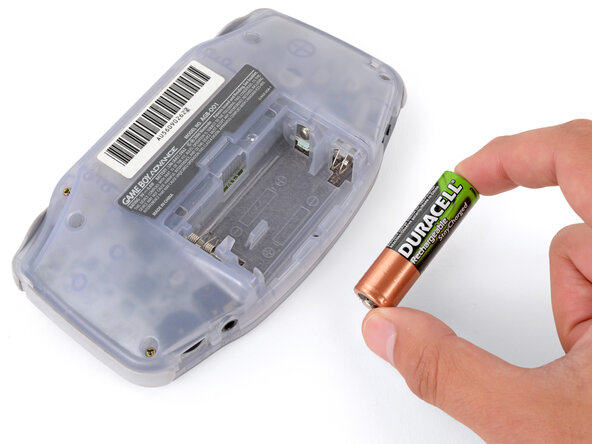
  3. Reshell Prereq, Remove the batteries: Schritt 3, Bild 1 von 3 Reshell Prereq, Remove the batteries: Schritt 3, Bild 2 von 3 Reshell Prereq, Remove the batteries: Schritt 3, Bild 3 von 3
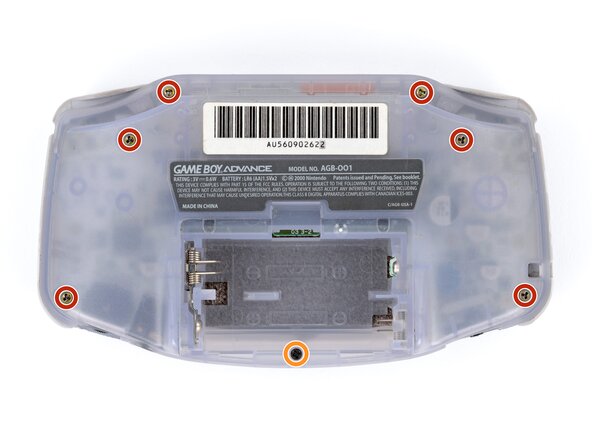
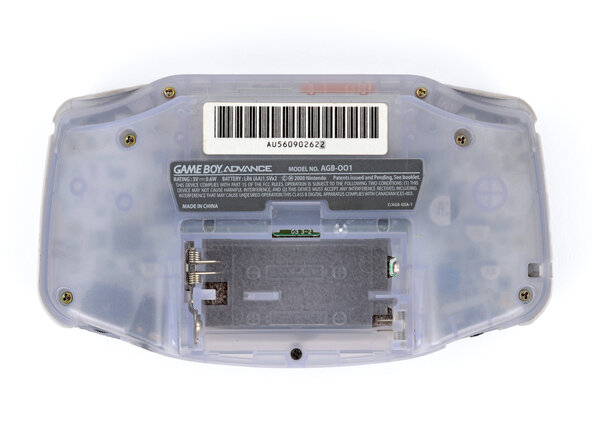
  4. Reshell Prereq, Remove the back shell screws: Schritt 4, Bild 1 von 2 Reshell Prereq, Remove the back shell screws: Schritt 4, Bild 2 von 2
    • Remove the seven screws securing the back shell:

    • Six 9.4 mm‑long tri‑point Y0 screws

    • One 8.5 mm‑long JIS 1 screw

    • You can try to use a non-iFixit Phillips driver in a pinch, but you risk damaging or stripping screws. Push down firmly on the driver and twist slowly.

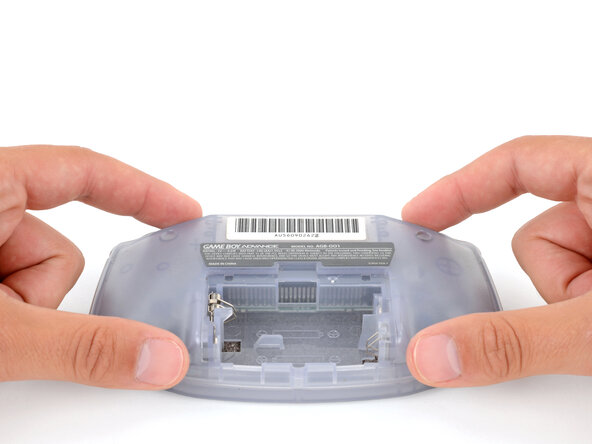
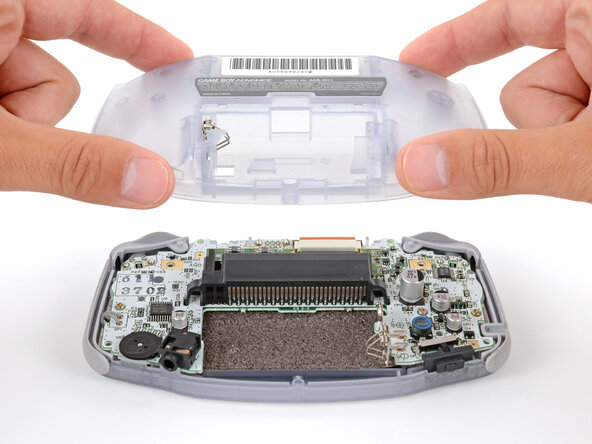
  5. Reshell Prereq, Remove the back shell: Schritt 5, Bild 1 von 2 Reshell Prereq, Remove the back shell: Schritt 5, Bild 2 von 2
    • Lift the back shell straight up and remove it.

  6. Reshell Prereq, Remove the shoulder buttons: Schritt 6, Bild 1 von 3 Reshell Prereq, Remove the shoulder buttons: Schritt 6, Bild 2 von 3 Reshell Prereq, Remove the shoulder buttons: Schritt 6, Bild 3 von 3
    • Lift the shoulder buttons (aka L and R buttons) straight up to remove them.

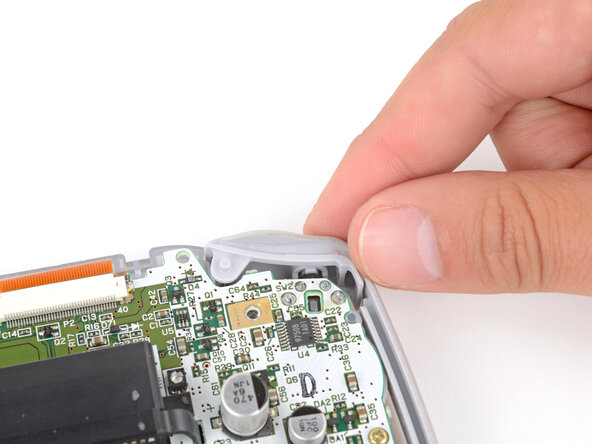
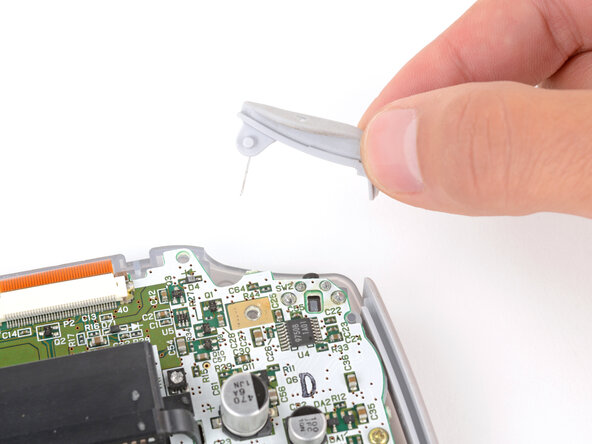
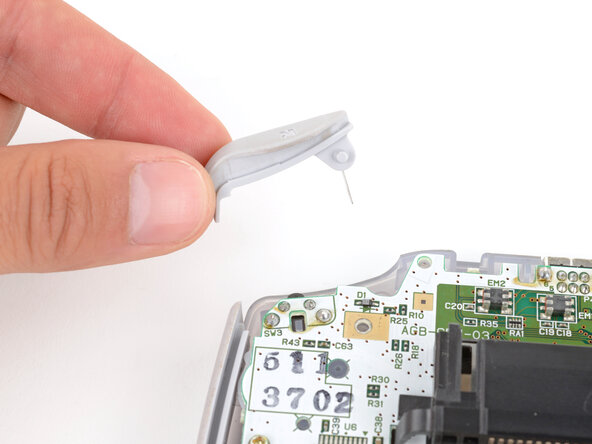
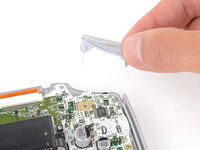
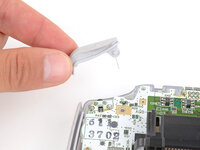
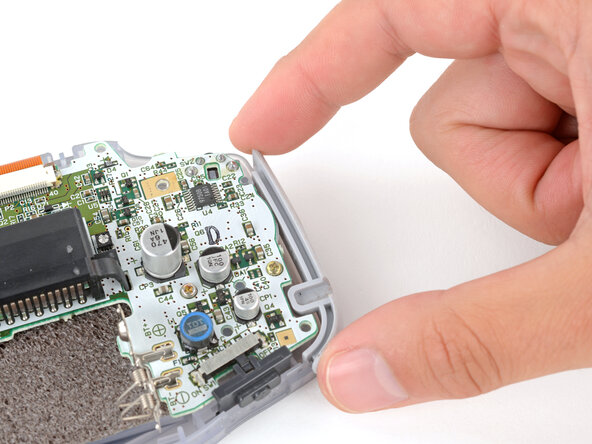
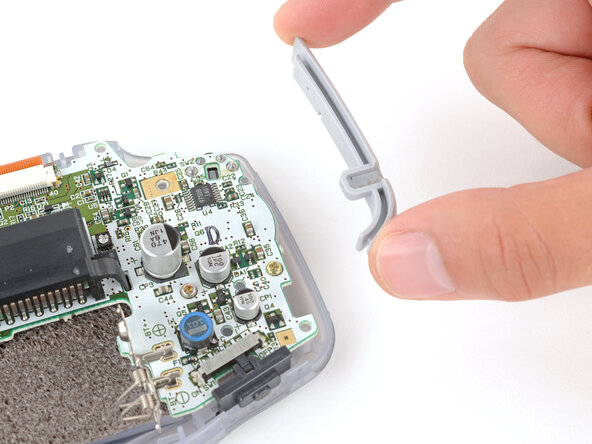
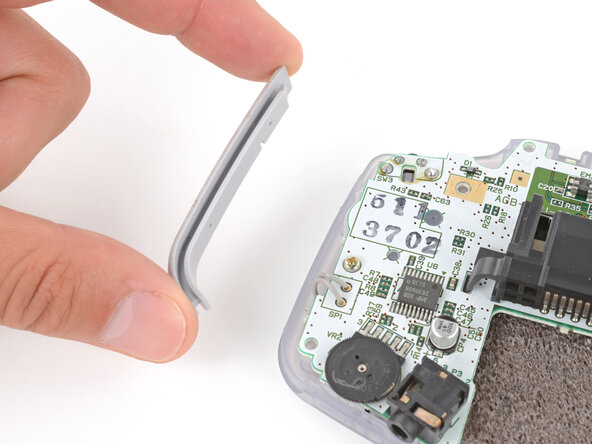
  7. Reshell Prereq, Remove the side bumpers: Schritt 7, Bild 1 von 3 Reshell Prereq, Remove the side bumpers: Schritt 7, Bild 2 von 3 Reshell Prereq, Remove the side bumpers: Schritt 7, Bild 3 von 3
    • Lift and remove the side bumpers.

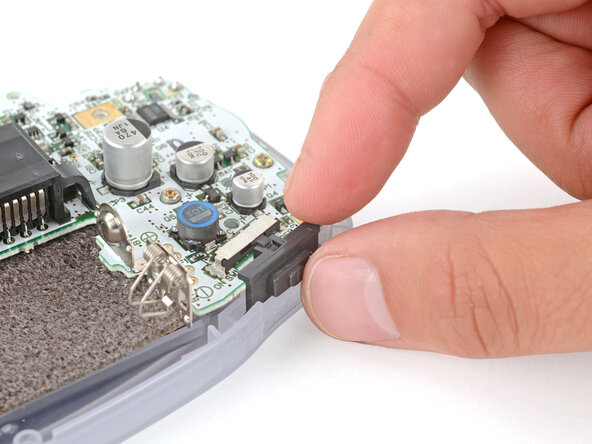
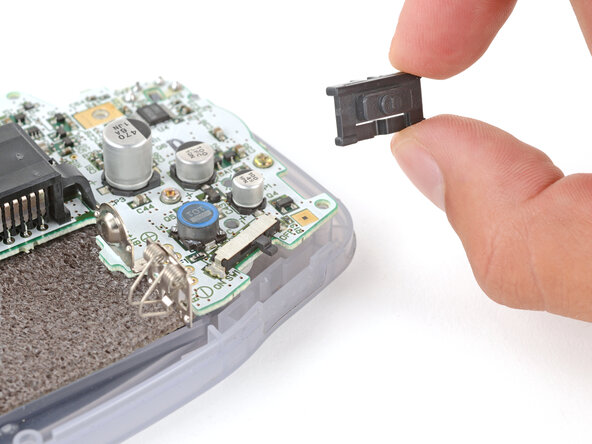
  8. Reshell Prereq, Remove the power switch cover: Schritt 8, Bild 1 von 2 Reshell Prereq, Remove the power switch cover: Schritt 8, Bild 2 von 2
    • Lift and remove the power switch cover.

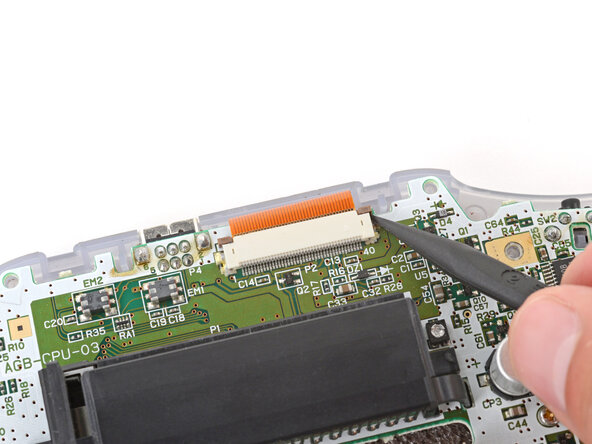
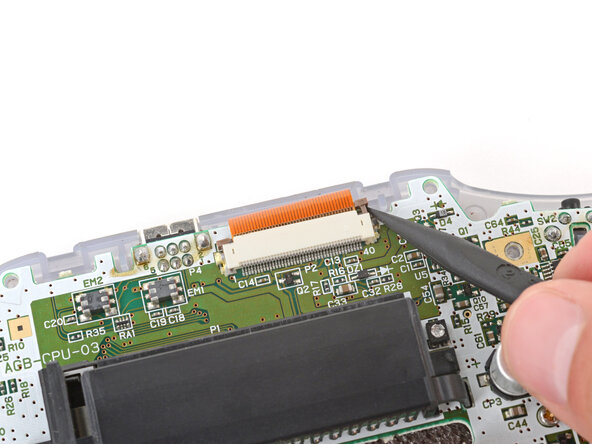
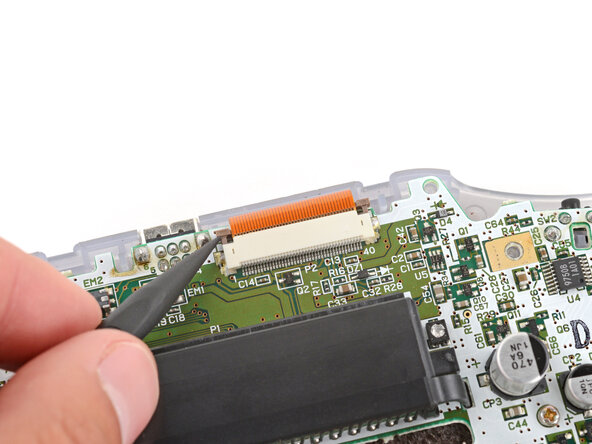
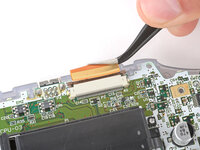
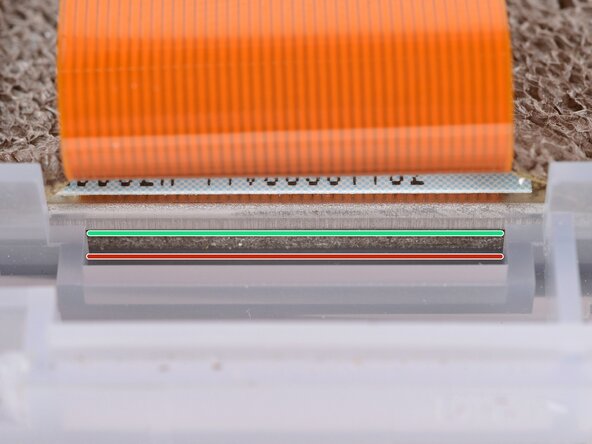
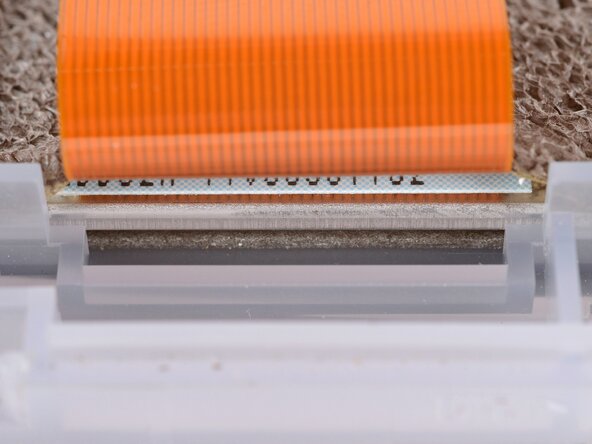
  9. Reshell Prereq, Disconnect the screen cable: Schritt 9, Bild 1 von 3 Reshell Prereq, Disconnect the screen cable: Schritt 9, Bild 2 von 3 Reshell Prereq, Disconnect the screen cable: Schritt 9, Bild 3 von 3
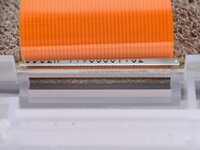
    • Use the point of a spudger to fully push up both locking tabs on either side of the screen cable connector.

    • You should feel the tab click into its unlocked position. Don't push too far, or the tab may slide completely out of the connector.

  10. Reshell Prereq: Schritt 10, Bild 1 von 2 Reshell Prereq: Schritt 10, Bild 2 von 2
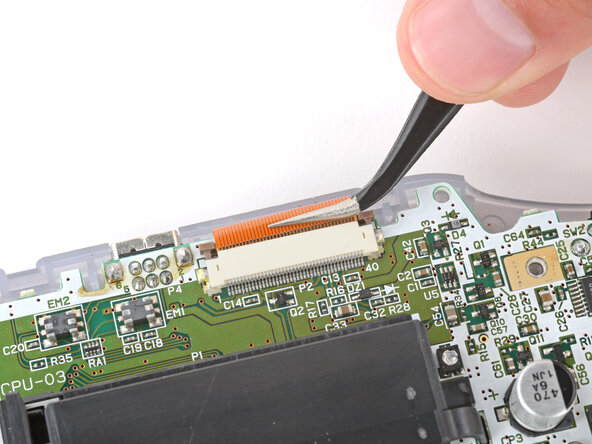
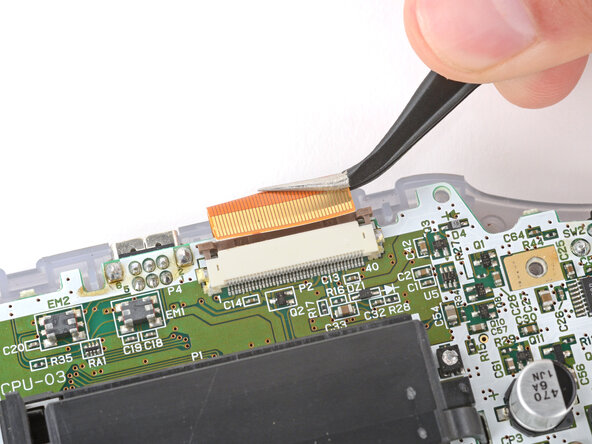
    • Use tweezers to slide the cable straight out of its socket.

    • The cable should come out with little to no force. If you feel resistance, the tab may not be fully unlocked.

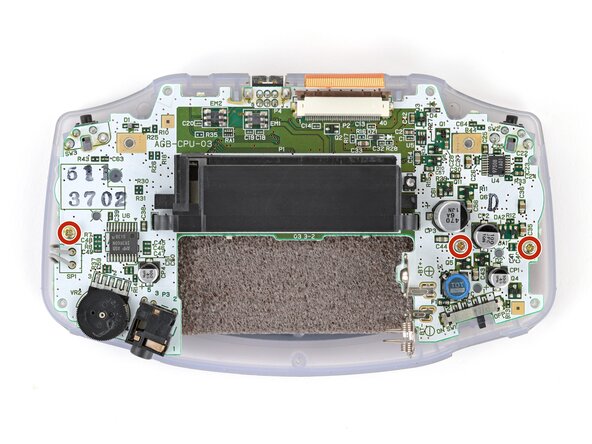
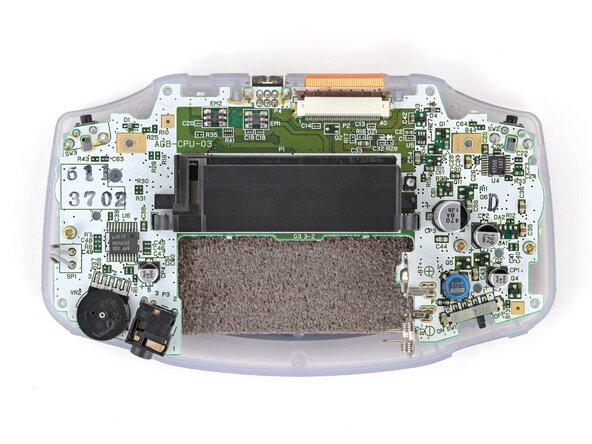
  11. Reshell Prereq, Remove the motherboard screws: Schritt 11, Bild 1 von 2 Reshell Prereq, Remove the motherboard screws: Schritt 11, Bild 2 von 2
    • Use a JIS 1 screwdriver to remove the three 7 mm‑long screws securing the motherboard.

  12. Reshell Prereq, Remove the motherboard: Schritt 12, Bild 1 von 3 Reshell Prereq, Remove the motherboard: Schritt 12, Bild 2 von 3 Reshell Prereq, Remove the motherboard: Schritt 12, Bild 3 von 3
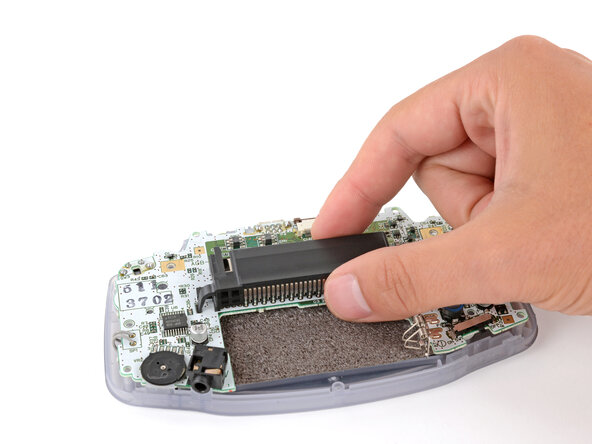
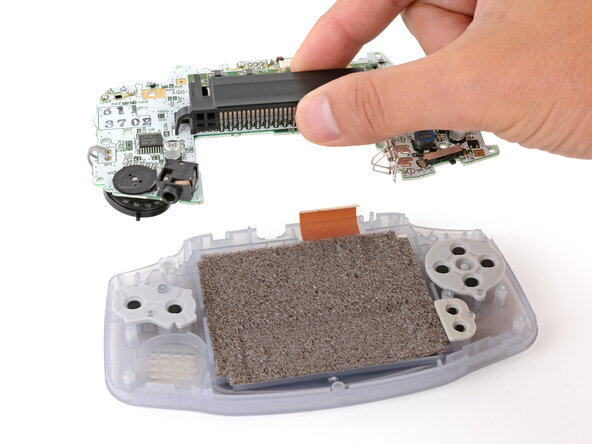
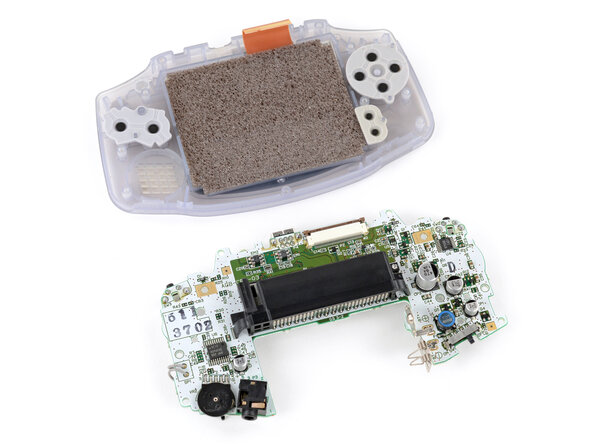
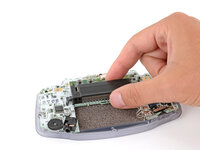
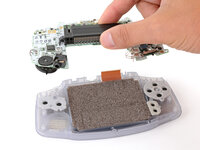
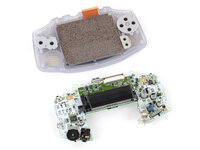
    • Use your fingers to grip the cartridge reader and lift the motherboard straight up to remove it.

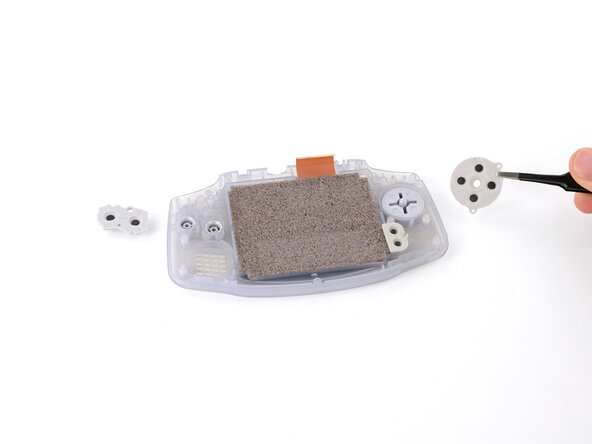
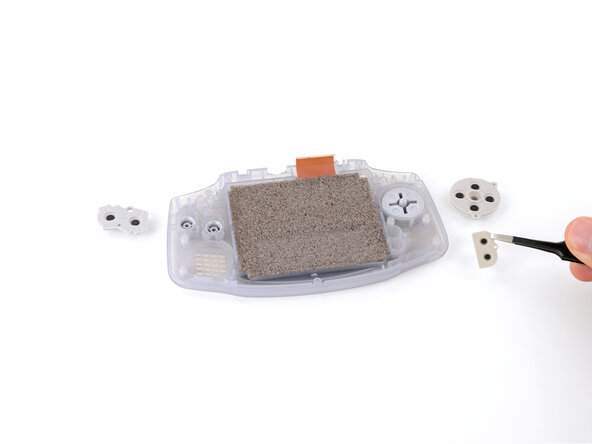
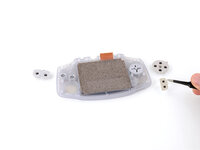
  13. Reshell Prereq, Remove the silicone pads: Schritt 13, Bild 1 von 3 Reshell Prereq, Remove the silicone pads: Schritt 13, Bild 2 von 3 Reshell Prereq, Remove the silicone pads: Schritt 13, Bild 3 von 3
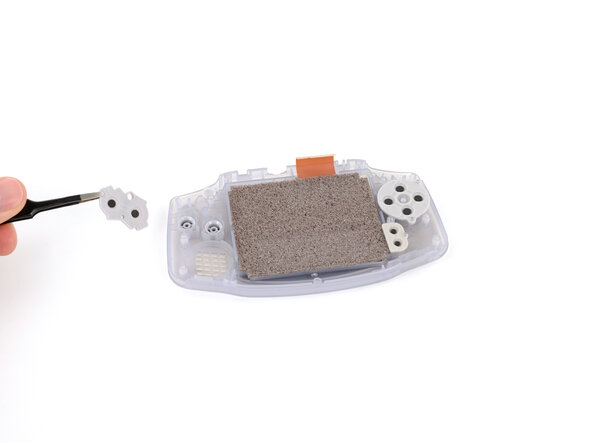
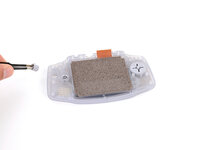
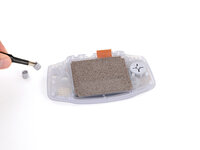
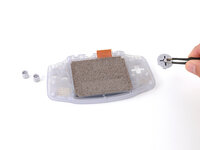
    • Use tweezers or your fingers to remove the silicone pads covering the action buttons (A and B), D‑pad, and Start/Select buttons.

    • If any of the pads are missing, they may be stuck to their corresponding spot on the motherboard.

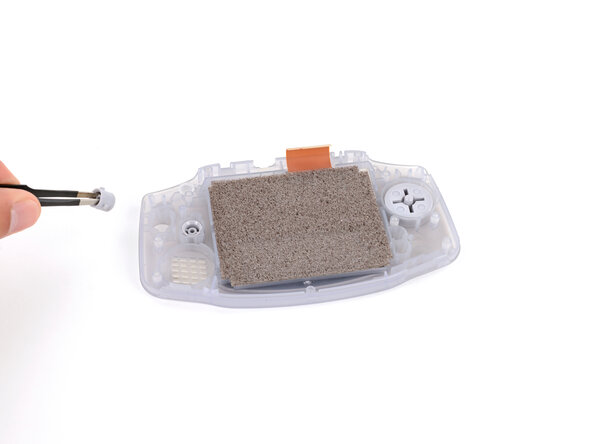
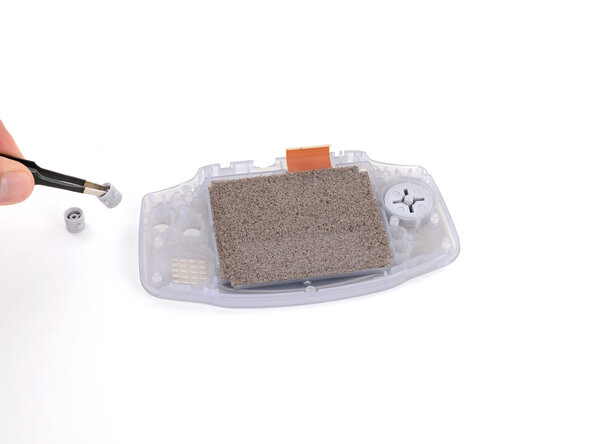
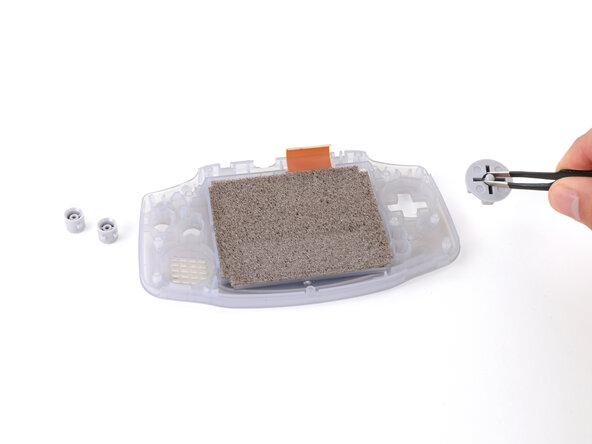
  14. Reshell Prereq, Remove the buttons: Schritt 14, Bild 1 von 3 Reshell Prereq, Remove the buttons: Schritt 14, Bild 2 von 3 Reshell Prereq, Remove the buttons: Schritt 14, Bild 3 von 3
    • Use tweezers or your fingers to remove the action buttons (A + B) and D‑pad.

    • The Start/Select buttons are part of the silicone pad—there are no other buttons to remove.

  15. Reshell Prereq, Where to insert your tool: Schritt 15, Bild 1 von 3 Reshell Prereq, Where to insert your tool: Schritt 15, Bild 2 von 3 Reshell Prereq, Where to insert your tool: Schritt 15, Bild 3 von 3
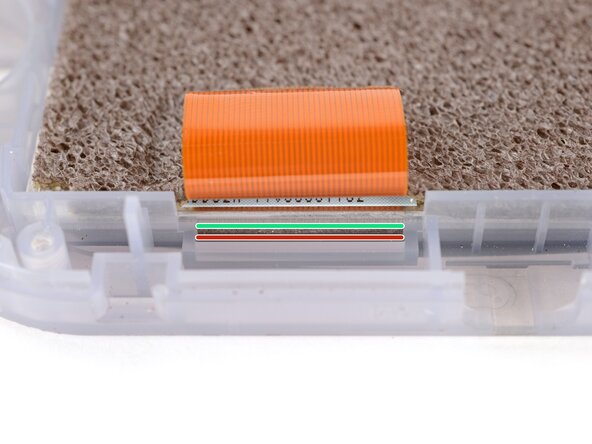
    • Before prying up the screen, note where you need to pry:

    • There's a seam between the screen and its gasket. Insert your tool here (under the screen) to give yourself the best chance of preserving the gasket.

    • There's a seam between the gasket and the shell. Don't insert your tool here, or you may damage the gasket.

  16. Reshell Prereq, Pry up the screen: Schritt 16, Bild 1 von 3 Reshell Prereq, Pry up the screen: Schritt 16, Bild 2 von 3 Reshell Prereq, Pry up the screen: Schritt 16, Bild 3 von 3
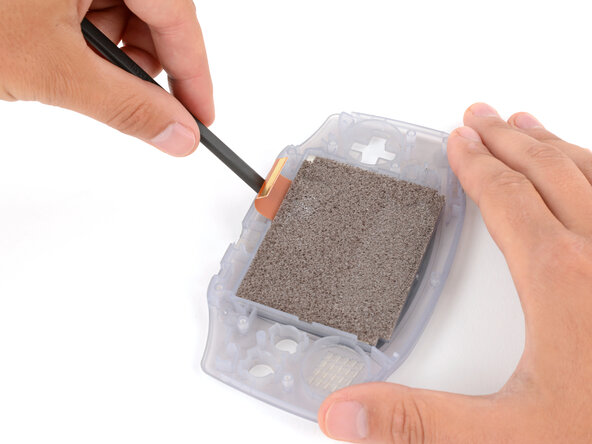
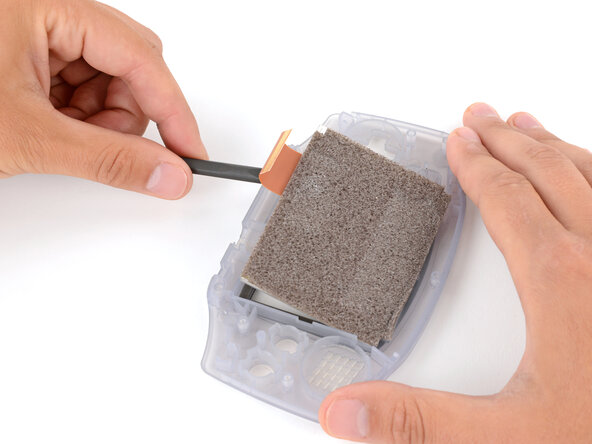
    • When removing the screen, be careful not to damage or stretch the adhesive gasket that secures it to the shell.

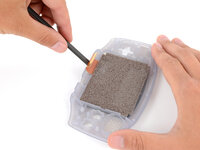
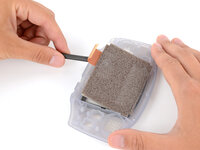
    • Insert the flat end of a spudger under the screen and pry the screen up. Apply constant, steady pressure to allow the screen adhesive to separate.

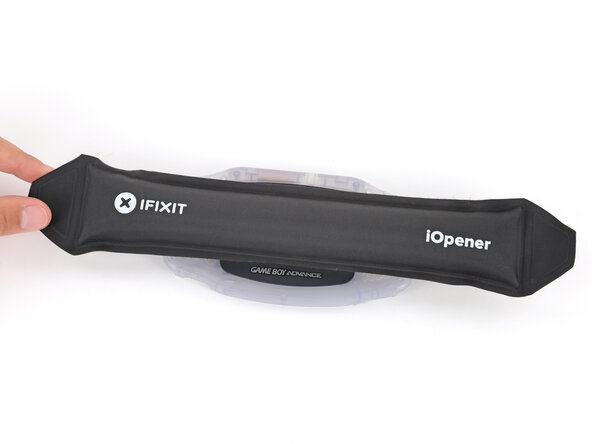
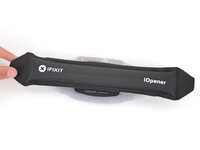
    • If the screen isn't budging, flip your Game Boy over and lay a heated iOpener on the screen for two minutes to soften the adhesive. Alternatively, you can use a hair dryer on the Low heat setting—be careful not to overheat your device, or you may warp the plastic.

  17. Reshell Prereq, Remove the screen: Schritt 17, Bild 1 von 1
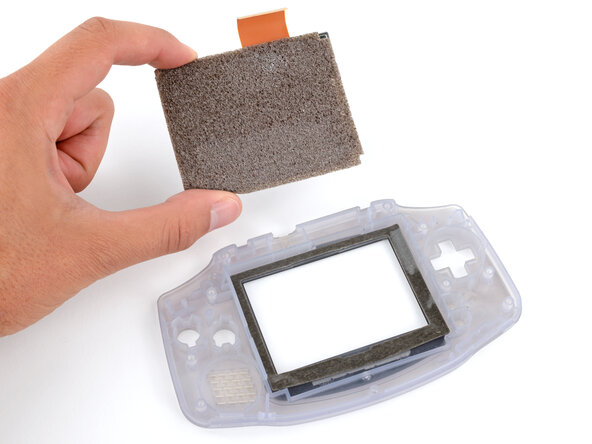
    • Carefully lift the screen up and remove it.

Ziellinie

Spencer Day

Mitglied seit: 09/14/22

164.073 Reputation

1.043 Anleitungen geschrieben

0 Kommentare zur Anleitung

Kommentar hinzufügen

Seitenaufrufe:

Letzte 24 Stunden: 0

Letzte 7 Tage: 3

Letzte 30 Tage: 9

Insgesamt: 26