Diese Übersetzung wurde maschinell erstellt und noch nicht von einer Person überprüft. Sprichst du diese Sprache? Schau es dir an.
Einleitung
Wenn du Probleme mit dem Ton hast oder dein Edifier W820NB Plus gar keinen Ton von sich gibt, musst du möglicherweise einen oder beide Lautsprechertreiber austauschen. Die Lautsprechertreiber sind für die Tonerzeugung in Kopfhörern zuständig. Weitere Informationen findest du auf dieser Seite zur Fehlerdiagnose.
Diese Anleitung erfordert Löten. Wenn du dich mit dem Löten nicht auskennst, lies dir die How to Solder and Desolder Connections Anleitung durch und triff entsprechende Sicherheitsvorkehrungen, bevor du beginnst.
Was du brauchst
-
-
-
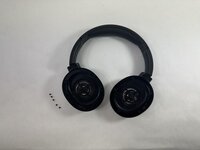
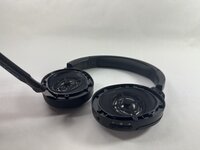
Lege die Kopfhörer so hin, dass die Außenseite nach oben zeigt und die Ohrpolster sichtbar sind.
 Frag FixBot
-
-
-
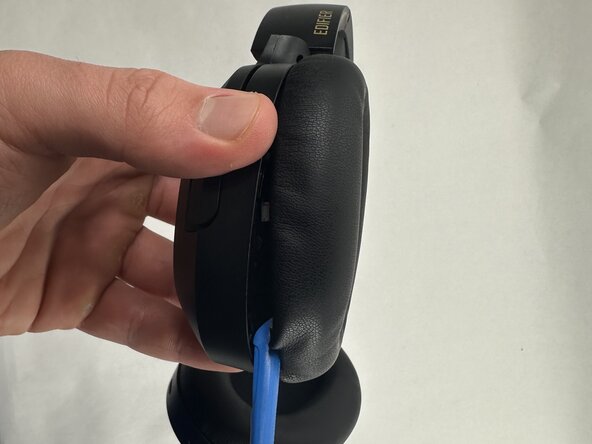
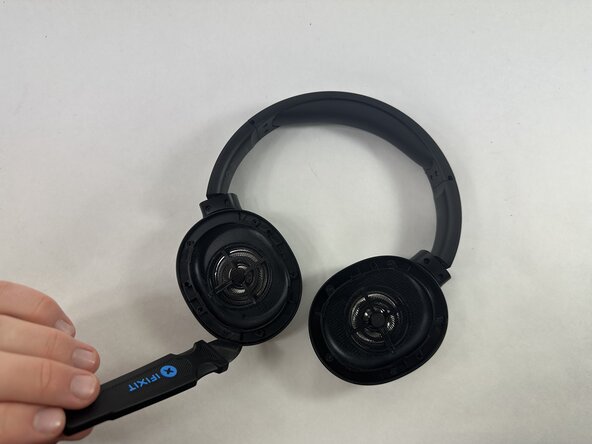
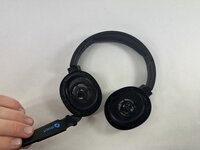
Halte das Gehäuse des Schraubendrehers in einer Hand und führe ein Öffnungswerkzeug in den Spalt zwischen dem Ohrpolster und dem Gehäuse ein.
-
-
-
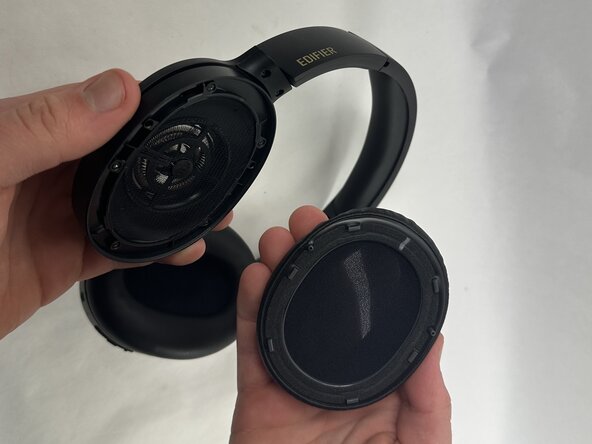
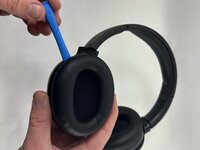
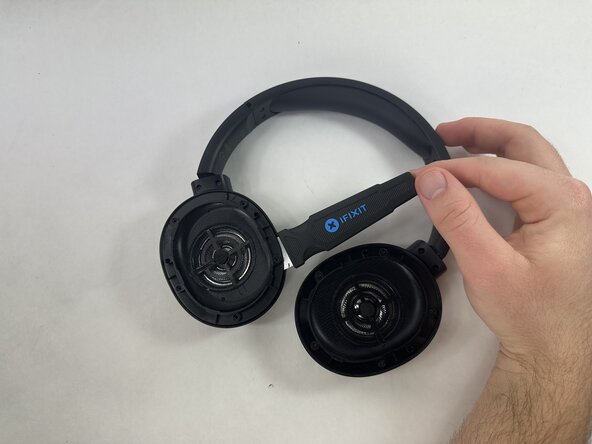
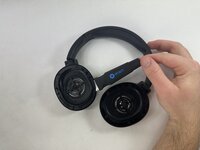
Heble mit dem eingesetzten Öffnungswerkzeug ringsum das Ohrpolster auf, bis es sich vollständig löst.
-
-
-
-
-
-
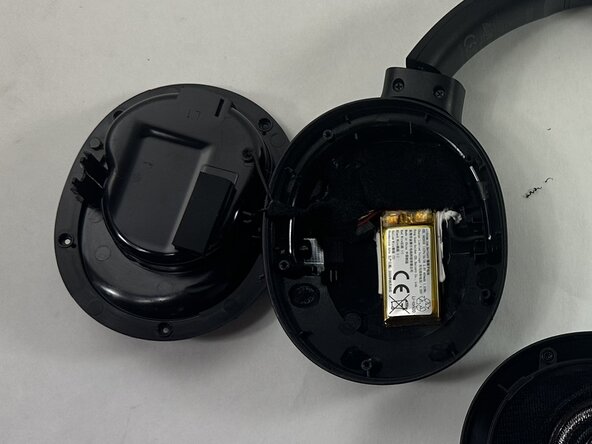
Identifiziere den Schraubendreher, den du ersetzen möchtest.
-
-
-
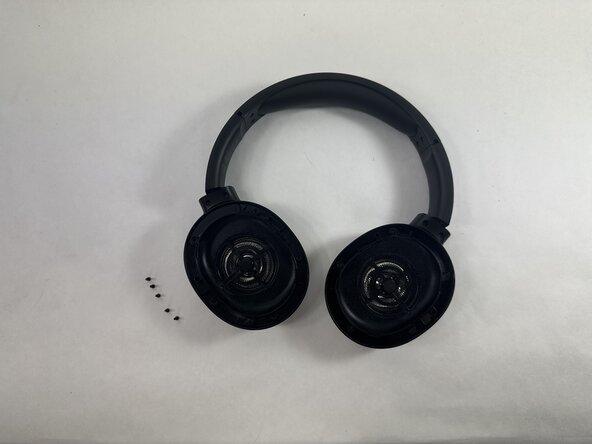
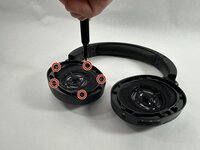
Entferne alle fünf 5 mm Kreuzschlitzschrauben (PH0), die die Schraubendreher-Baugruppe halten.
-
-
-
Setze einen Jimmy in die Fuge zwischen der Schraubendreher-Baugruppe und dem Gehäuse des Schraubendrehers ein.
-
Drehe den Jimmy entlang des gesamten Umfangs der innersten Kante, um ihn aus seiner Position zu hebeln.
-
-
-
Entferne die Treibereinheit vorsichtig vom Rest des Kopfhörers und achte dabei darauf, das verbundene Kabel nicht zu beschädigen.
-
-
-
Wiederhole den Vorgang bei Bedarf für den anderen Schraubendreher.
-
Desolder die vier Anschlüsse des Schraubendrehers vom Motherboard.
-
Entferne die Schraubendreher-Baugruppe.
-
-









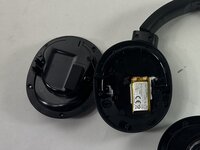
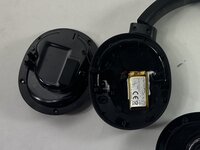

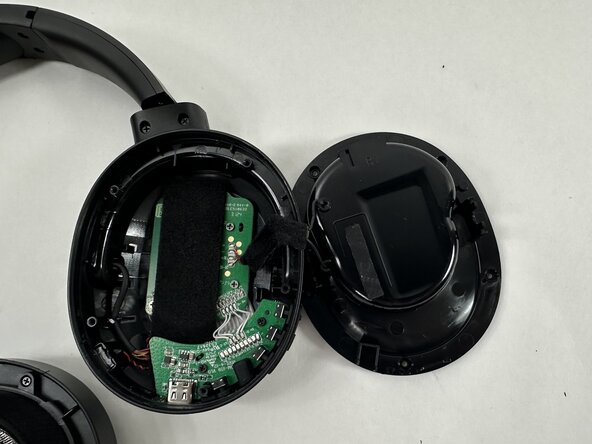
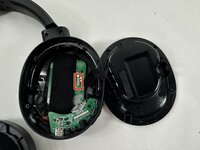
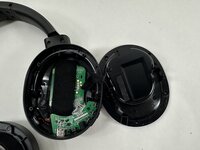
Folge für den Zusammenbau deines Geräts den obigen Schritten in umgekehrter Reihenfolge.
Entsorge deinen Elektromüll sachgerecht.
Hat die Reparatur nicht ganz geklappt? Versuche es mit ein paar grundlegenden Schritten zur Fehlerbehebung, oder bitte im Forum um Hilfe.

Team

UMass Dartmouth, Team 2-7, Botvin Spring 2025 Mitglied von UMass Dartmouth, Team 2-7, Botvin Spring 2025
UMASSD-BOTVIN-S25S2G7
3 Mitglieder
47 Anleitungen geschrieben
